Japan Driver's License Photo Size
Japan Driver's License photo size is 24 × 30 mm (2.4 × 3 cm). Use PhotoID to run an AI compliance check and export a print-ready sheet in minutes.
24 × 30 mm (2.4 × 3 cm)
Type: OtherCountry: Japan

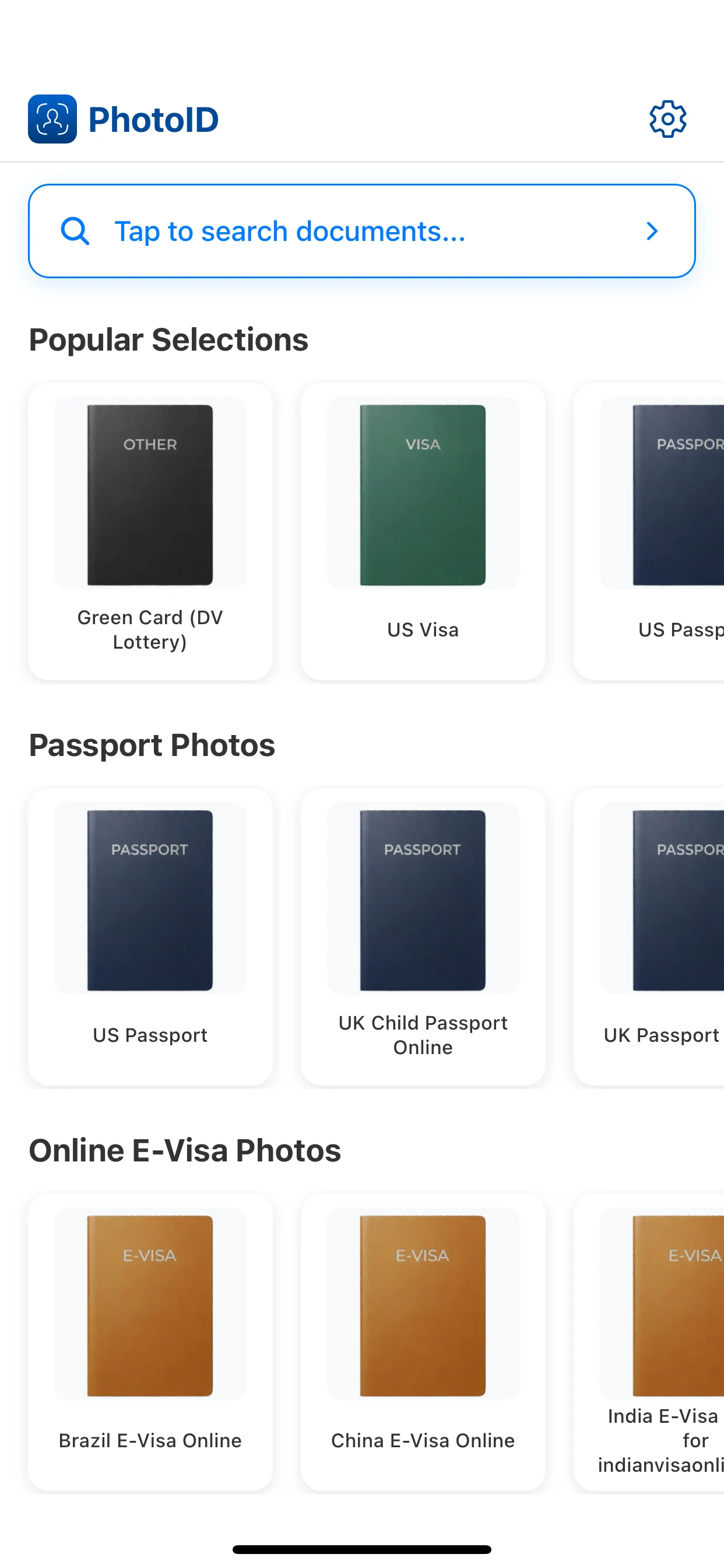
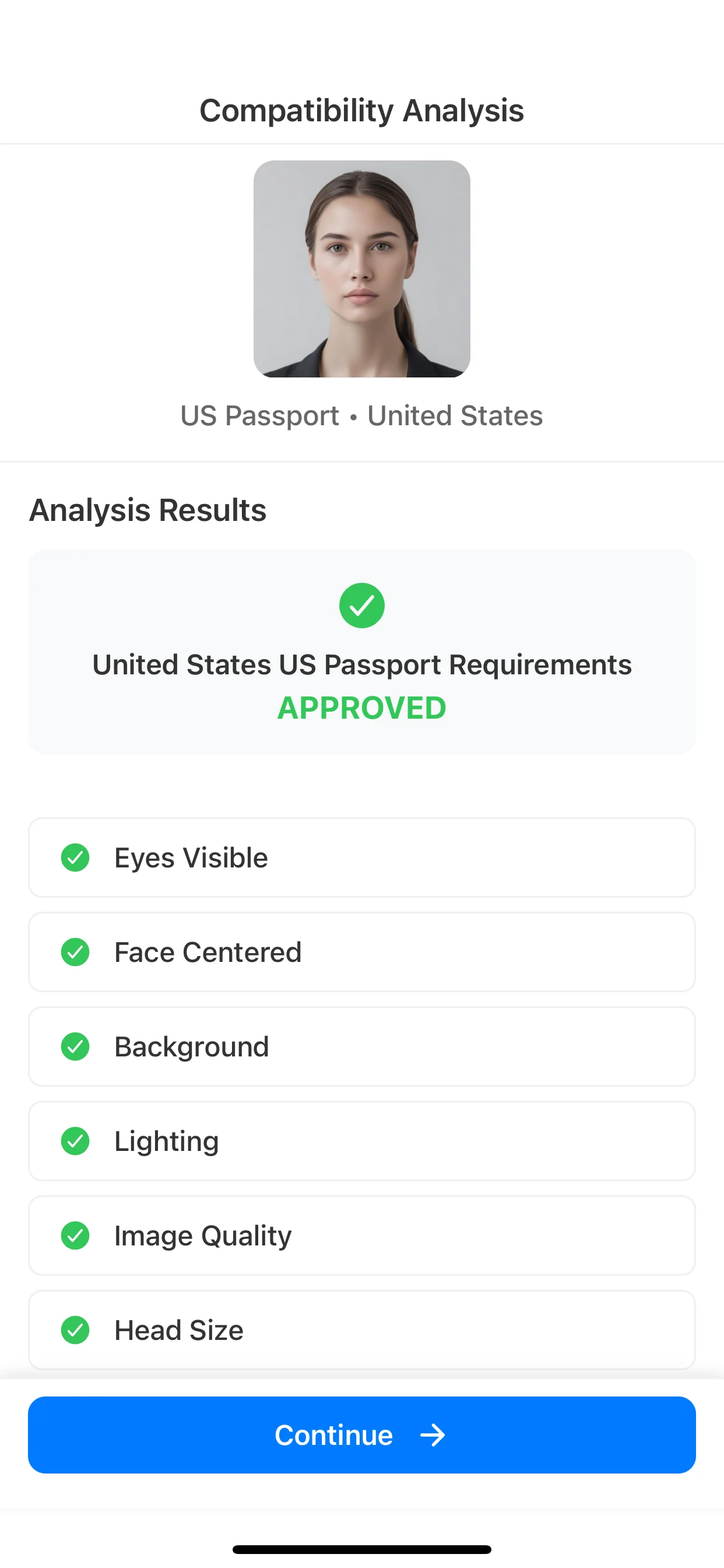
AI Compatibility Check
Lighting, background, face position and clarity.

Instant Result
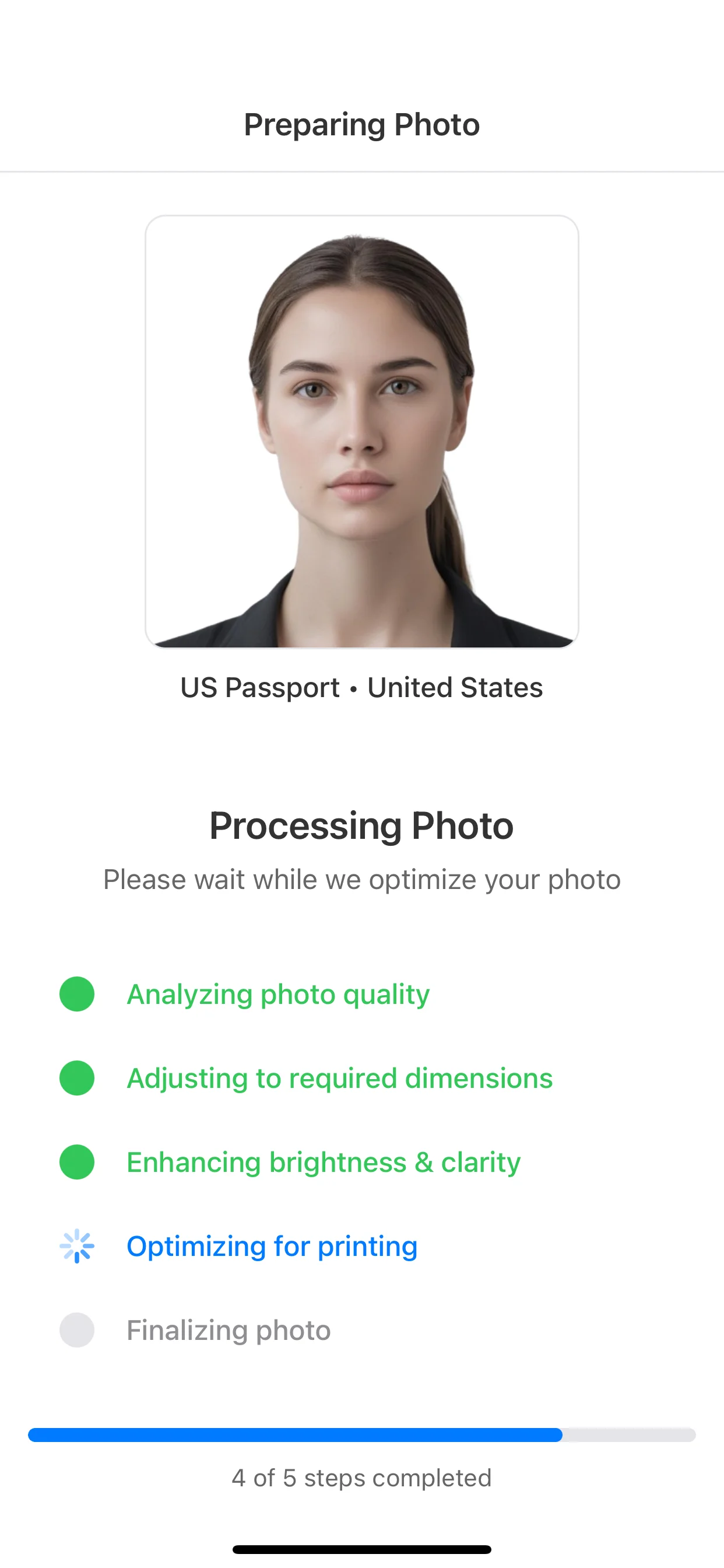
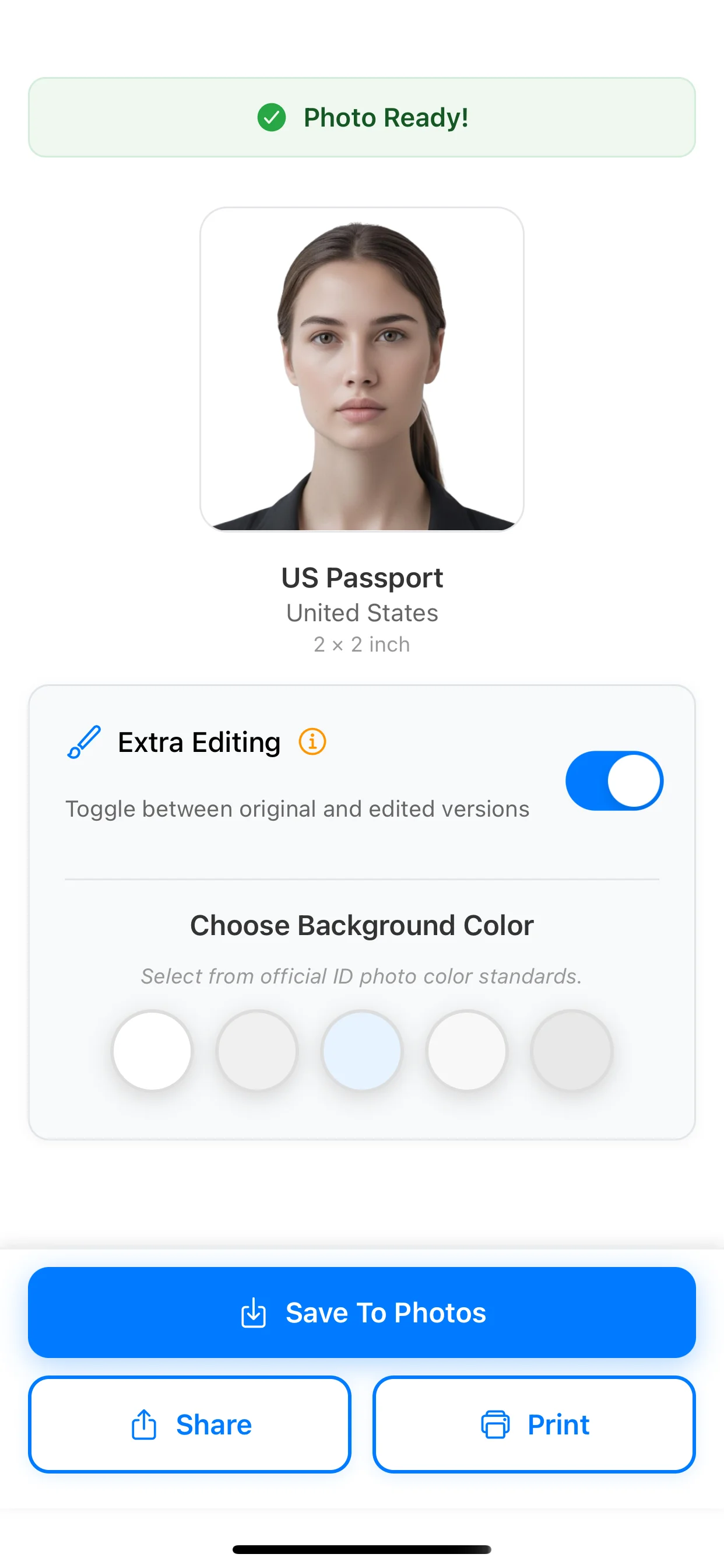
Ready-to-save photo with correct dimensions.

Print-ready Sheet
Multiple copies on one page for easy printing.
Photo Requirements
Requirements
- ✓Even lighting
- ✓Plain light background
- ✓Face centered, looking forward
- ✓Eyes visible
- ✓Neutral expression
- ✓No heavy shadows / glare
Common Mistakes
- ✗Blur
- ✗Shadows
- ✗Head too small
- ✗Busy background
- ✗Tilted head
More photo sizes for Japan
View all- Japan APEC Business Travel Card — 35 × 45 mm (3.5 × 4.5 cm)
- Japan Foreign Driver's License — 40 × 50 mm (4 × 5 cm)
- Japan GoGoNihon — 35 × 45 mm (3.5 × 4.5 cm)
- Japan Hunting License — 24 × 30 mm (2.4 × 3 cm)
- Japan JLPT — 480 × 640 px
- Japan Residence Card or Certificate of Eligibility — 30 × 40 mm (3 × 4 cm)
- Japan Resume — 30 × 40 mm (3 × 4 cm)
- Japan Resume — 40 × 60 mm (4 × 6 cm)
- Japan E-Visa Online — 35 × 45 mm (3.5 × 4.5 cm)
- Japan My Number Card — 35 × 45 mm (3.5 × 4.5 cm)
- Japan Passport — 35 × 45 mm (3.5 × 4.5 cm)
- Japan Visa — 45 × 45 mm (4.5 × 4.5 cm)
More Other photo sizes
View all- Japan Residence Card or Certificate of Eligibility — 30 × 40 mm (3 × 4 cm)
- Japan Foreign Driver's License — 40 × 50 mm (4 × 5 cm)
- Japan JLPT — 480 × 640 px
- Japan GoGoNihon — 35 × 45 mm (3.5 × 4.5 cm)
- Japan Resume — 30 × 40 mm (3 × 4 cm)
- Japan Resume — 40 × 60 mm (4 × 6 cm)
- Japan APEC Business Travel Card — 35 × 45 mm (3.5 × 4.5 cm)
- Japan Hunting License — 24 × 30 mm (2.4 × 3 cm)
- Resume/CV Professional Photo — 35 × 45 mm (3.5 × 4.5 cm)
- Albania Driving Licence — 40 × 50 mm (4 × 5 cm)
- Algeria Residence — 35 × 45 mm (3.5 × 4.5 cm)
- Algeria Work Permit — 35 × 45 mm (3.5 × 4.5 cm)
FAQ
- Can I wear glasses in my photo?
- Usually no. If you must wear glasses, make sure there’s no glare, reflections, or eye obstruction. Always follow the document’s official rules.
- What background is required?
- Use a plain light background (white, off-white, or light grey). Avoid patterns, shadows, and objects behind you.
- How recent should the photo be?
- Most documents require a recent photo, often taken within the last 6 months. Use a photo that reflects your current appearance.
- Can I print this at home?
- Yes. You can export a print-ready sheet and print it on standard paper at 100% scale. Avoid “fit to page” scaling.
- What if my photo fails the AI check?
- Follow the feedback (lighting, background, centering, eyes visible) and retake the photo. Small changes usually fix it quickly.
Create your photo in the app