
Select your document
Choose the correct universal preset and target country before taking your photo.
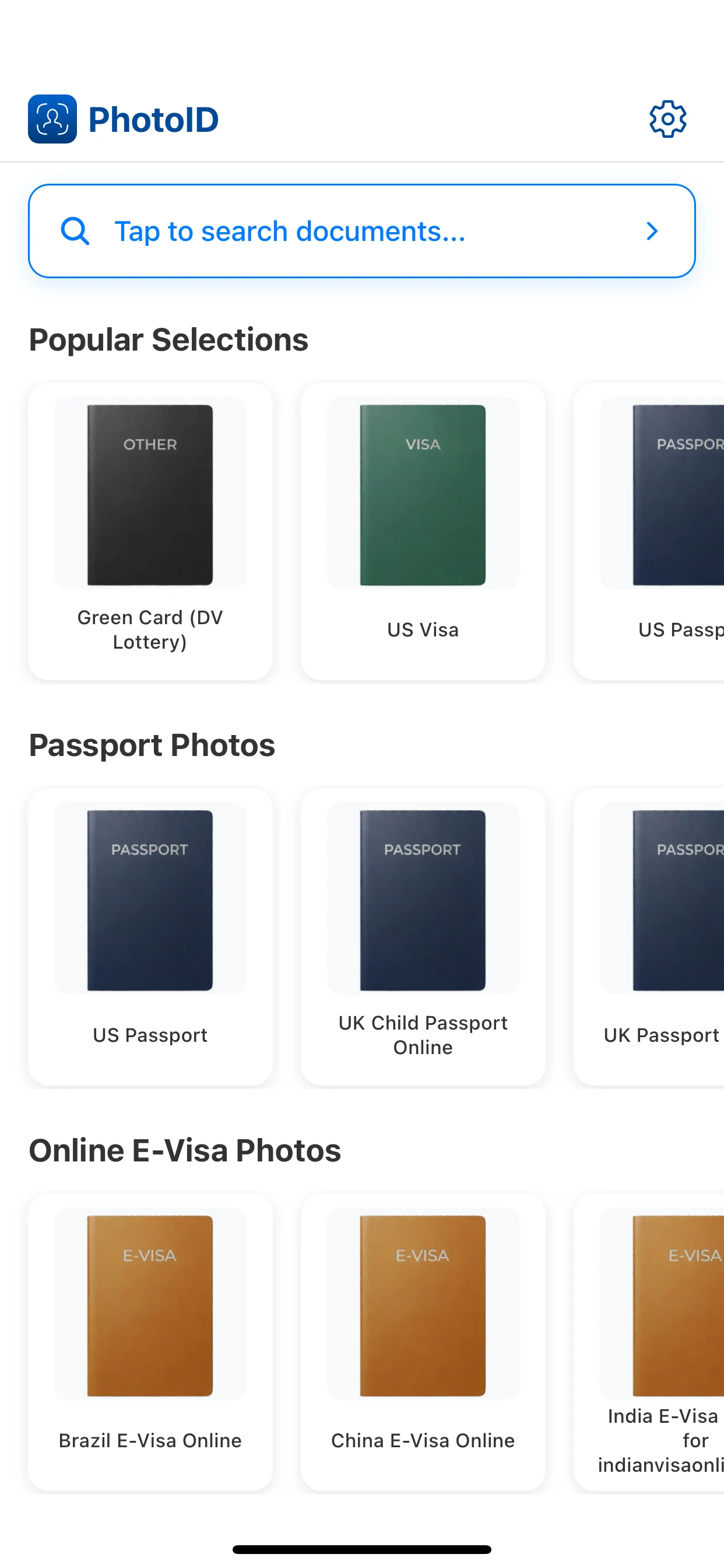
Compare universal photo sizes across countries, then prepare the photo in PhotoID with AI-assisted checks and output for online submission or print.
Start from preset selection and finish with a prepared result for online submission or print-ready output.
Choose the correct universal preset and target country before taking your photo.
PhotoID helps adjust framing, head size, and alignment for the selected preset.
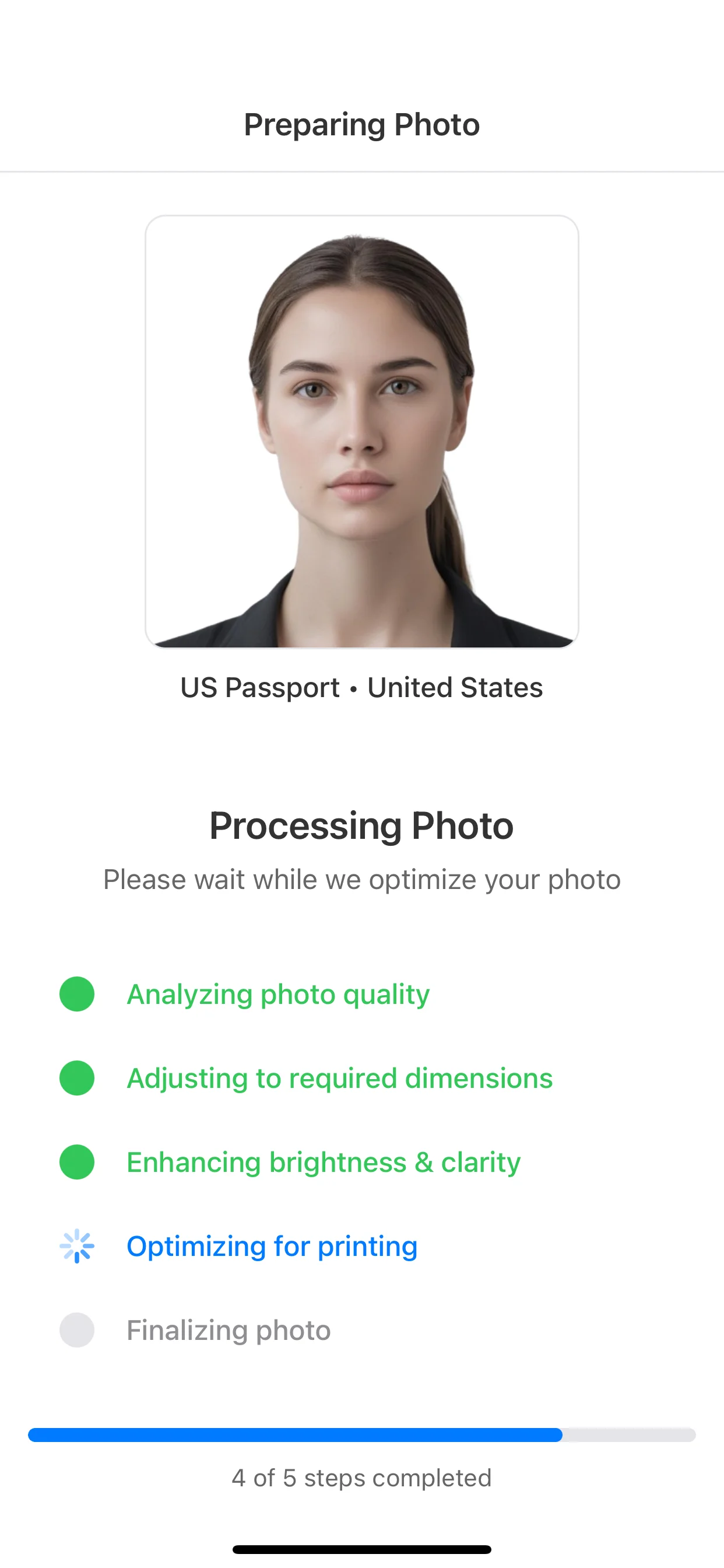
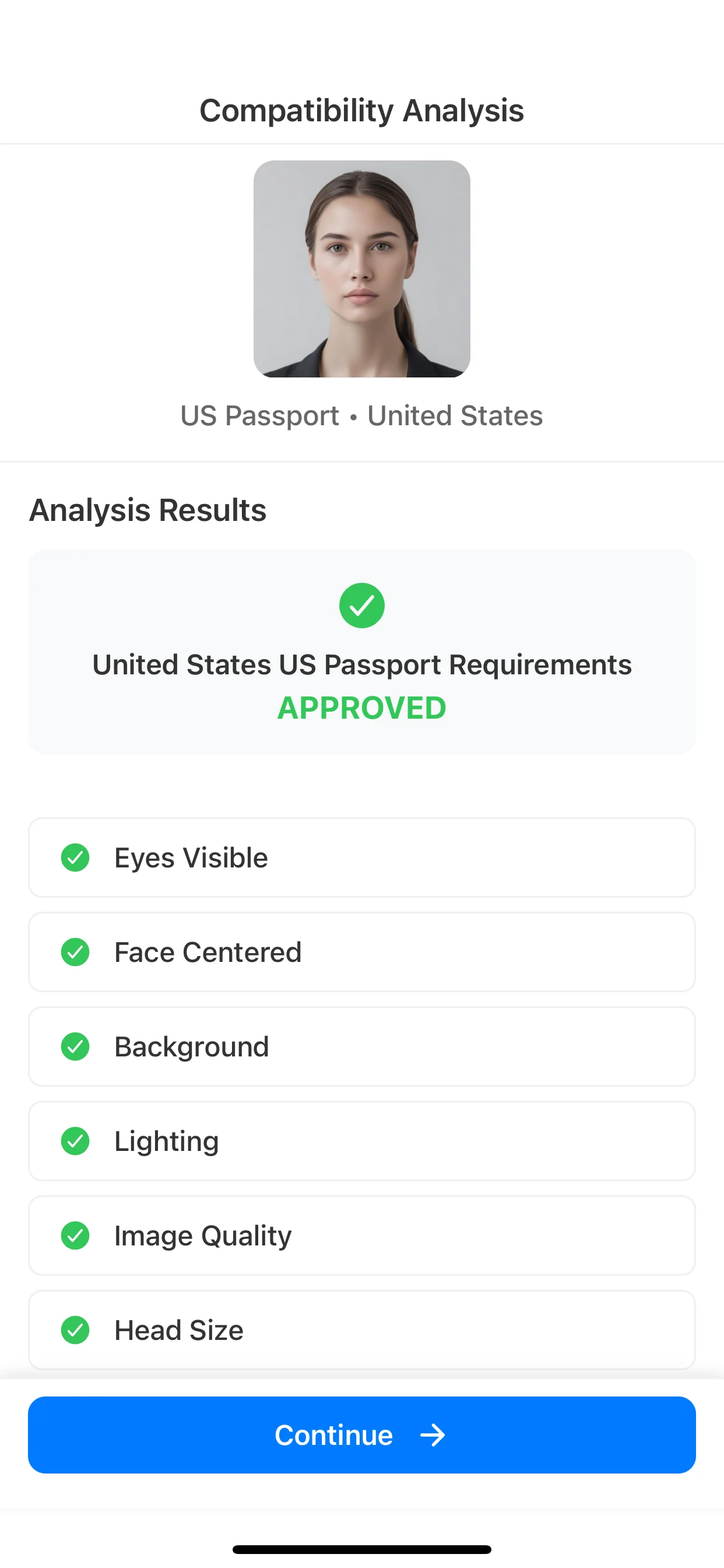
Background, lighting, and quality are reviewed to catch common issues.
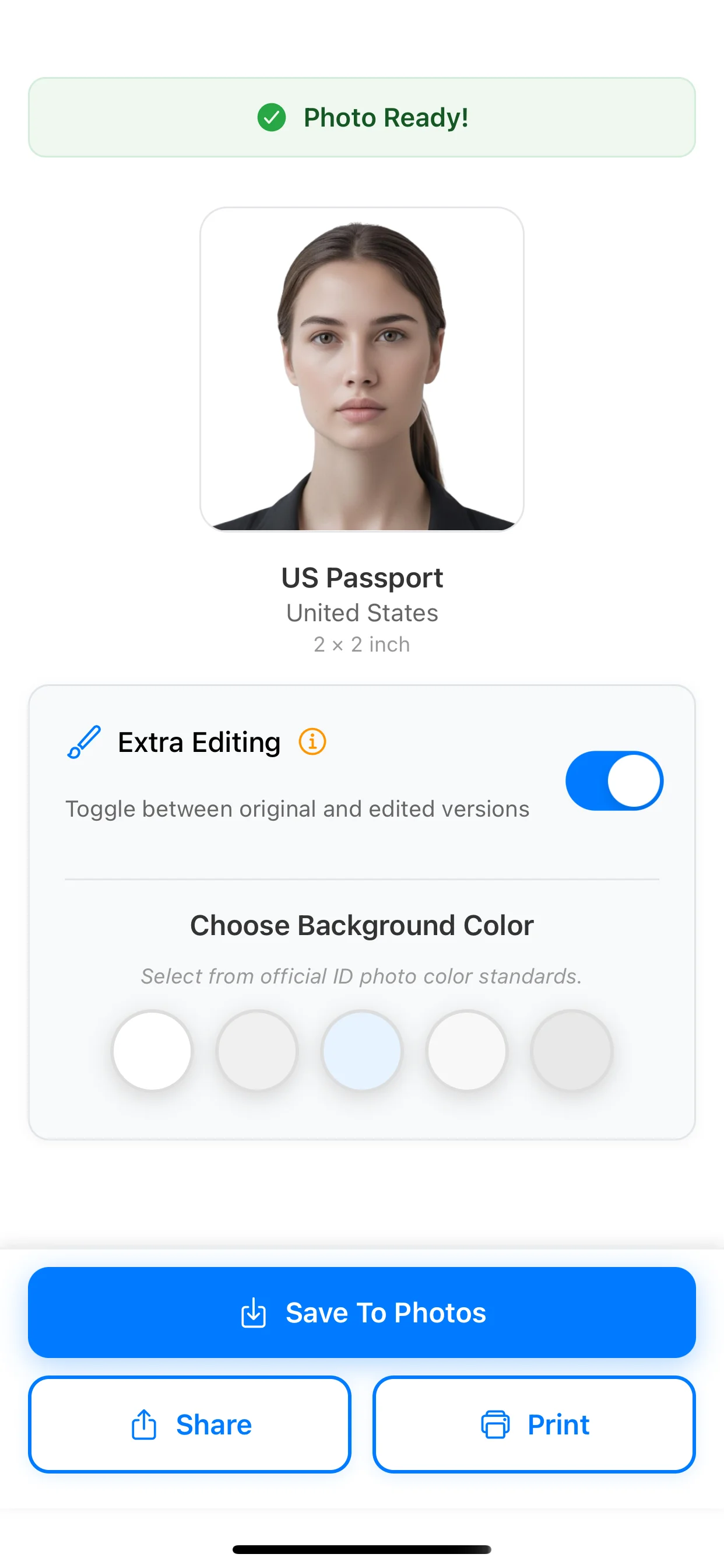
Save for online submission or export a print-ready sheet in the correct size.
Choose your country preset, review common photo issues, and export for online submission or print-ready output.
Available on iOS and Android