Turkey documents

Turkey Driving Licence Photo Requirements

A Turkish driving licence application requires one ICAO-standard biometric photo taken within the last six months. PhotoID provides a 50 x 60 mm Turkish biometric preset, but the current NVI application checklist should be checked before printing.

Base size

50 x 60 mm preset

Format and workflow

One ICAO biometric photo, taken within the last 6 months

Sources reviewed on September 30, 2026.

Check the application workflow first

NVI's current driving licence FAQ confirms one recent ICAO biometric photo. PhotoID's preset and checks support preparation, while the issuing authority makes the final acceptance decision.
Turkey driving licence photo requirements

Checklist

  • ✓Prepare one biometric photo for the driving licence application.
  • ✓Use a photo taken within the last six months.
  • ✓Follow ICAO biometric framing with a frontal face and clearly visible features.
  • ✓Use even lighting and a plain, light background without hard shadows.
  • ✓Use 50 x 60 mm as PhotoID's Turkish biometric preset and verify the latest appointment checklist before printing.

Common mistakes

  • ✗Using a conventional portrait that does not meet biometric framing
  • ✗Submitting an older photo or a scan of a previous print
  • ✗Tilting the head or hiding facial features
  • ✗Using harsh light, blur, glare, or a distracting background
  • ✗Distorting the aspect ratio while resizing for print
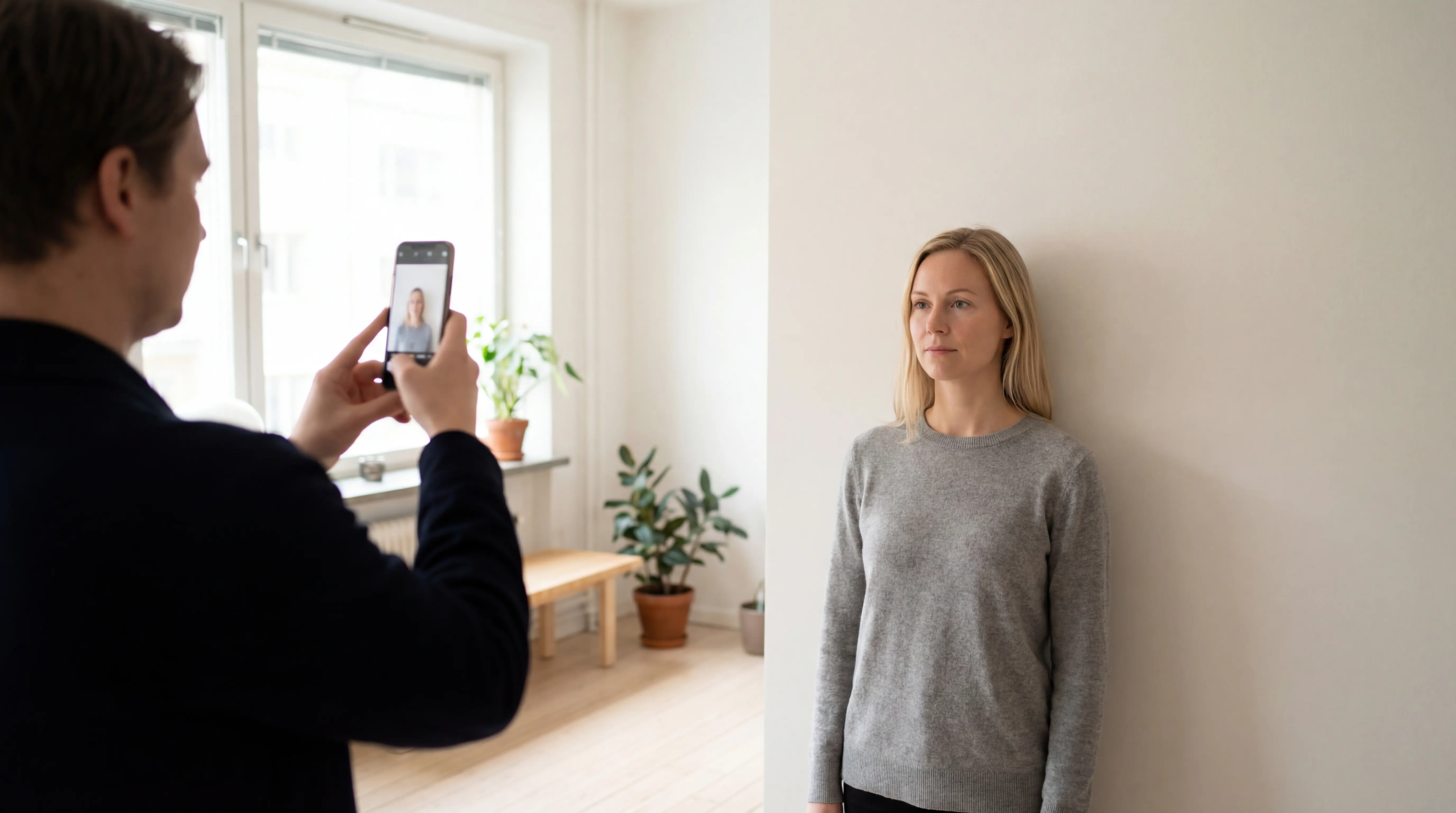
A person uses PhotoID on a phone at eye level to capture a document photo against a plain light wall

Set up the scene, then capture inside PhotoID

Choose the exact document preset, place the phone at eye level, and use soft, even light against a plain background. PhotoID's built-in camera keeps capture, checks, and export in one document-specific flow.

How to prepare Turkey driving licence photo with PhotoID

  1. 1Choose the exact Turkish document preset, then start the capture inside PhotoID.
  2. 2Keep the phone at eye level and face the camera directly in soft, even light.
  3. 3Use a plain light background and remove visible shadows before taking the photo.
  4. 4Review PhotoID's framing, lighting, background, and sharpness checks before export.
  5. 5Compare the result with the latest authority and appointment instructions before printing or submitting it.

Frequently asked questions

How many photos are needed for a Turkish driving licence?

The current NVI application list specifies one biometric photo.

How recent must the photo be?

NVI specifies a biometric photo taken within the last six months.

Can I use a normal ID portrait?

Only if it meets the current ICAO biometric requirements. A conventional portrait is not enough by itself.

Related Turkey document photos

From the exact preset to the requested output

Choose the document, capture inside PhotoID, review common technical issues, and prepare the digital or print-ready result used by the application workflow.

Choose the document

Open the exact preset so size, crop, and output start from the right format.
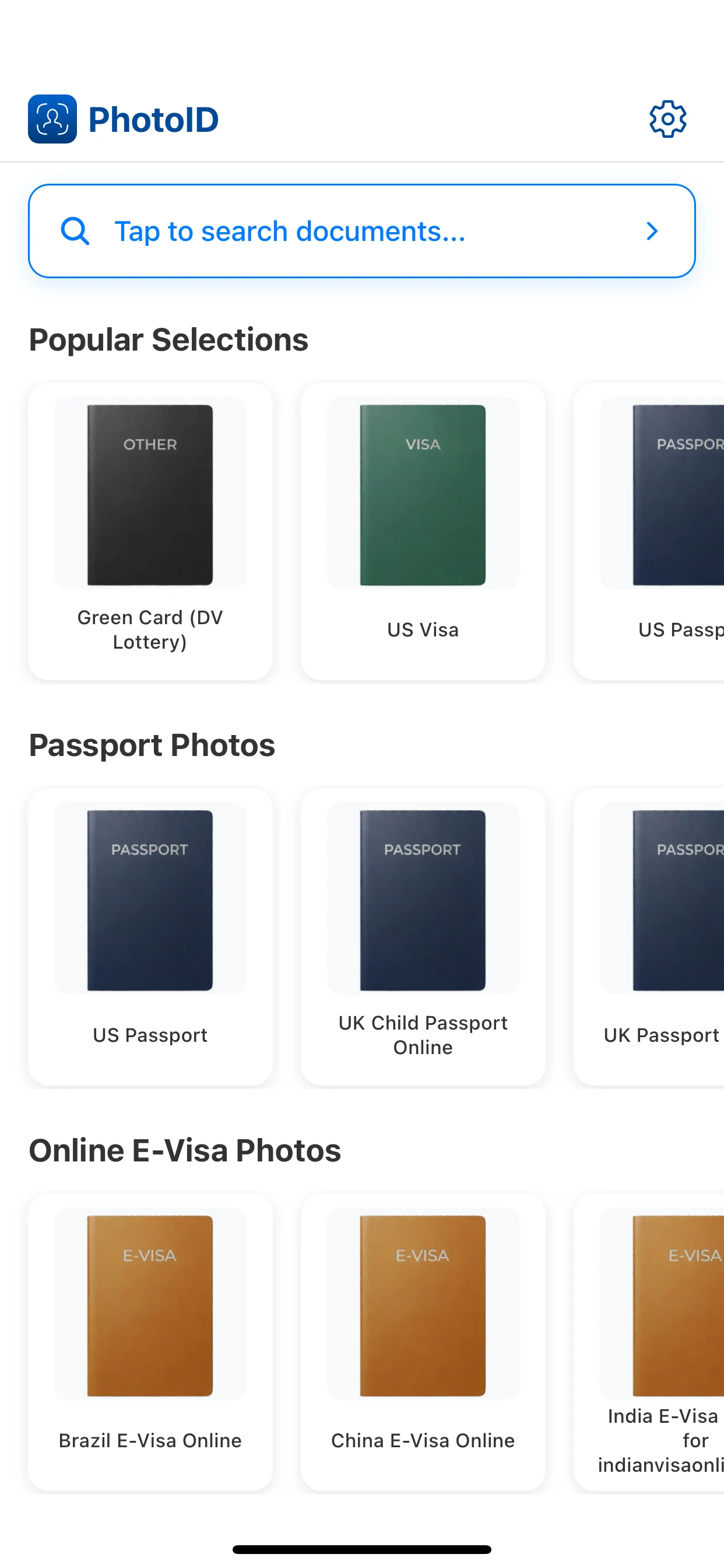
Choose the document

Capture in PhotoID

Use the built-in camera with the face straight and evenly lit.
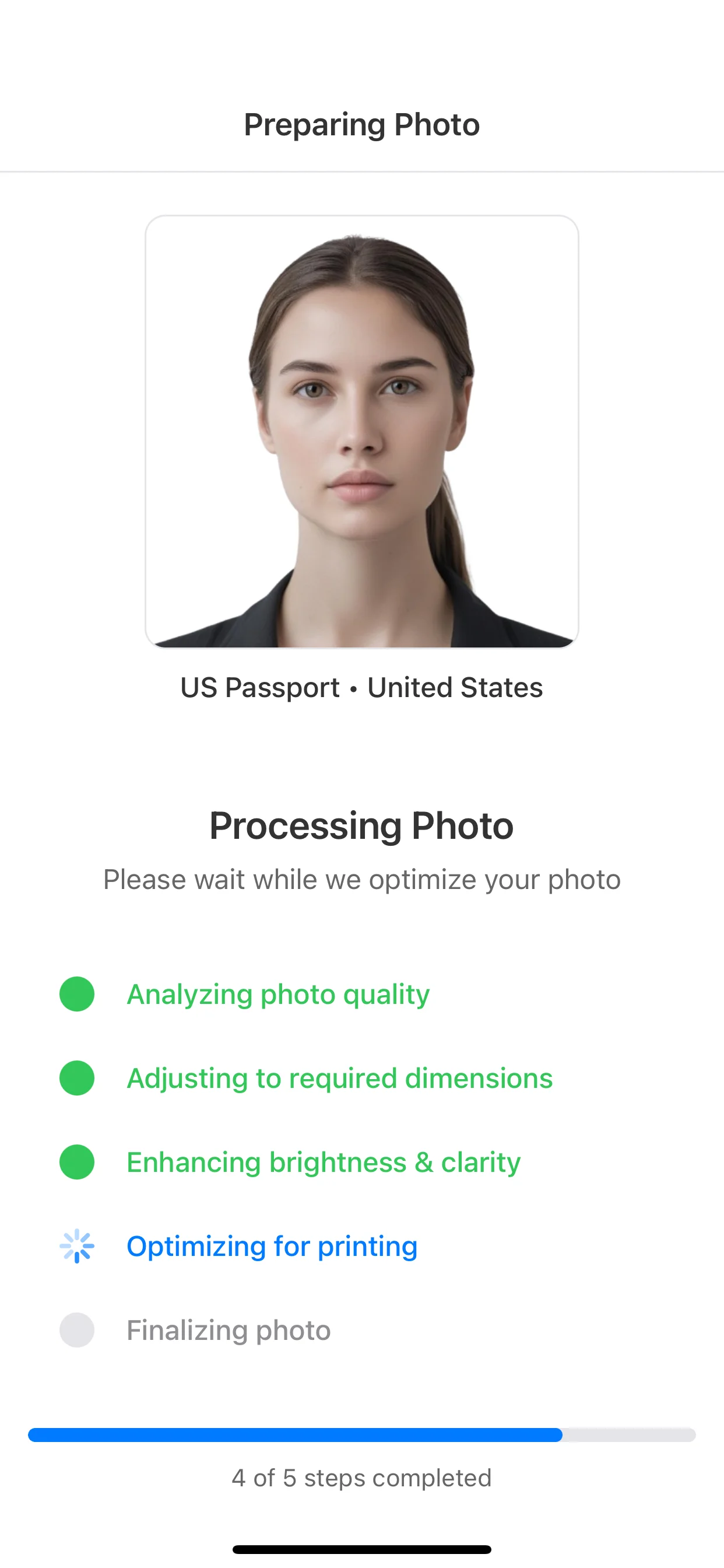
Capture in PhotoID

Review common issues

Check framing, background, lighting, and sharpness before export.
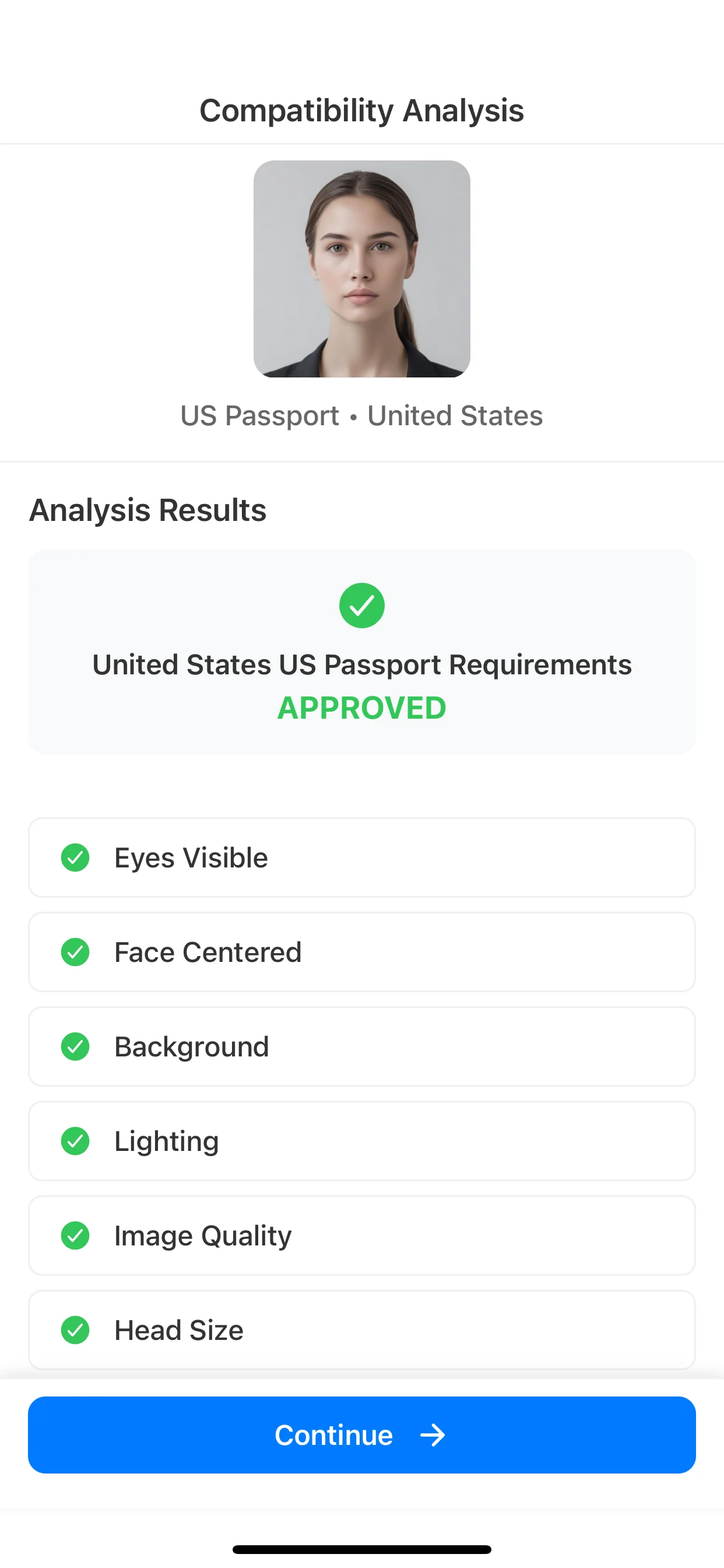
Review common issues

Prepare the output

Create the digital or print-ready result requested by the procedure.
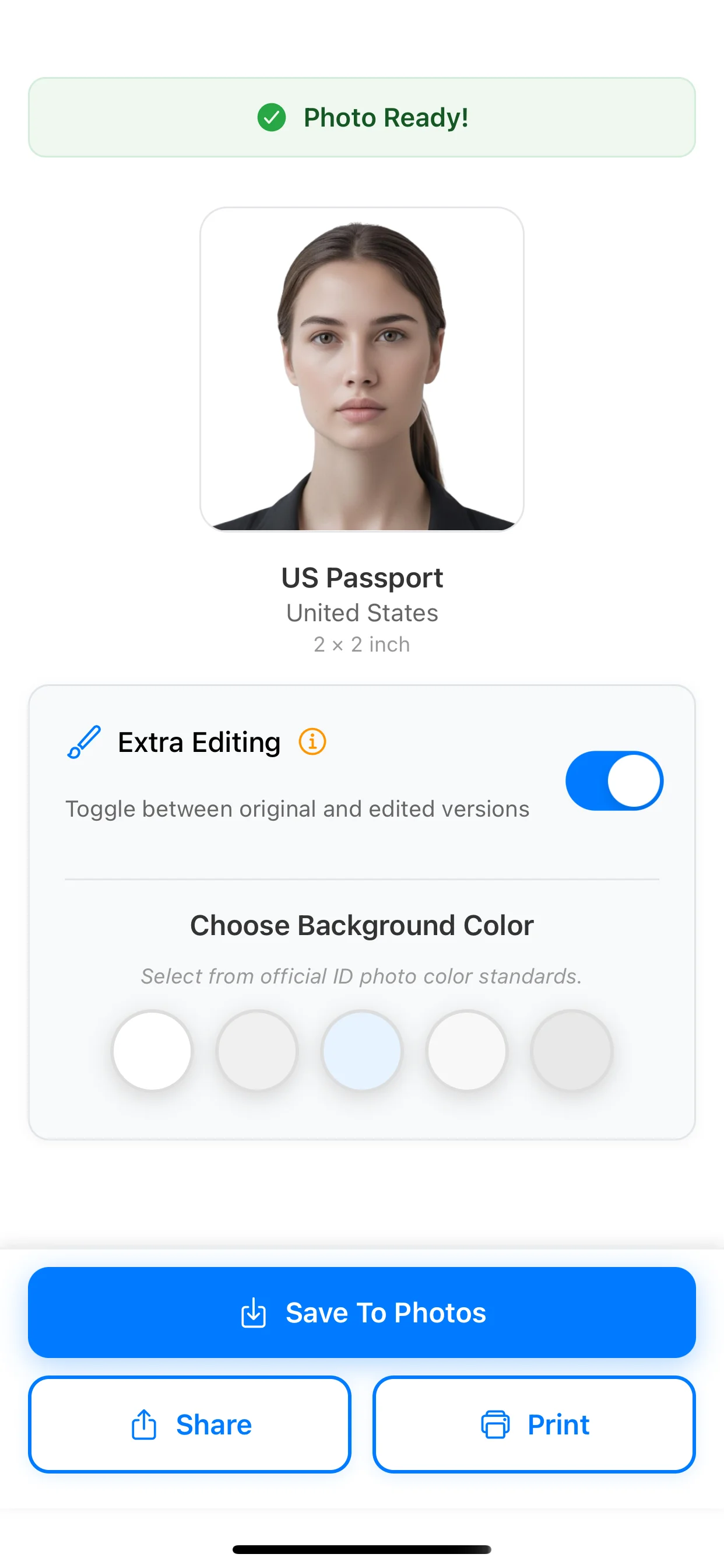
Prepare the output

Open the Turkey driving licence photo preset

Choose the document in PhotoID, capture in the app, review common issues, and prepare the requested result.

The issuing authority makes the final acceptance decision.