
Does a Turkey residence permit require a biometric photo?
Yes. The Presidency of Migration Management states that residence permit documents require an ICAO-standard biometric photo.
Turkey documents
Turkey's migration authority requires an ICAO-standard biometric photo for residence permit procedures and notes that a digital copy may need to be provided during the application process. Confirm the current file, print, and quantity instructions in your e-Residence application.
Base size
50 x 60 mm preset
Format and workflow
ICAO biometric photo; confirm the current e-Residence upload and print rules
Sources reviewed on September 30, 2026.
The official public notice confirms the ICAO requirement and possible digital delivery, but it does not publish every current upload, print, or quantity rule on that page. The e-Residence application and provincial migration office instructions remain authoritative.

Choose the exact document preset, place the phone at eye level, and use soft, even light against a plain background. PhotoID's built-in camera keeps capture, checks, and export in one document-specific flow.
Yes. The Presidency of Migration Management states that residence permit documents require an ICAO-standard biometric photo.
Yes. The authority notes that a digital version may need to be provided during the application process. Check the current e-Residence screen for exact file rules.
It is the PhotoID preset for this document. Always compare it with the current e-Residence checklist because the public notice does not list every size, file, and quantity condition.
Choose the document, capture inside PhotoID, review common technical issues, and prepare the digital or print-ready result used by the application workflow.
Open the exact preset so size, crop, and output start from the right format.
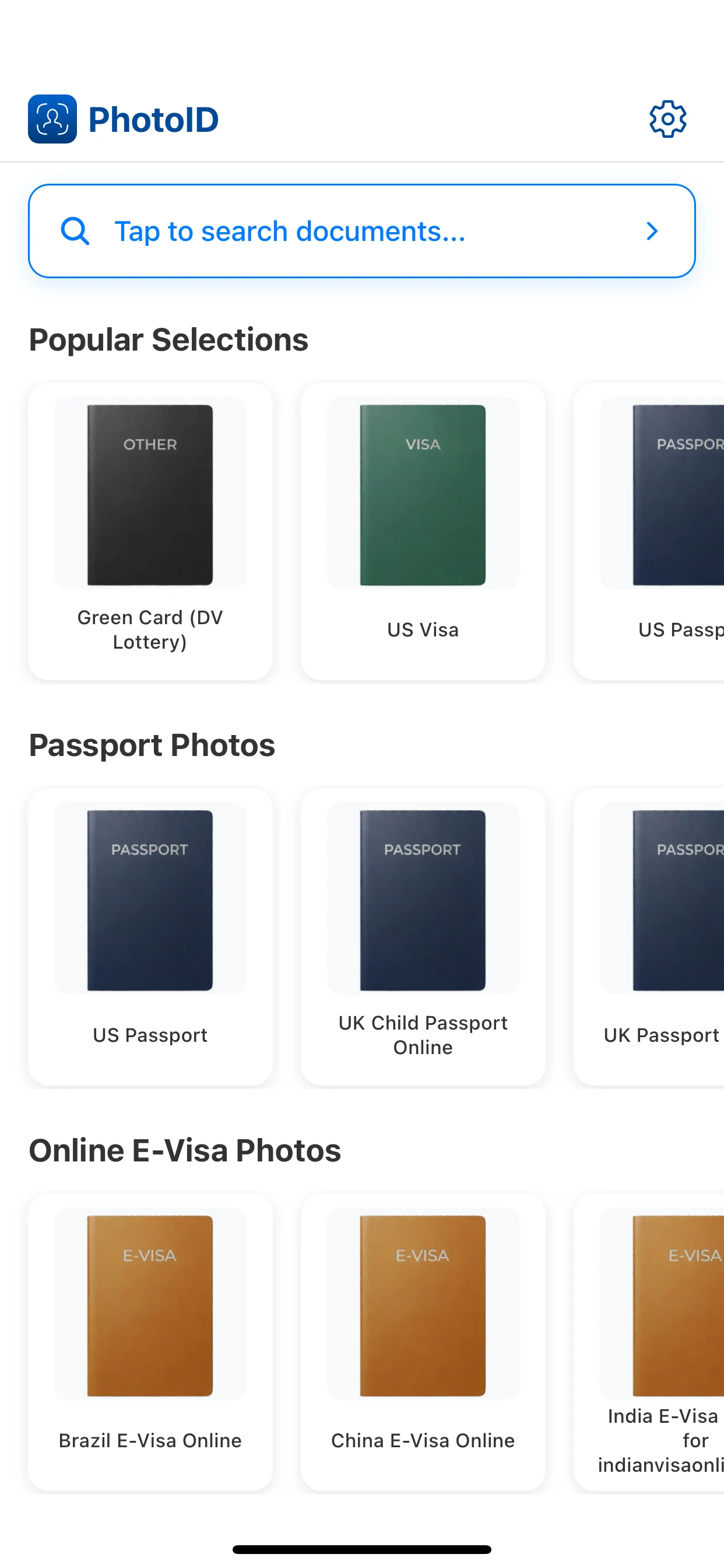
Use the built-in camera with the face straight and evenly lit.
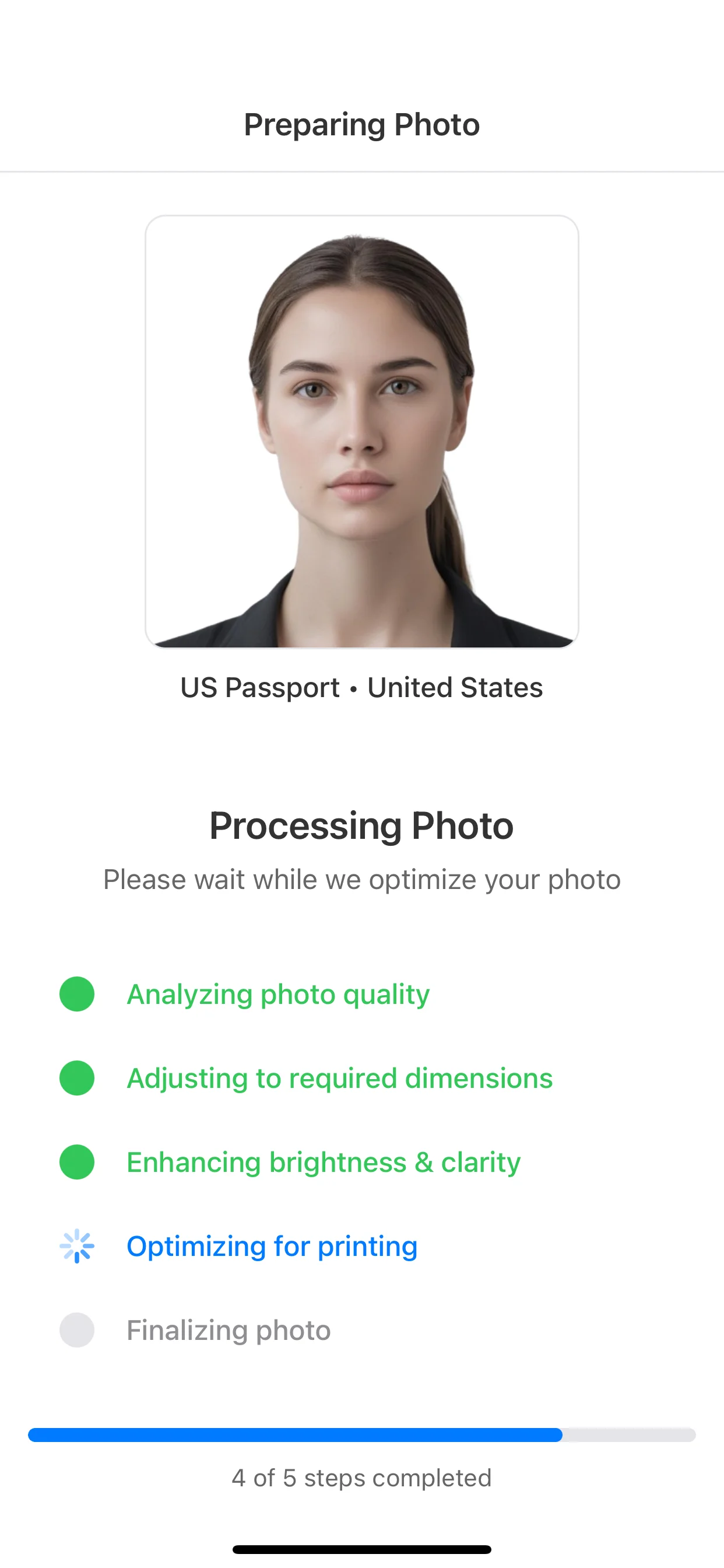
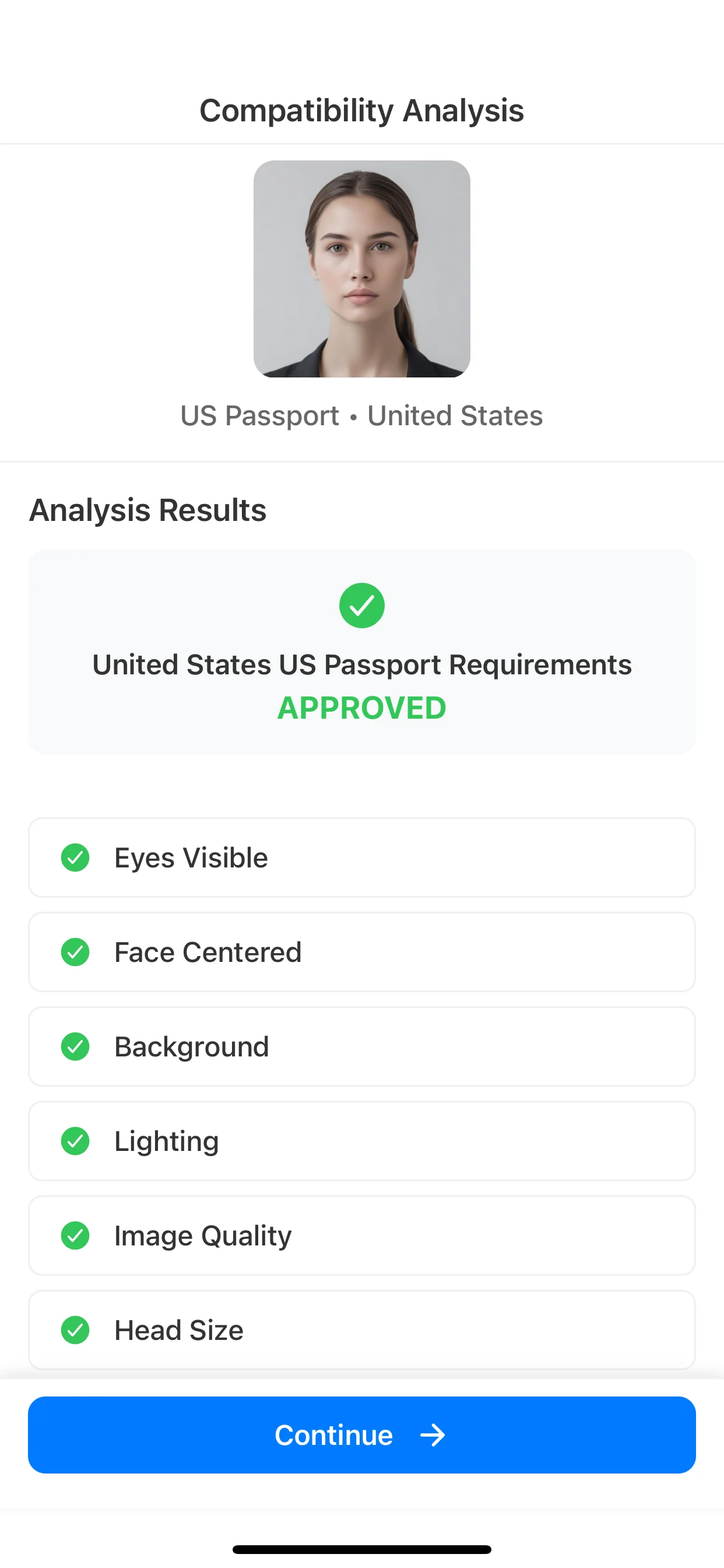
Check framing, background, lighting, and sharpness before export.
Create the digital or print-ready result requested by the procedure.
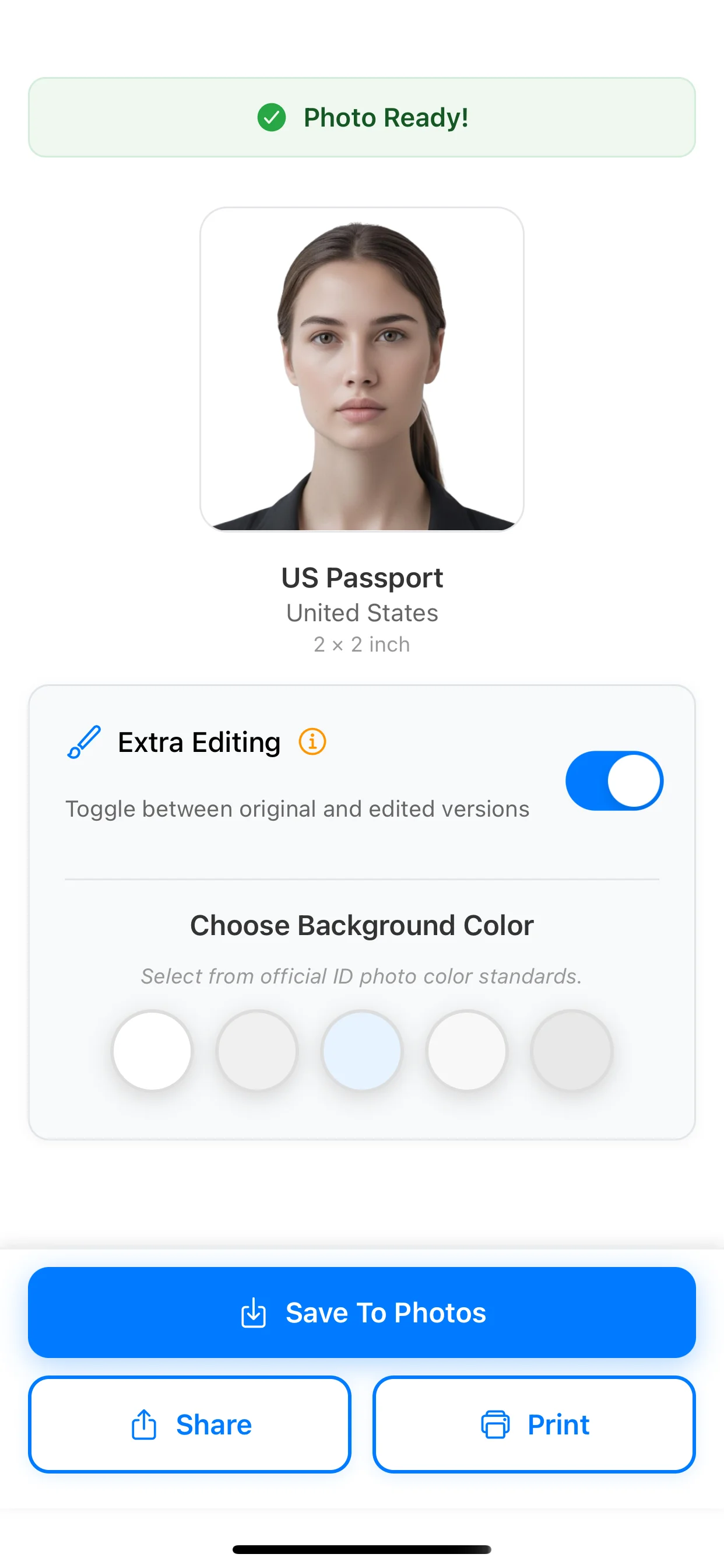
Choose the document in PhotoID, capture in the app, review common issues, and prepare the requested result.
The issuing authority makes the final acceptance decision.