Create an ID photo for the exact card or permit

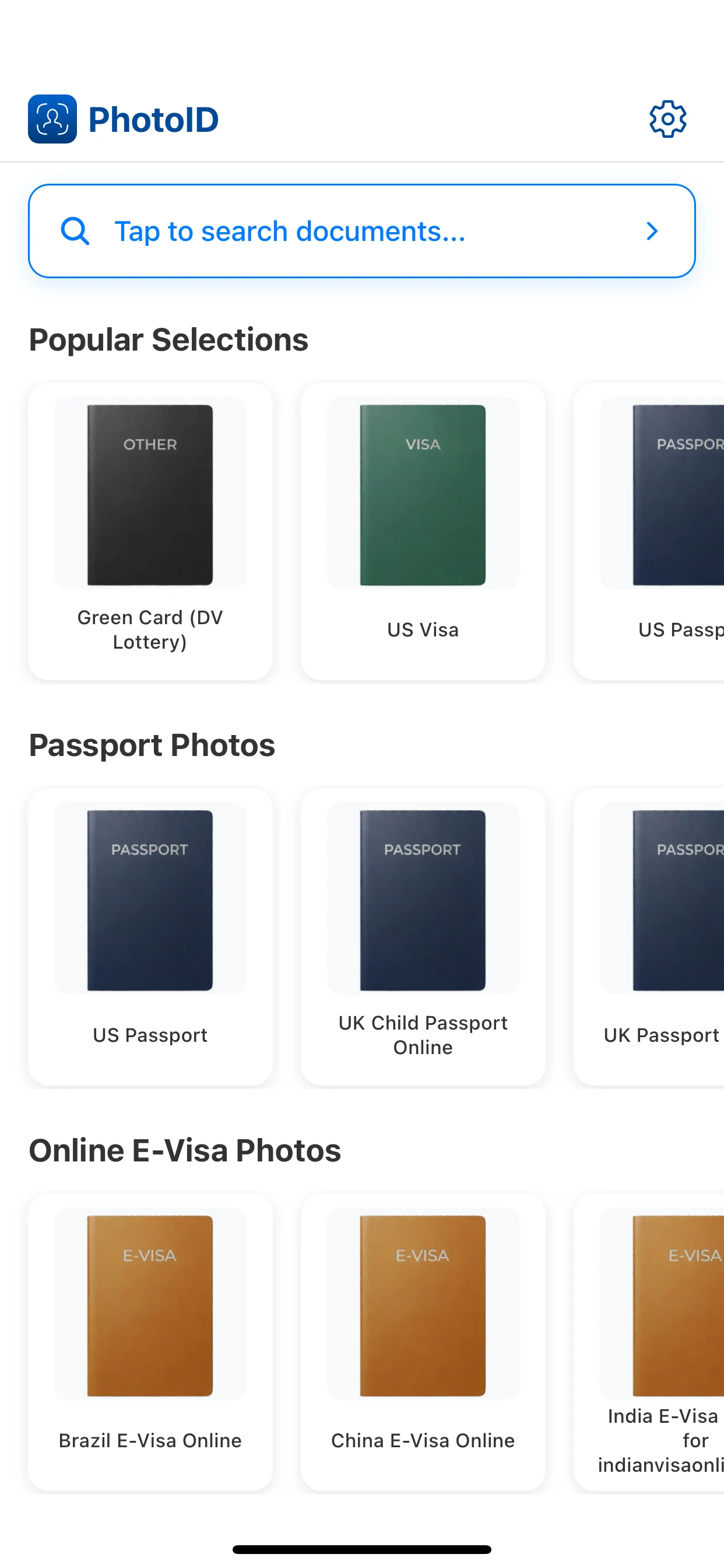
ID photo is a broad category, not one universal size. Choose the specific card, permit, license, or residence document in PhotoID before taking the photo and preparing the required output.

ID photocard photopermit photoexact cropdigital or print

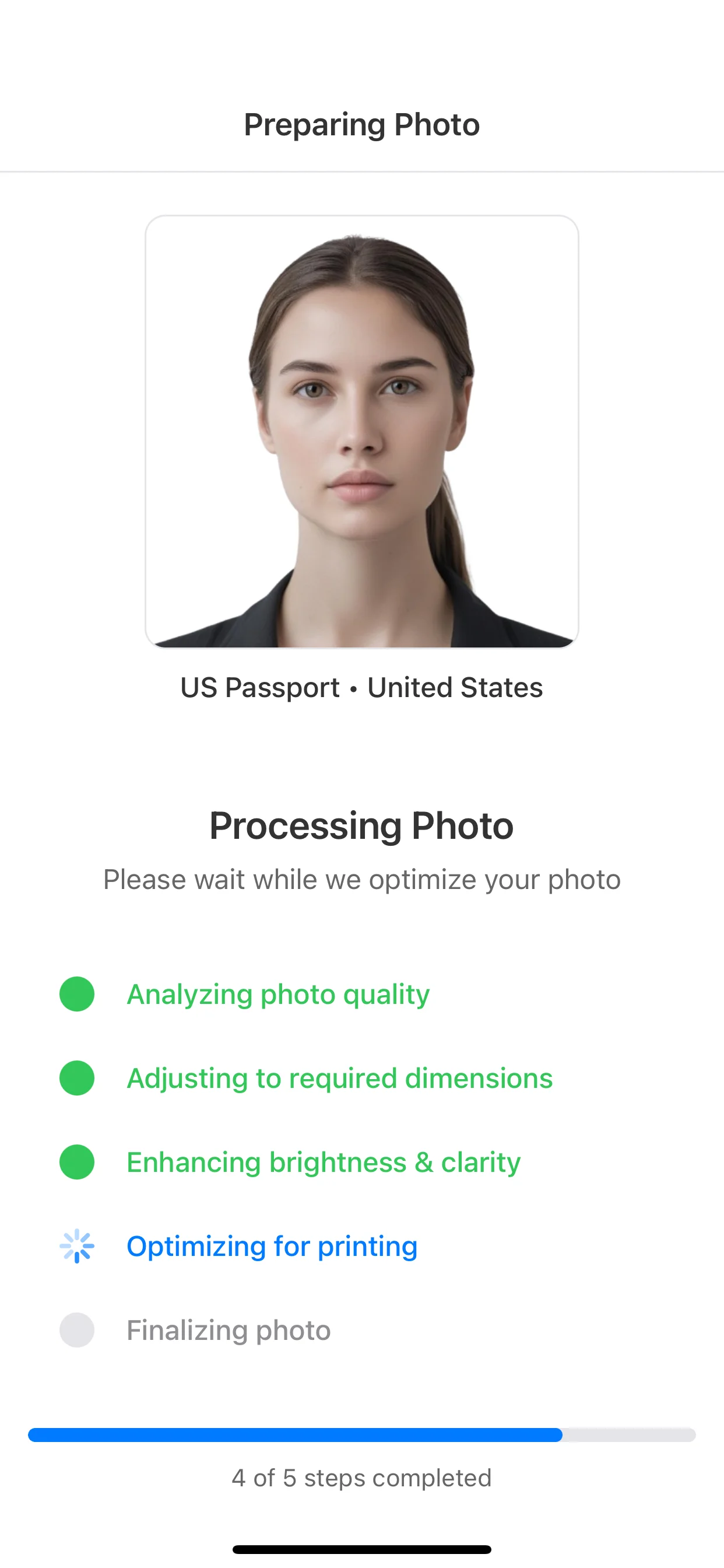
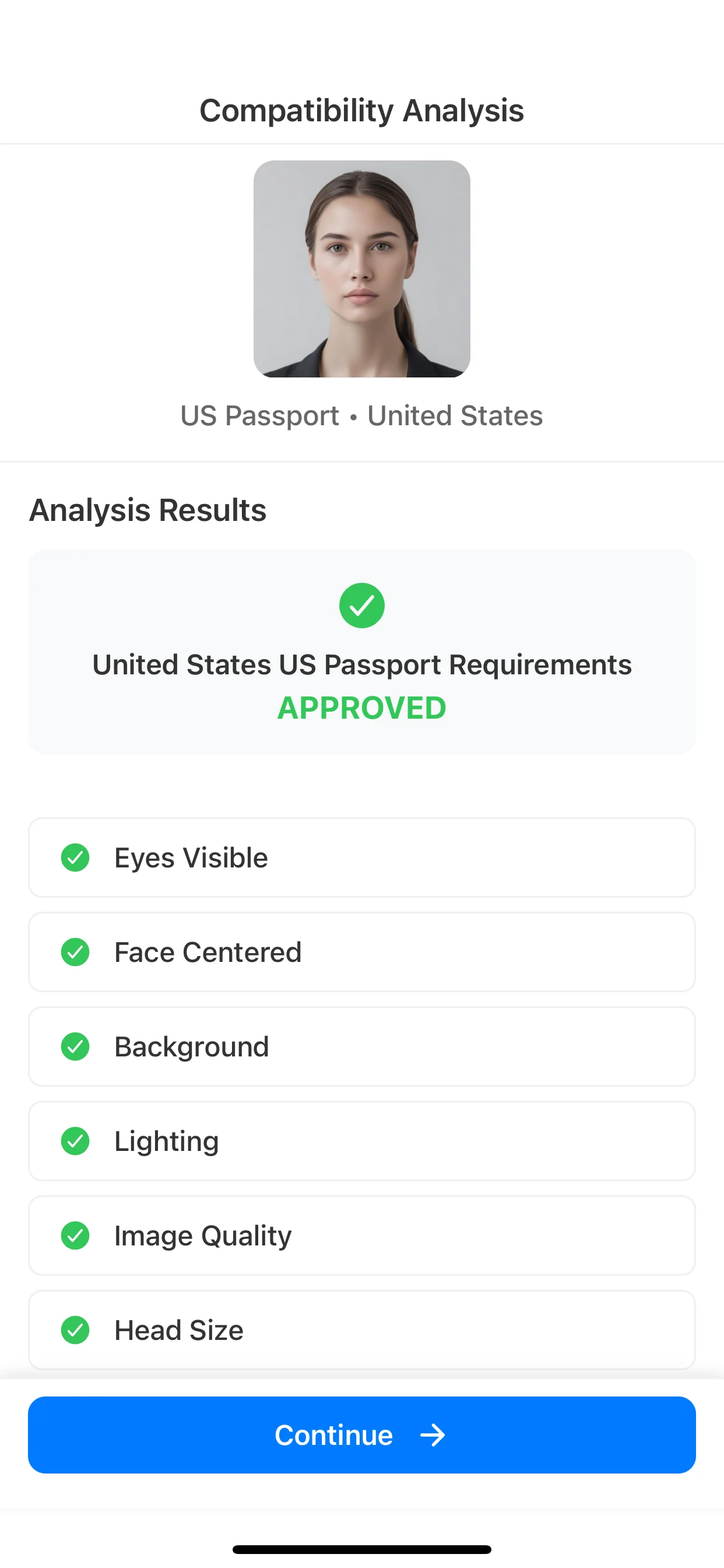
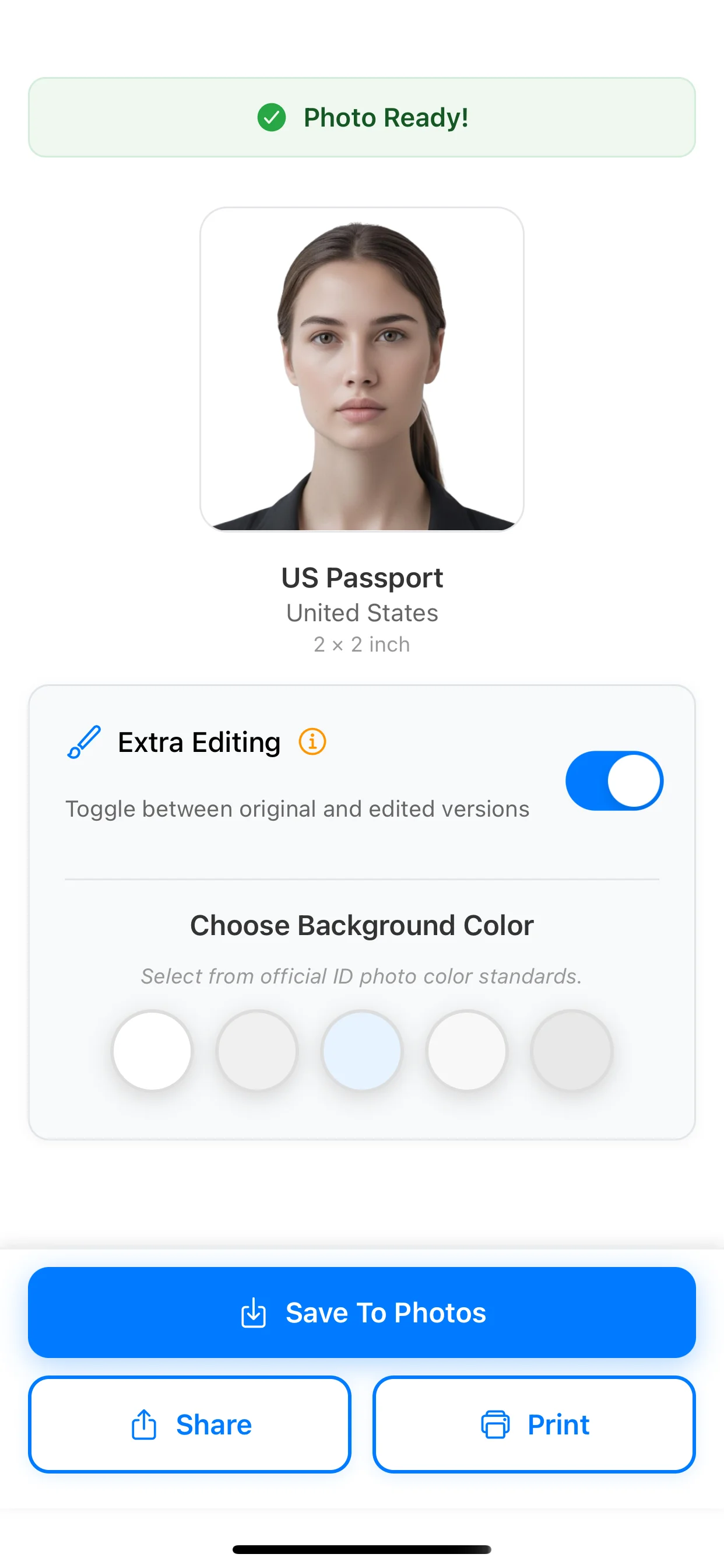
From in-app capture to a ready-to-use result

Export

Identify the document before taking the photo

National ID cards, residence permits, licenses, and institutional cards can use different portrait formats. The document name is more reliable than starting from a guessed size.

  • Find the exact document or authority in the preset list.
  • Confirm whether a recent printed or digital image is required.
  • Review document-specific exceptions before submission.
Prepare a clear identity portrait

A clean capture should make the face easy to identify without visual effects. PhotoID helps review common technical problems before export.

  • Keep the camera at eye level and the head straight.
  • Use a plain background with balanced light.
  • Avoid filters, blur, glare, and objects covering the face.

From in-app capture to a ready-to-use result

Choose the right format, take the photo inside PhotoID, check common issues, and export the result.

Choose the format

Select the document or preset first so size and crop match the expected output.

Choose the format

Capture in PhotoID

Use PhotoID's built-in camera to take the photo inside the selected document flow.

Capture in PhotoID

Check with AI

Review common issues such as background, lighting, crop, and visual quality.

Check with AI

Export

Use the result for online submission or print, depending on the document.

Export

What PhotoID checks before export

PhotoID helps catch common technical issues, but the authority handling the application makes the final decision.

Background

Review whether the background is plain, evenly lit, and free from visible clutter.

Face position

Check centering, head position, and the crop for the selected document preset.

Lighting and quality

Catch shadows, glare, blur, and low visual clarity before export.

Output format

Prepare a digital or print-ready result using the selected document format.

Frequently asked questions

What size is an ID photo?

There is no single ID-photo size. It depends on the card, permit, country, and issuing authority, so choose the exact document preset.

Can I make an ID photo on my phone?

Yes. PhotoID lets you select the document and take the photo with its built-in camera before checking and exporting it.

Can I use the same photo for an ID card and passport?

Only if both authorities allow the same current photo and technical format. Check each document separately rather than assuming they match.

Choose another document photo

Check the official requirements

Photo rules differ by document and issuing authority. Use the official source for the application you are completing before submission.

Prepare the photo in PhotoID

Choose the exact document preset, take the photo with PhotoID's built-in camera, check common issues, and export the result.

Available for iOS and Android