Create a visa photo with the right preset and output

Visa photo rules are not universal. Choose the exact destination and visa preset first, take the photo inside PhotoID, check common technical issues, and export the format requested by the application.

visa photoin-app captureAI checksdigital uploadprint-ready

From in-app capture to a ready-to-use result

Export

Start with the destination, not a generic size

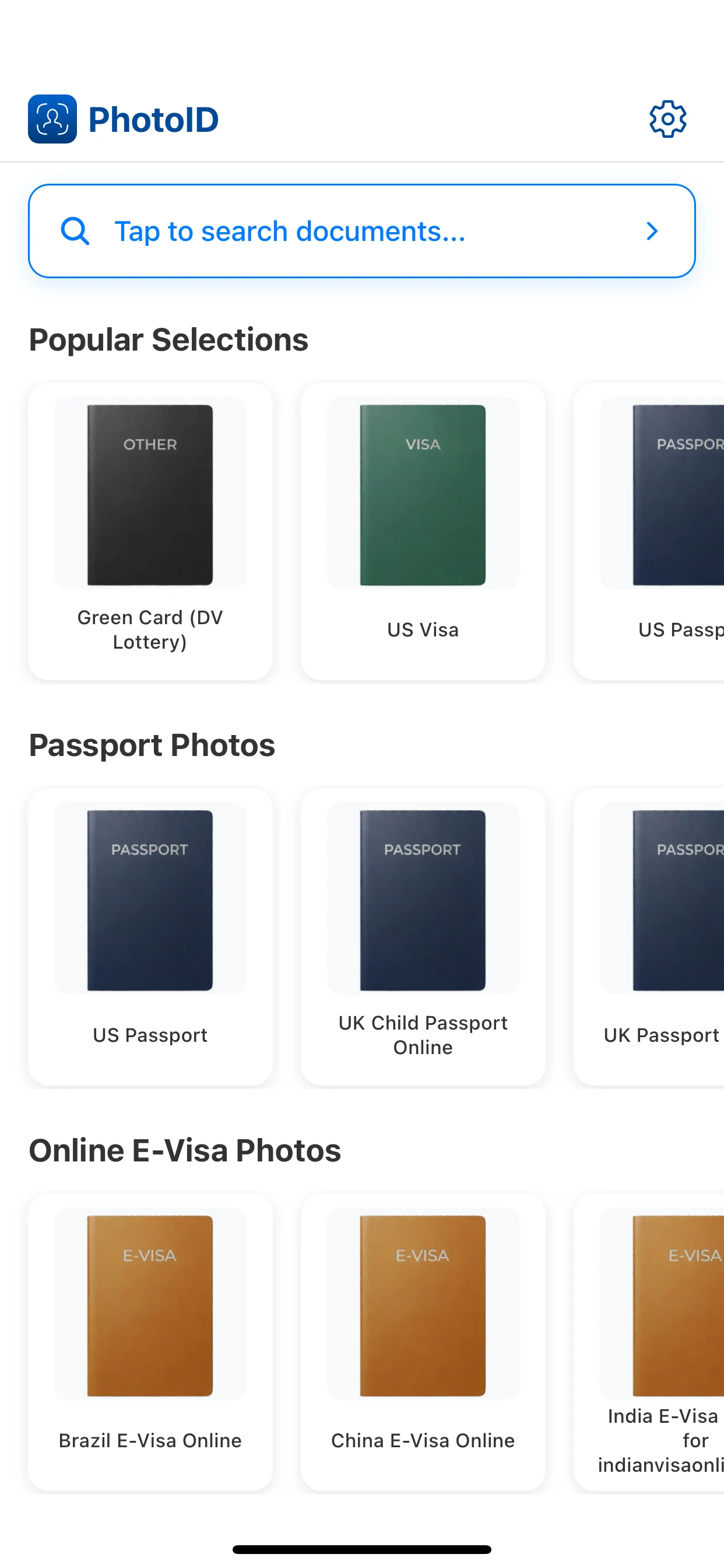
Two visa applications can request different dimensions, file formats, or printed photos. Selecting the exact preset before capture keeps the workflow tied to the application you are completing.

  • Confirm the destination country and visa category.
  • Check whether the application wants a digital file, a printed photo, or both.
  • Use the matching preset instead of resizing a generic portrait later.
Check the photo before submission

A technically clean image is easier to evaluate, but PhotoID cannot guarantee acceptance. Compare the result with the current instructions from the embassy, consulate, or visa service.

  • Keep the face fully visible and directed toward the camera.
  • Use even light and avoid background or facial shadows.
  • Do not apply beauty filters or edits that change appearance.

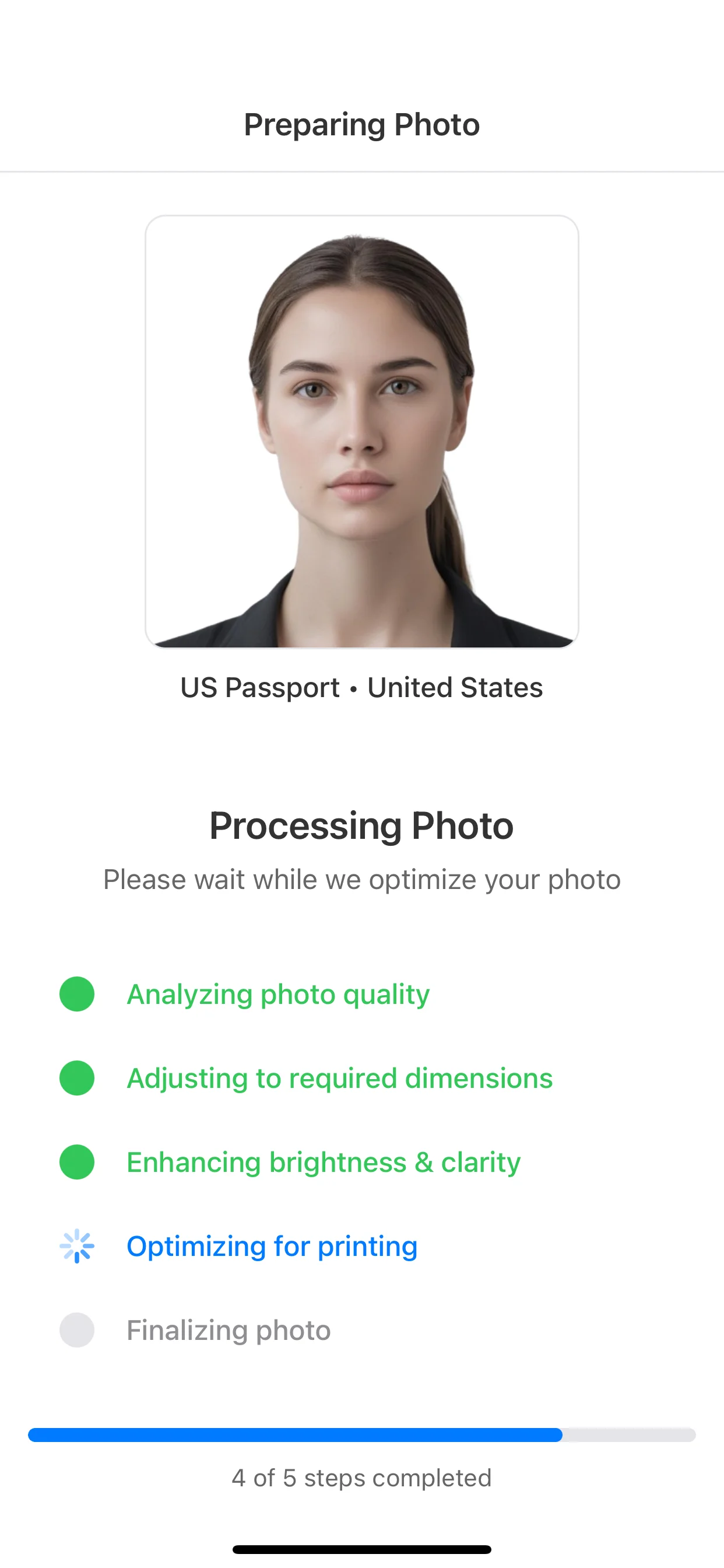
From in-app capture to a ready-to-use result

Choose the right format, take the photo inside PhotoID, check common issues, and export the result.

Choose the format

Select the document or preset first so size and crop match the expected output.

Choose the format

Capture in PhotoID

Use PhotoID's built-in camera to take the photo inside the selected document flow.

Capture in PhotoID

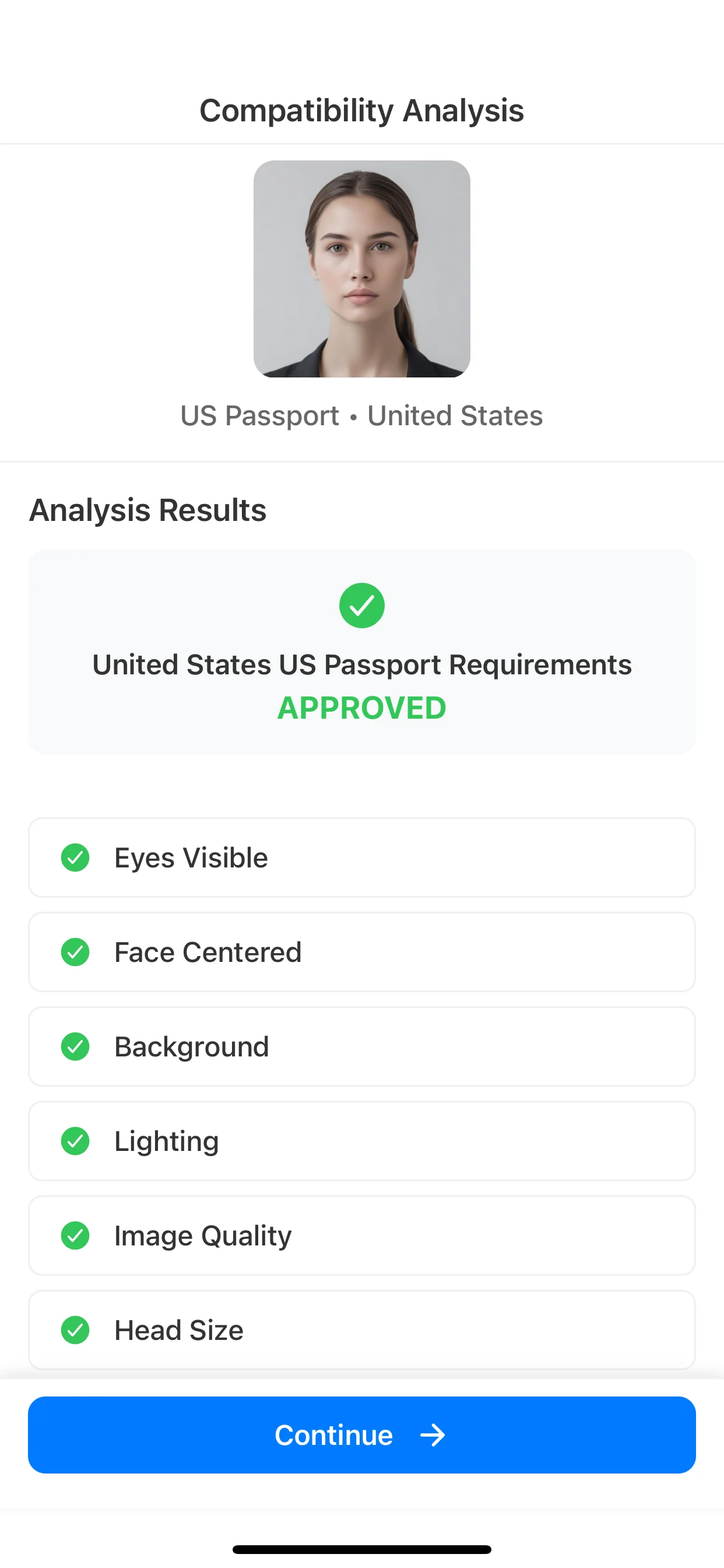
Check with AI

Review common issues such as background, lighting, crop, and visual quality.

Check with AI

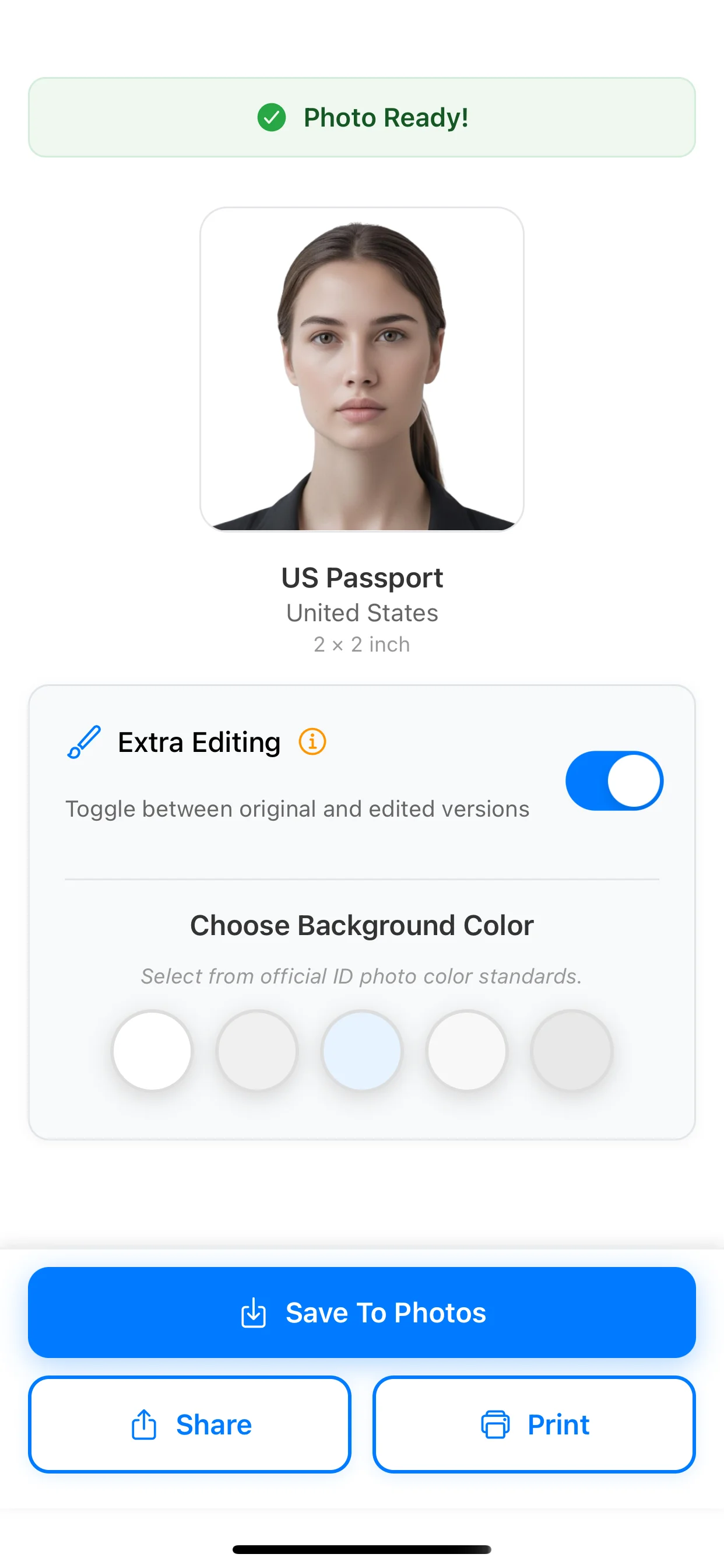
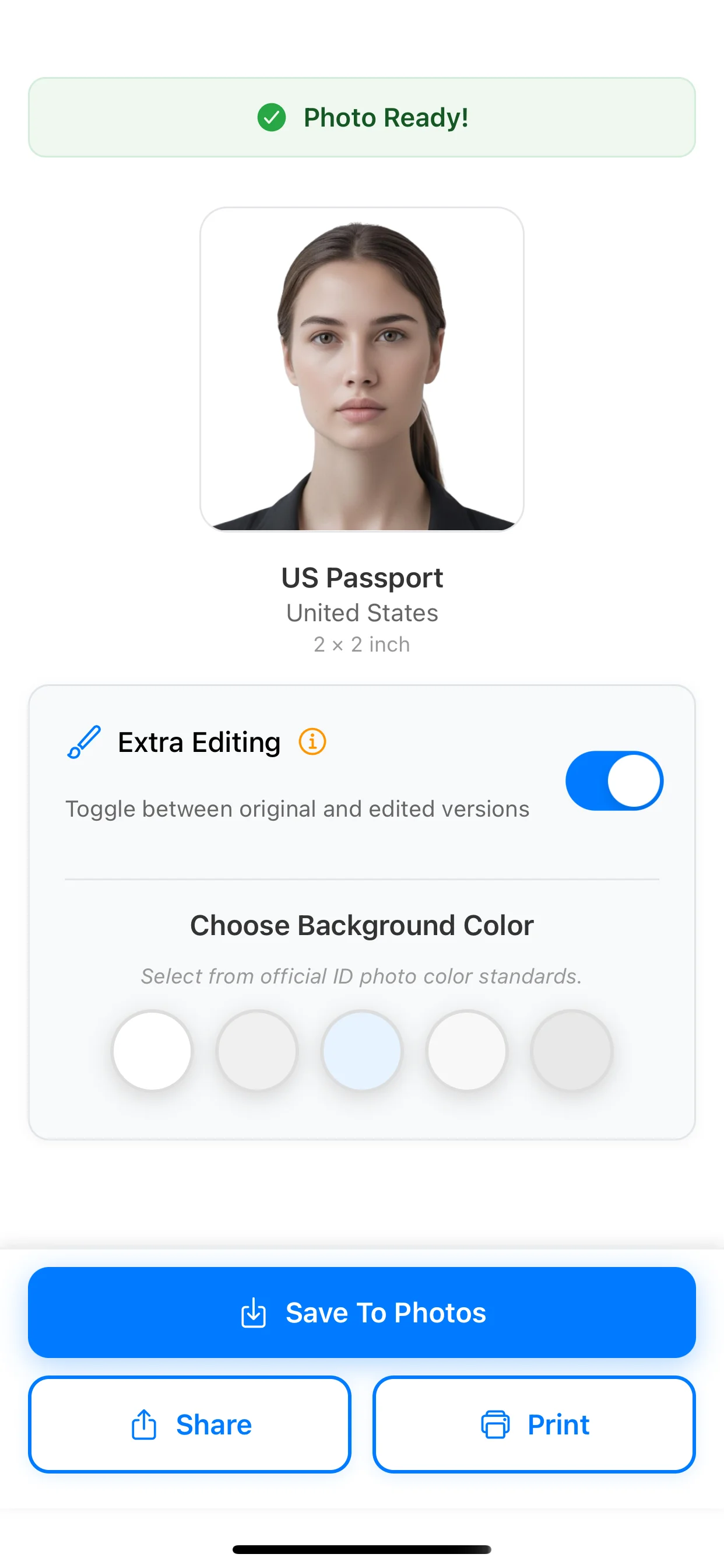
Export

Use the result for online submission or print, depending on the document.

Export

What PhotoID checks before export

PhotoID helps catch common technical issues, but the authority handling the application makes the final decision.

Background

Review whether the background is plain, evenly lit, and free from visible clutter.

Face position

Check centering, head position, and the crop for the selected document preset.

Lighting and quality

Catch shadows, glare, blur, and low visual clarity before export.

Output format

Prepare a digital or print-ready result using the selected document format.

Frequently asked questions

Can one visa photo work for every country?

No. Dimensions, head size, background, file, and print requirements can differ. Select the exact visa preset and verify the current official instructions.

Can I take the visa photo inside PhotoID?

Yes. Choose the visa preset first and use PhotoID's built-in camera so capture, checks, and export stay in one flow.

Does an AI check guarantee visa-photo acceptance?

No. It can help identify common technical issues, but the embassy, consulate, or application service makes the final decision.

Choose another document photo

Check the official requirements

Photo rules differ by document and issuing authority. Use the official source for the application you are completing before submission.

Prepare the photo in PhotoID

Choose the exact document preset, take the photo with PhotoID's built-in camera, check common issues, and export the result.

Available for iOS and Android