
Document presets first
A passport photo app should start from the target document, country, or size preset instead of asking you to guess a crop manually.
The best passport photo app is not just a crop tool. It should help you choose the right document preset, check common photo issues, and export a result for digital upload or print. PhotoID is built for passport, visa, ID, and official document-photo preparation from your phone.
Quick answer
Choose PhotoID when you need document presets, app checks, and export-ready output.
Use it as a preparation tool, then always compare the final photo with the official rules for your passport, visa, ID, or immigration process.
A passport photo app should start from the target document, country, or size preset instead of asking you to guess a crop manually.
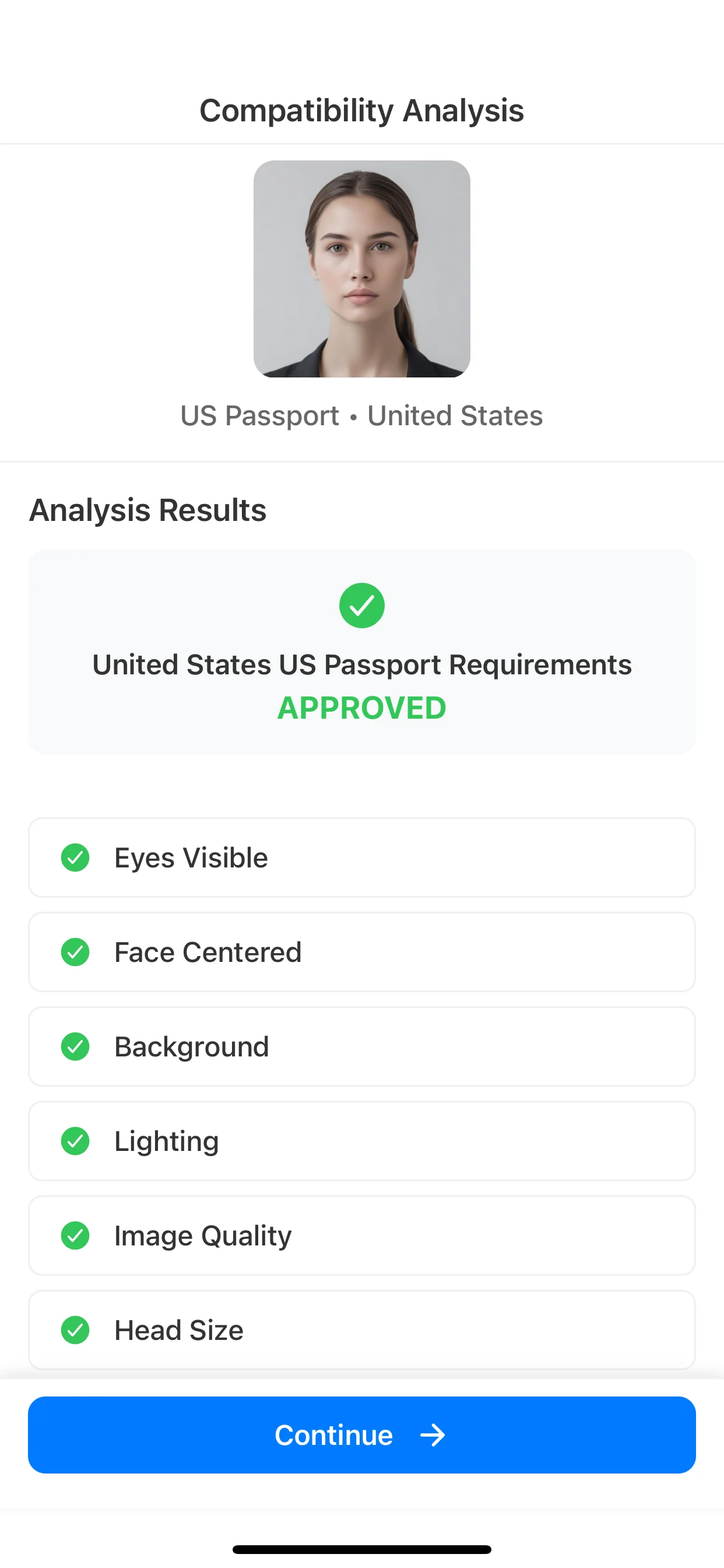
Look for checks around background, crop, lighting, face position, shadows, and image clarity before you save or print.
The best option depends on whether you need an upload-ready file, a print-ready sheet, or both.
No app should replace official instructions. The app should help you prepare a cleaner file while the authority remains the final source of truth.
The strongest passport photo app is not the one with the most editing tools. For official photos, the safer choice is the app that helps you avoid wrong-size, wrong-crop, and poor-quality output before export.
| Criterion | PhotoID | Generic editor | Why it matters |
|---|---|---|---|
| Document presets | Starts from passport, visa, ID, country, and exact-size presets. | Usually starts from a manual crop or resize canvas. | Presets reduce the chance of choosing the wrong size or aspect ratio. |
| Pre-export checks | Checks background, crop, lighting, face position, and image quality before export. | May resize or edit, but usually does not review document-photo risks. | Most rejection risks are setup and quality issues, not just width and height. |
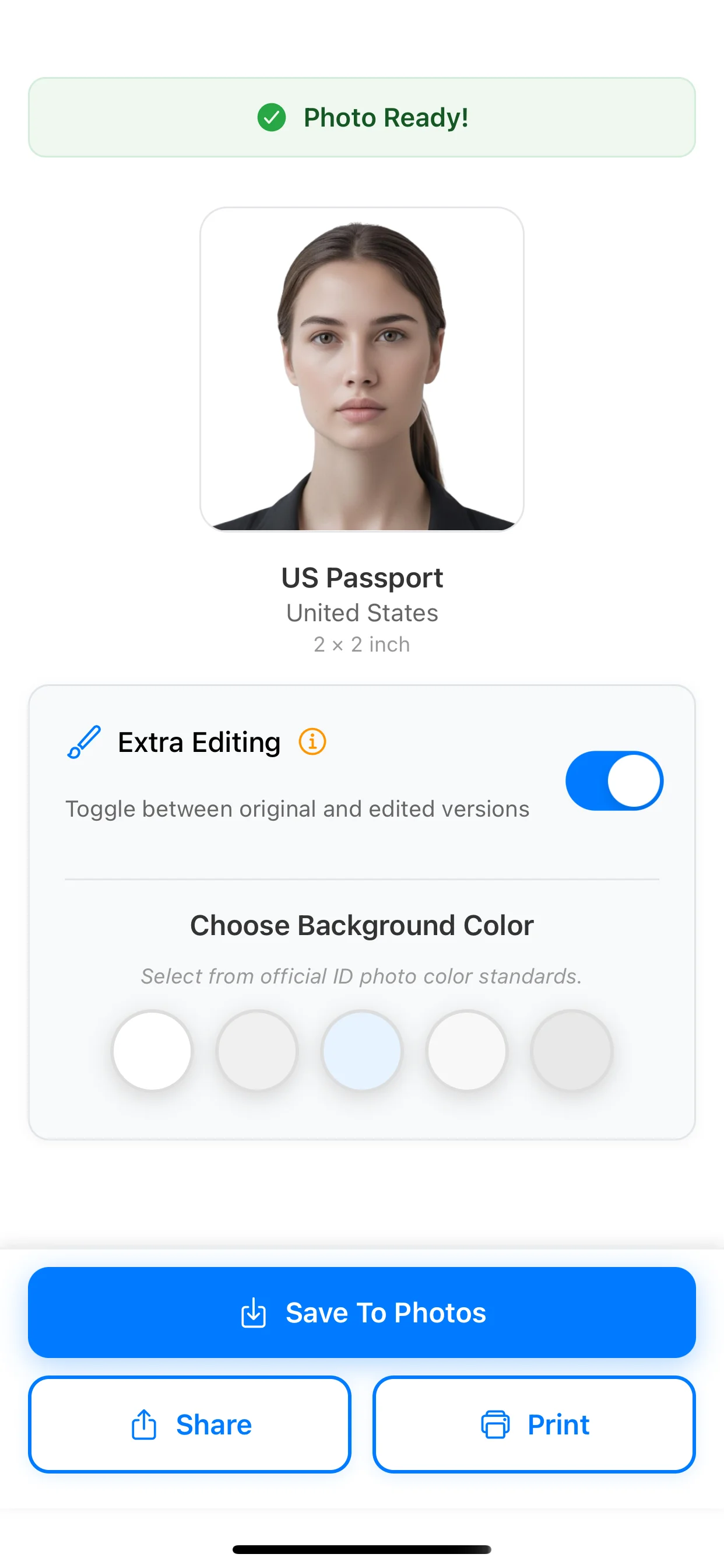
| Digital or print output | Helps prepare output for upload or print-ready use depending on the selected flow. | Often leaves print scale, DPI, and export format for the user to manage. | A correct-looking image can still fail if the final output format is wrong. |
| Official-rule mindset | Positions the app as preparation support while the authority remains final. | Does not usually separate preparation help from official acceptance. | No app should promise government acceptance for every document flow. |
PhotoID is built for document-photo preparation: choose a preset, prepare the image, run checks, and export a result for digital upload or print.
Use PhotoID when you want to review background, crop, lighting, face position, and image quality before relying on the photo.
Use a document-photo app instead of a generic editor when final size, print scale, and preset selection matter.
Start with the right preset, prepare the image, check common issues, then export the result for digital use or print.
Start with the passport, visa, ID, country, or size format you need.
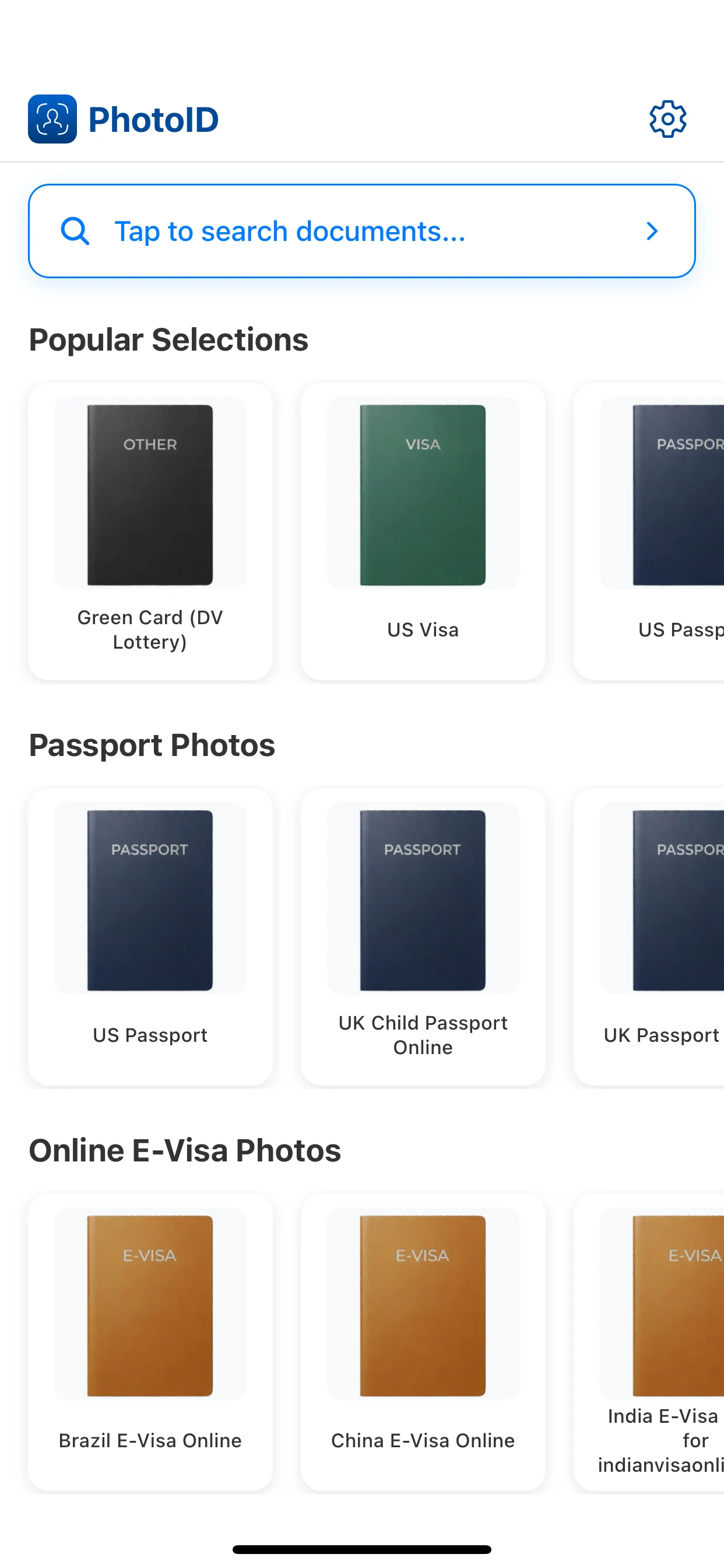
Use PhotoID's built-in camera, then align the face and frame before the final output.
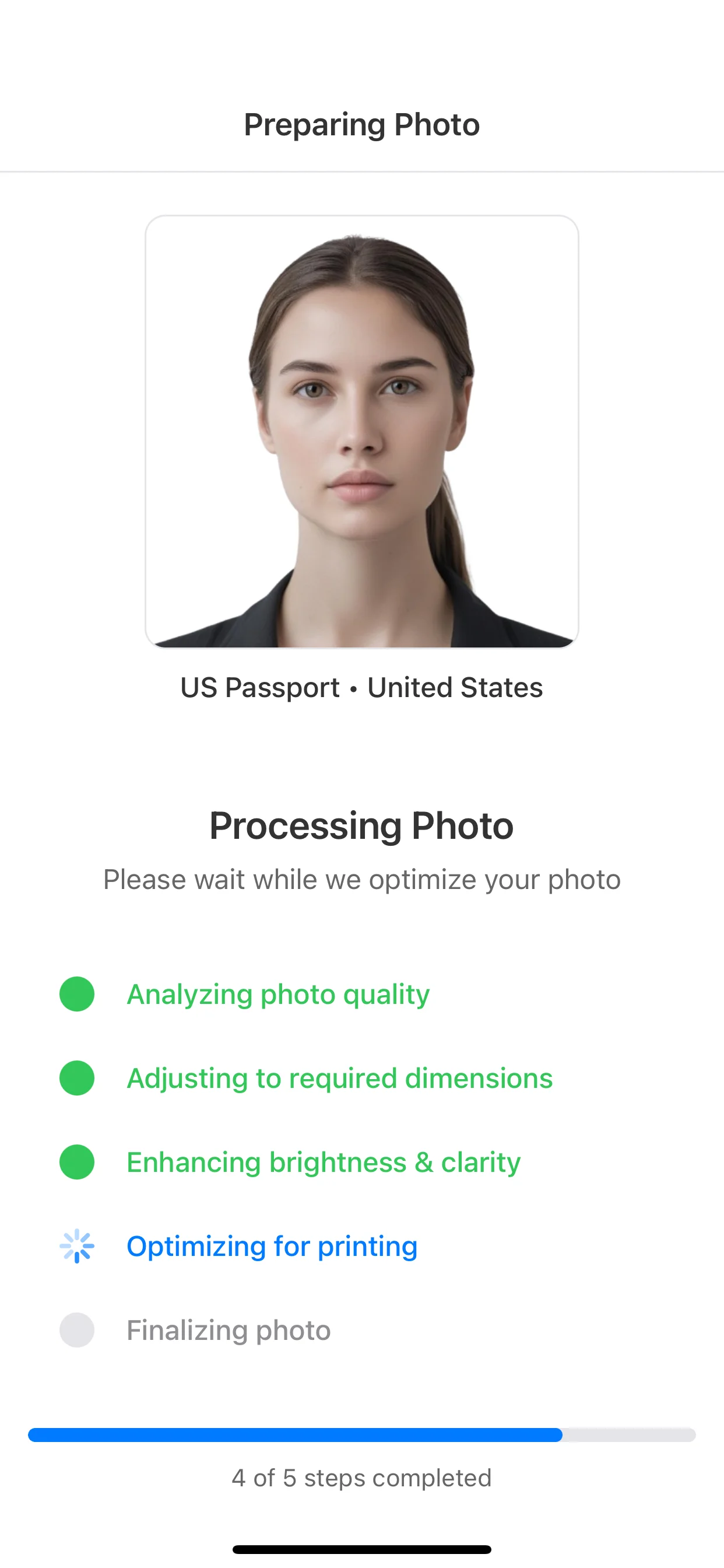
Review background, crop, lighting, face position, and image clarity before export.
Prepare a digital file or print-ready output depending on the document flow.
Passport photo app checker
Use this when your priority is background, crop, lighting, and face-position checks.
How to take a passport photo at home
Use this for capture setup: phone position, lighting, background, pose, and common mistakes.
Passport photo size guide
Compare inches, centimeters, pixels, 2x2, 35x45, and print output sizes.
U.S. passport photo requirements
Use this for document-specific U.S. passport size, head-position, and background rules.
For document-photo preparation, choose an app that supports passport, visa, and ID presets, checks common issues before export, and can prepare digital or print-ready output. PhotoID is designed around that workflow.
A generic editor can resize an image, but it usually does not start from document presets or guide checks for background, crop, lighting, face position, and exact-size output.
No. PhotoID helps prepare and check the photo, but final acceptance is always decided by the passport, visa, ID, or immigration authority.
No. Official document photos should avoid beauty filters, face reshaping, portrait effects, and identity-altering edits. The safer use of an app is checking setup, crop, and output format.
Choose the right preset, check common photo issues, and prepare a result for digital upload or print-ready output.
Available on iOS and Android