
Can you take a passport photo at home?
Yes, if the final photo matches the exact document rules.
Control the background, lighting, camera angle, and pose during capture, then verify the required size and output format before submission.
You can take a passport photo at home if you control the setup: use a plain light background, keep the phone level, use soft front lighting, and match the final image to the correct document size. The capture is only the first step, so always compare the final image against the official rules for your passport, visa, or ID flow.
Best capture setup
Light + level
Keep the camera at eye height, use soft front lighting, and remove wall shadows before shooting.
Best background
Plain and light
White, off-white, or light neutral backgrounds are safer than textured or cluttered rooms.
Important note
A clean home capture does not remove the need to match the final official size, crop, background, and submission rules for the document.
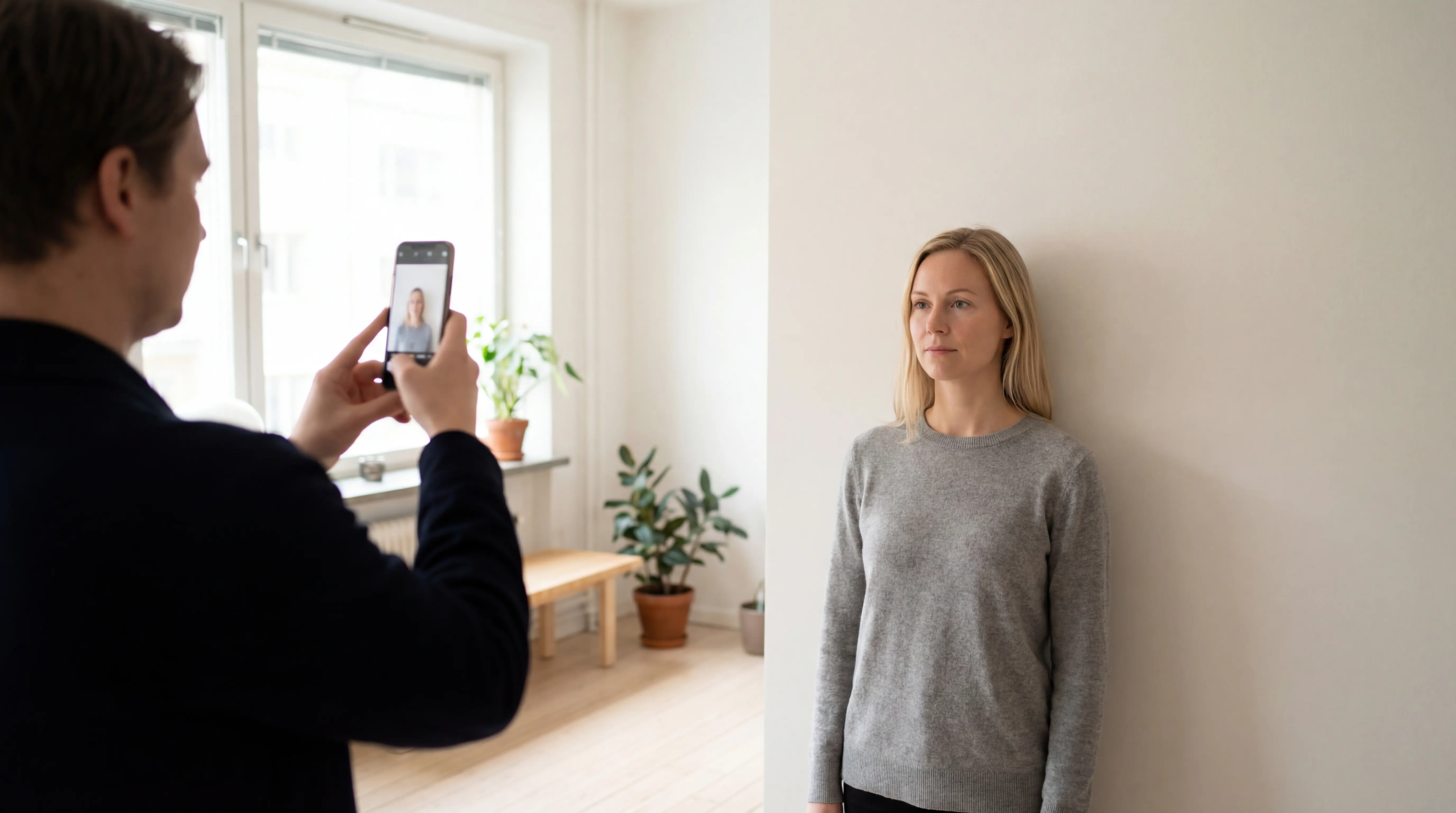
Open the correct document preset and use PhotoID's built-in camera. Keep the phone at eye level, use soft light from the front or side, and leave space between the subject and the wall so the guided capture starts with a cleaner setup.
Start with the capture decisions below, then use the exact passport, visa, or ID rules for the final crop and export.
Yes, if the final photo matches the exact document rules.
Control the background, lighting, camera angle, and pose during capture, then verify the required size and output format before submission.
Keep the phone stable and level with the subject's eyes.
Use a tripod, shelf, or another person instead of holding the phone at arm's length and pointing the camera up or down.
Use soft front light with a plain, evenly lit background.
Window light or two balanced front lights usually work better than overhead light, backlight, or a wall with visible shadows and texture.
Confirm the exact preset, crop, clarity, and print-or-digital rules.
A good capture can still fail if it is exported at the wrong physical size, pixel dimensions, crop, or file format.
Open PhotoID and choose the destination preset before taking the photo so the in-app capture and export flow stays tied to the correct format.
A plain background and a level camera solve more passport-photo problems than editing does.
Harsh shadows on the face or wall are one of the fastest ways to create a non-compliant result.
Document photos are easiest to approve when the face is easy to read and the pose stays neutral.
A good capture still needs the right final format. Print workflows and digital workflows are not always identical.
The safest setup keeps the camera level and makes the face and background easy to review before any crop or export step.
Works when
Soft daylight reaches the face from the front and the wall stays evenly lit.
Watch for
Direct sun, color cast, and a head shadow caused by standing too close to the wall.
Works when
Both sides of the face receive similar light and neither lamp creates harsh shadows.
Watch for
Glare, uneven color temperature, and bright spots on the face or background.
Works when
Only when additional front light removes shadows around the eyes and behind the head.
Watch for
Dark eye sockets, uneven skin tone, and a visible wall shadow.
Works when
Rarely; distance and lens angle are difficult to keep neutral and repeatable.
Watch for
Wide-angle distortion, blur, tilted framing, and an upward or downward camera angle.
Choose the exact document preset first, use PhotoID's built-in camera for the guided capture, review common problems, and prepare the right digital or print output.
Use PhotoID's built-in camera inside the correct document flow, review common quality problems, and export the final result for digital submission or print-ready output.
Start with the target document so the capture and output flow follows the correct format.
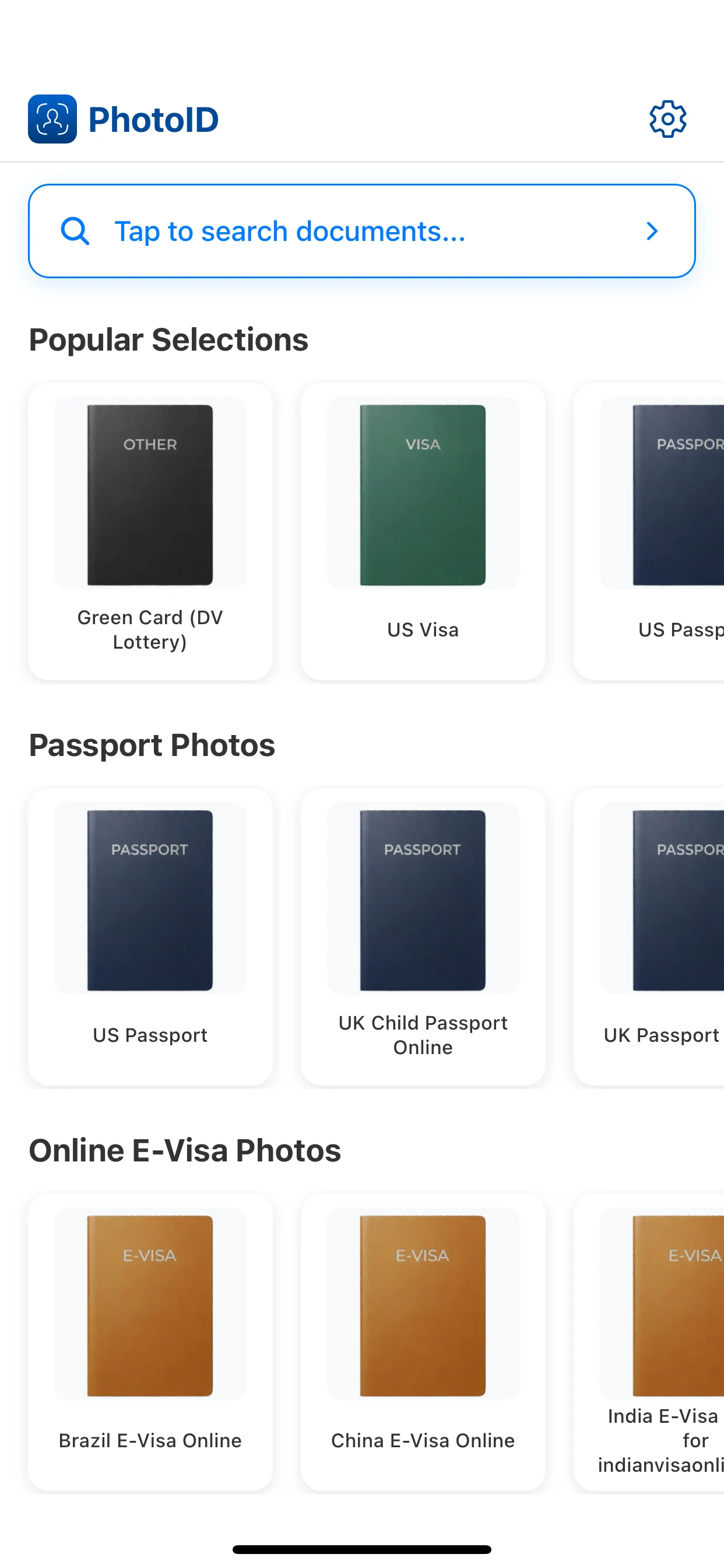
Use PhotoID's built-in camera with a plain background, a centered face, and an even lighting setup.
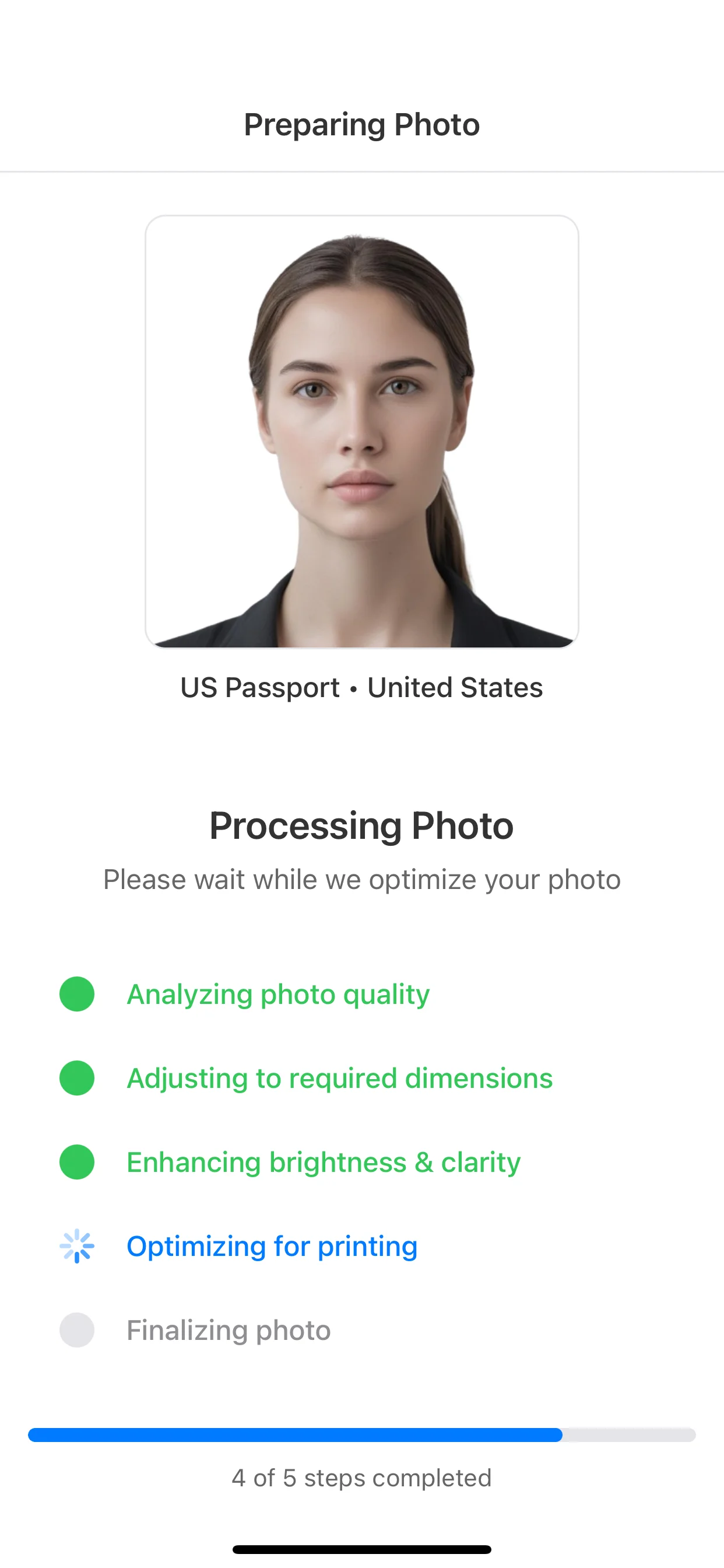
Review background, lighting, face position, and image clarity before you continue.
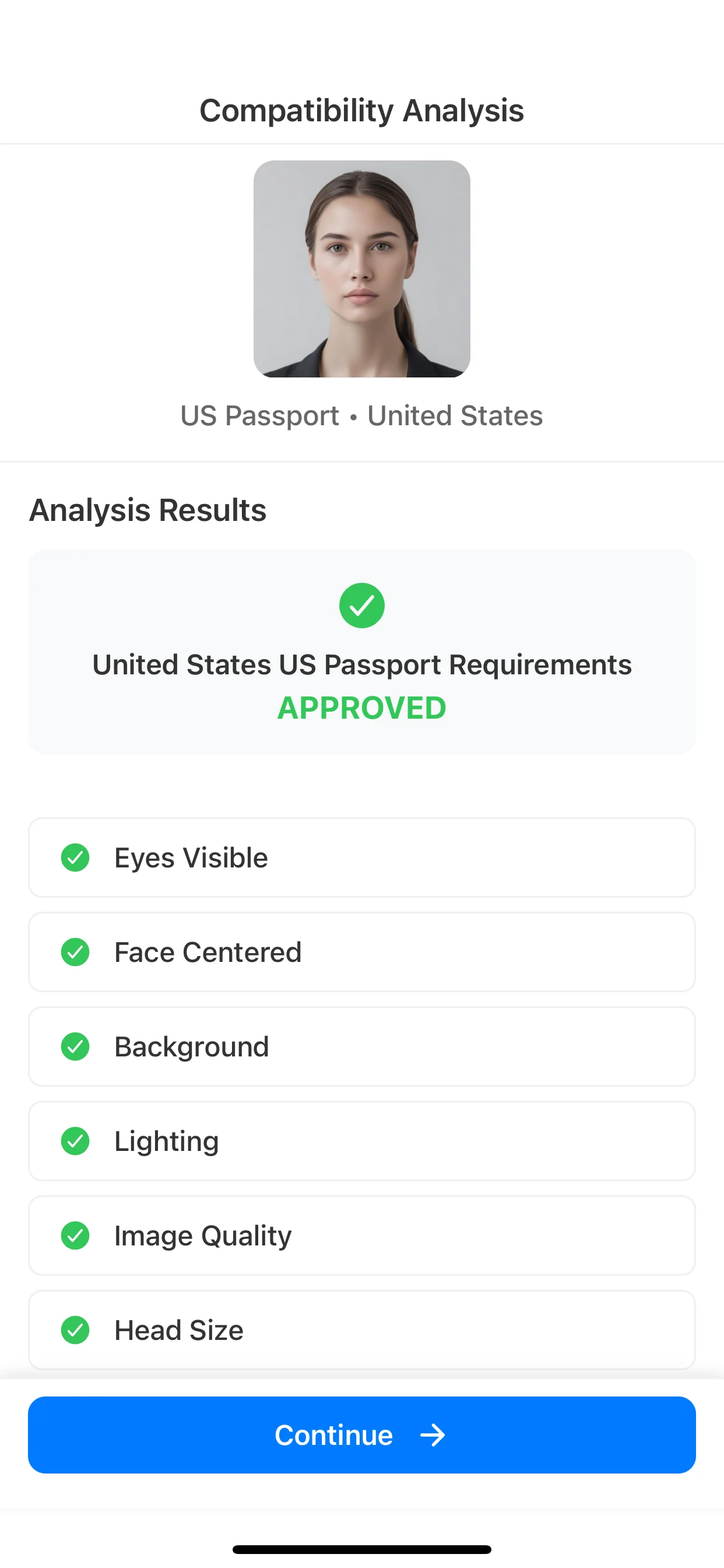
Use the final image for digital submission or a print-ready sheet depending on the document flow.
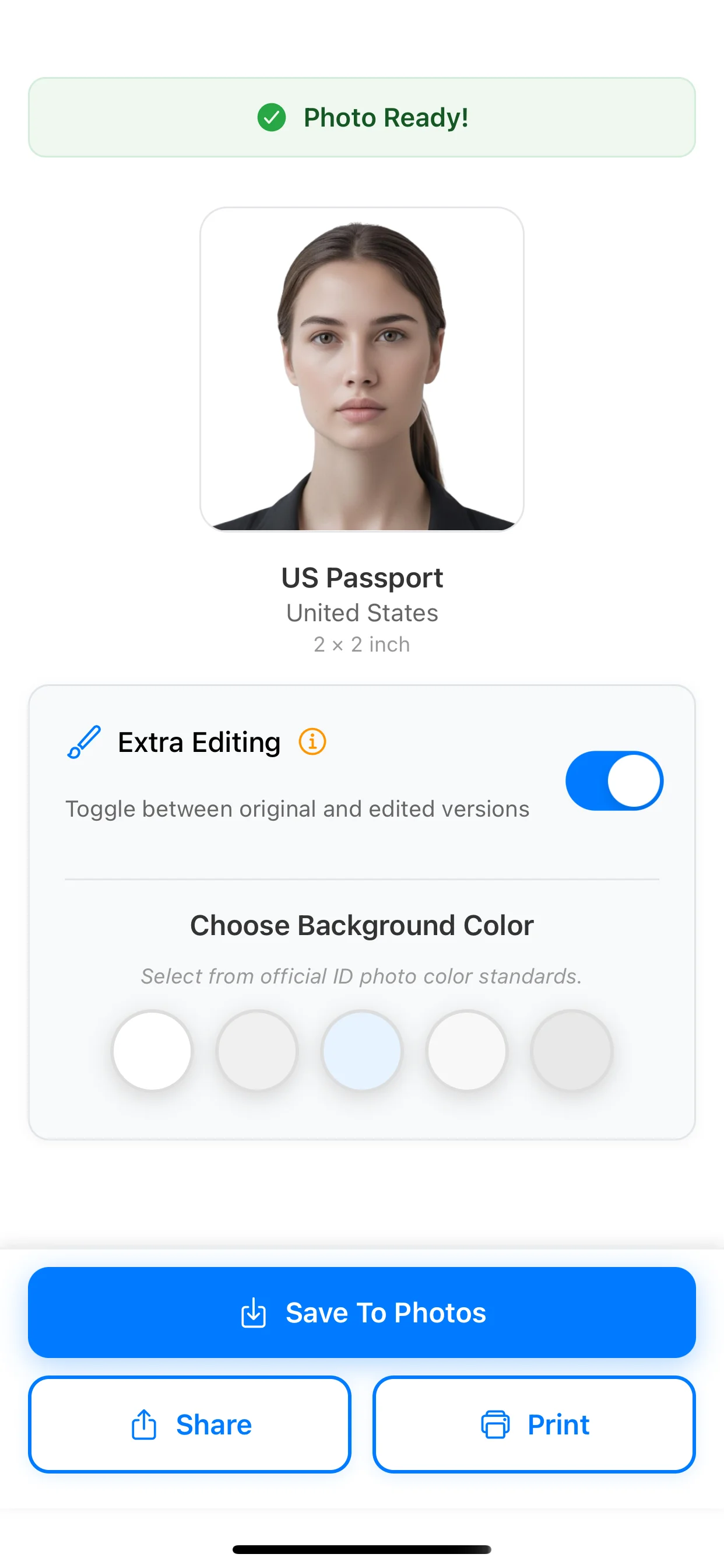
This guide helps with setup and capture. Use the pages below when you need the exact final size or the document-specific rule set.
Passport photo app checker
App checks guide
Use this when you need an app that checks background, crop, lighting, and face position.
Passport photo size guide
Broad size hub
Compare inches, cm, pixels, 2x2, and 35x45 before choosing the final format.
2x2 photo size guide
Exact-size guide
Use this when your document explicitly asks for the U.S.-style square format.
35x45 photo size guide
Exact-size guide
Open this when your document uses the common international 35 x 45 mm format.
U.S. passport photo requirements
Money page
Use the document-specific page for official U.S. size, head-measurement, and rejection guidance.
U.S. visa photo requirements
Money page
Open the visa page when you need digital-image rules rather than only capture advice.
Green card photo requirements
Money page
Useful when your capture flow needs 2x2 guidance plus immigration-specific digital context.
What to wear for a passport photo
Support guide
Use this if clothing, shirt color, or accessories are your main concern before taking the shot.
Baby passport photo
Infant support guide
Open this if your challenge is taking a usable passport photo for a baby, infant, or newborn.
Passport photo background
Background guide
Use this if the main problem is white vs off-white background, shadows, or whether the wall is acceptable.
Yes, if the final image still matches the exact size, background, framing, and quality rules for your document. The safest approach is to treat this page as a capture guide, then verify the specific official requirements before submission.
Yes. Choose the correct document preset in PhotoID, then use the app's built-in camera with steady positioning, even lighting, and a plain background.
Use a plain light background with no visible objects, patterns, or strong shadows. White, off-white, or light neutral backgrounds are the safest starting point for most document flows.
Use soft front-facing light so the face is evenly lit and the background stays clean. Window light or two balanced light sources placed in front of you usually work better than harsh overhead lighting.
For most document flows, keep the expression natural and controlled. A broad smile, head tilt, or anything that changes the shape of the face can create compliance problems.
Many official document systems discourage or disallow glasses because reflections and frame edges can hide the eyes. Check the exact document rules before relying on a photo with glasses.
The answer depends on the document. U.S.-style flows often use 2 x 2 inches, while many international passport, visa, and ID-card systems use 35 x 45 mm or another exact format.
The usual problems are wrong size, strong shadows, cluttered backgrounds, blurry images, bad face positioning, and using heavy edits or beautifying filters before submission.
Choose the right preset, use the built-in camera for guided capture, run AI checks, and prepare a result for online submission or print-ready output.
Available on iOS and Android