Based on official requirements

U.S. Visa Photo Requirements: Size, Digital Image Rules, and Examples

A U.S. visa photo uses the 2 x 2 inch format, and the digital image should be square, in JPEG, and between 600 x 600 and 1200 x 1200 pixels. The photo should be recent, in color, on a white or off-white background, with a direct face view, neutral expression, and both eyes open.

This page summarizes the exact print size, digital upload limits, head-size ratio, common rejection risks, and the difference between preparing a visa image and preparing a standard passport photo.

2 x 2 inches600 to 1200 px squareJPEG up to 240 kBhead size 50% to 69%

Official size

2 x 2 in

Standard physical size used for the U.S. visa photo format.

Digital upload range

600 to 1200 px

Keep the image square, in JPEG, and within the official file-size limit.

Important warning

Final acceptance is decided by the embassy or consulate handling the case. Use the app to prepare and check the image, then compare it against the official visa photo pages before submission.

Official U.S. visa photo requirements

The official reference for U.S. visa photos is the State Department visa photo guidance, especially the digital-image requirements page. Use those pages as the final reference whenever your case involves online upload, embassy instructions, or submission-specific questions.

  • Recent color photo taken within the last 6 months
  • White or off-white background
  • Direct face view, neutral expression, both eyes open
  • No eyeglasses except limited medical exception
  • 2 x 2 inch physical size plus square digital-image rules

Exact physical and digital specifications

Physical size2 x 2 inches
Digital imageSquare JPEG, 600 x 600 px to 1200 x 1200 px
Head sizeAbout 50% to 69% of image height
BackgroundWhite or off-white
ExpressionNeutral expression, both eyes open
EyeglassesNot allowed except limited medical exception
Photo ageTaken within the last 6 months
File size240 kB or less

If your main question is only about the exact square format, open the dedicated 2x2 size guide. If your flow is passport-first instead of visa-first, use the U.S. passport photo requirements page.

Background, face position, and expression rules

  • Use a plain white or off-white background.
  • Face the camera directly with both eyes clearly visible.
  • Keep a neutral expression instead of a casual portrait smile.
  • Use even lighting so the face and background stay free from harsh shadows.
  • Frame the head carefully so it stays within the official digital proportion.

Digital upload checklist

  • Keep the file square rather than portrait or landscape.
  • Stay within the 600 x 600 to 1200 x 1200 pixel range.
  • Export in JPEG format.
  • Keep the file size at or below 240 kB.
  • Avoid repeated compression that reduces sharpness or introduces artifacts.

Digital image rules vs printed photos

The U.S. visa flow uses the same 2 x 2 inch print size many users know from passport photos, but it is more explicit about digital-image submission. That means the pixel range, square format, JPEG requirement, file-size limit, and head-size ratio matter just as much as the physical dimensions.

  • For print: preserve the exact 2 x 2 size and print at 100% scale.
  • For digital upload: keep the image square, sharp, and within the official pixel range.
  • Do not assume that a general passport-style crop automatically satisfies visa upload rules.

Common reasons U.S. visa photos are rejected

  • Wrong print size or a non-square digital image
  • Digital image smaller than 600 x 600 px or larger than 1200 x 1200 px
  • Head framed too small or too large for the digital ratio
  • JPEG file over the 240 kB limit
  • Background shadows, clutter, or off-color backgrounds
  • Glasses worn without a valid medical exception
  • Old, blurry, or low-quality photos that do not match current appearance

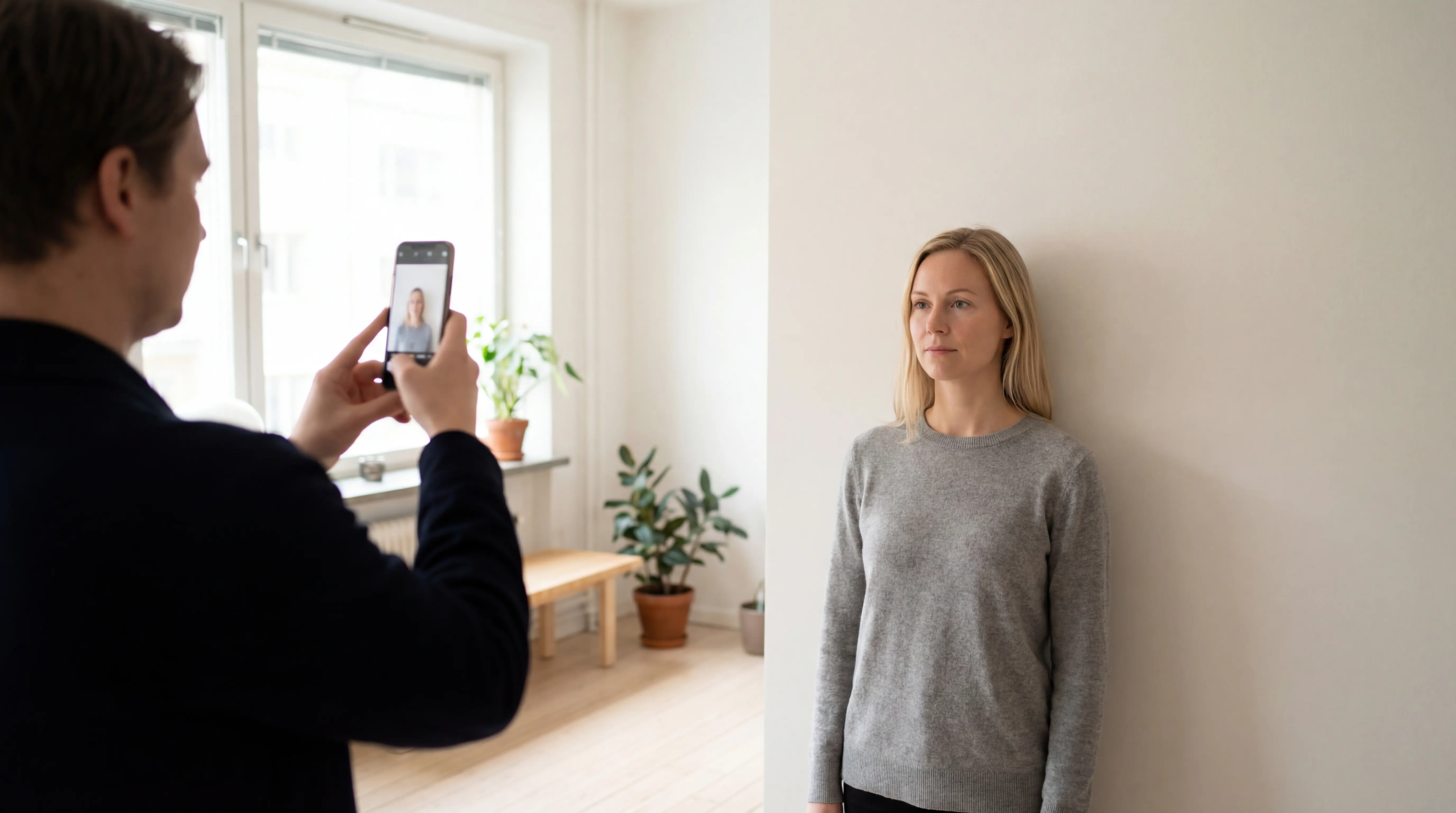
How to take a compliant U.S. visa photo at home

A home-taken visa photo can work if the setup stays controlled: plain background, soft front lighting, direct face view, and a final export that matches the digital upload rules. Use the dedicated at-home passport photo guide when you need the full capture checklist.

Conformity checklist

  • Keep the photo in the exact 2 x 2 inch format when a print output is needed.
  • Use a square digital image between 600 x 600 and 1200 x 1200 pixels.
  • Make sure the head fills about 50% to 69% of the digital image height.
  • Use a plain white or off-white background with even front lighting.
  • Keep the face recent, centered, and clearly visible with both eyes open.
  • Export as JPEG and keep the file size at or below 240 kB.

How PhotoID helps

PhotoID helps with guided capture, square-format preparation, and AI checks for common issues like framing, lighting, background, and image clarity. It should be used as a preparation and checking layer, while the official U.S. visa photo pages remain the final submission reference.

How PhotoID fits this flow

Prepare a U.S. visa photo with stronger digital-rule awareness

Choose the visa preset, review common issues, and compare the final result against the official digital-image requirements before submission.

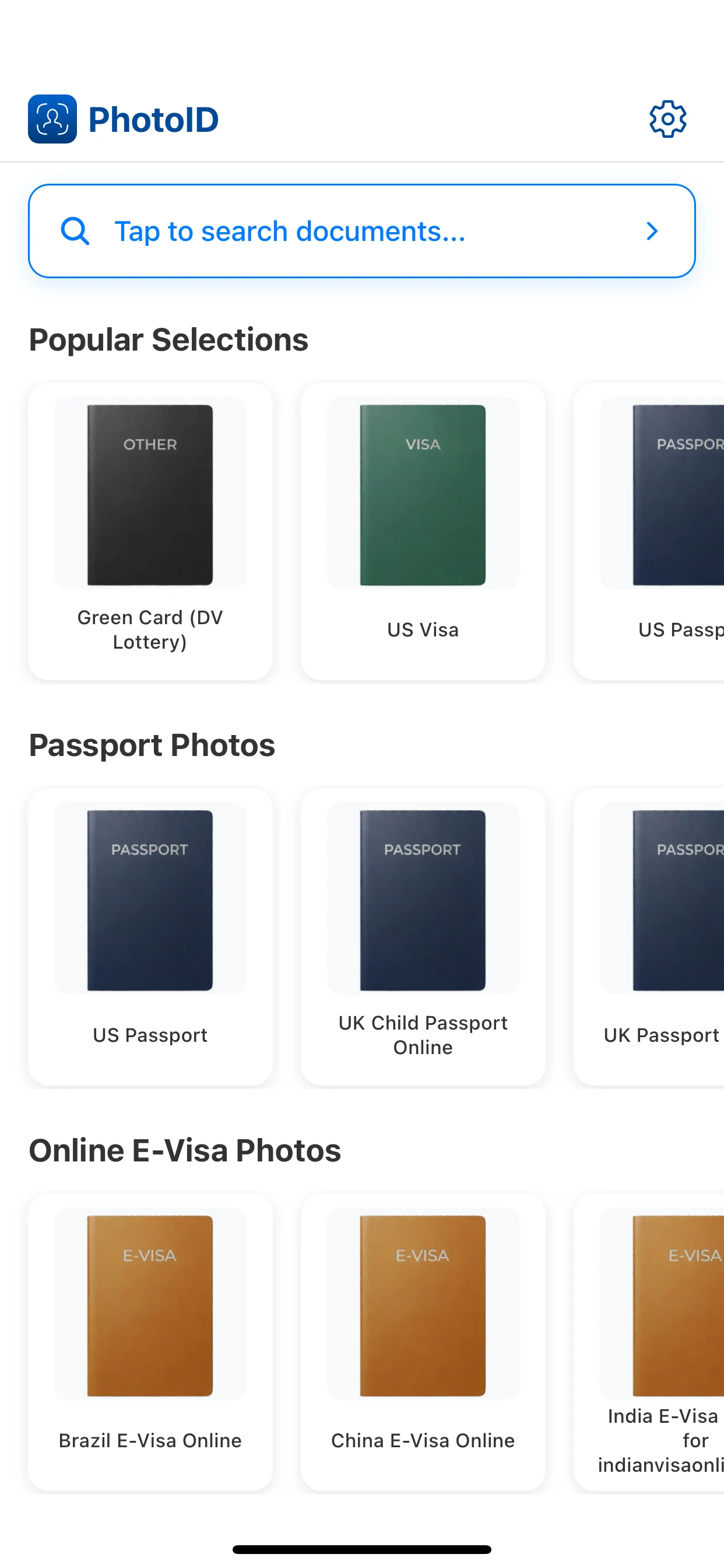
Choose the U.S. visa preset

Start with the visa format so the app uses the correct square framing and size logic.

1
Choose the U.S. visa preset

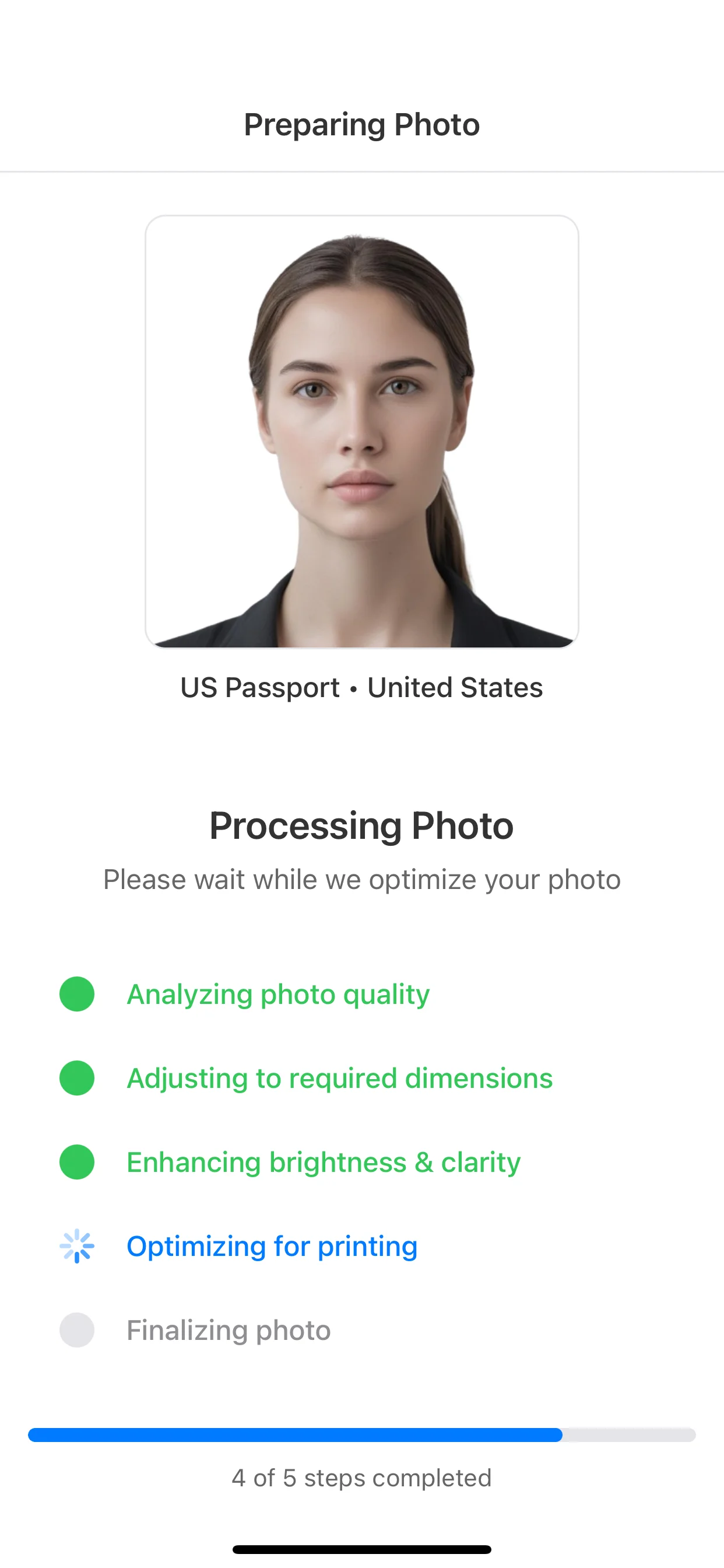
Prepare the image

Keep the face centered and the background clean before moving to the final result.

2
Prepare the image

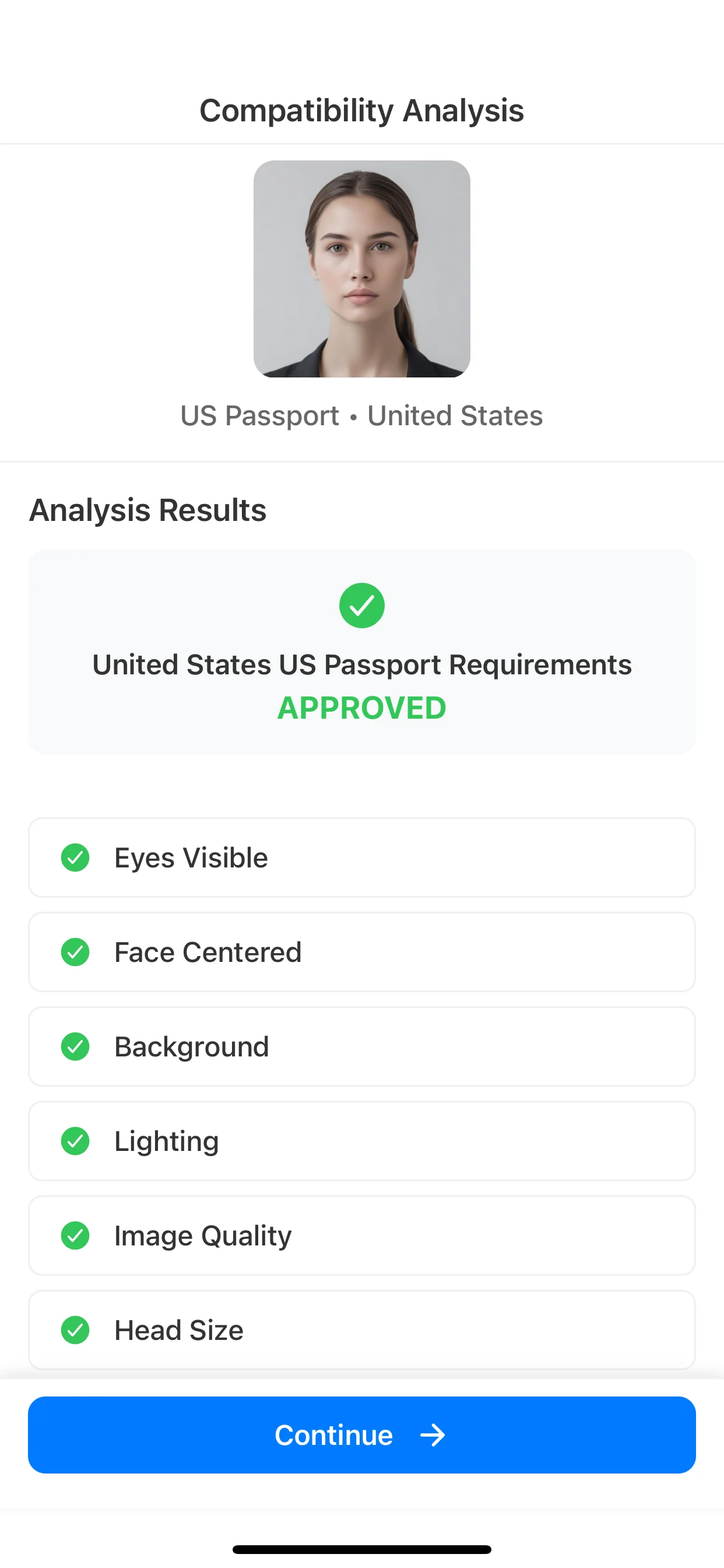
Run AI checks

Review common issues like background, face position, lighting, and overall image clarity.

3
Run AI checks

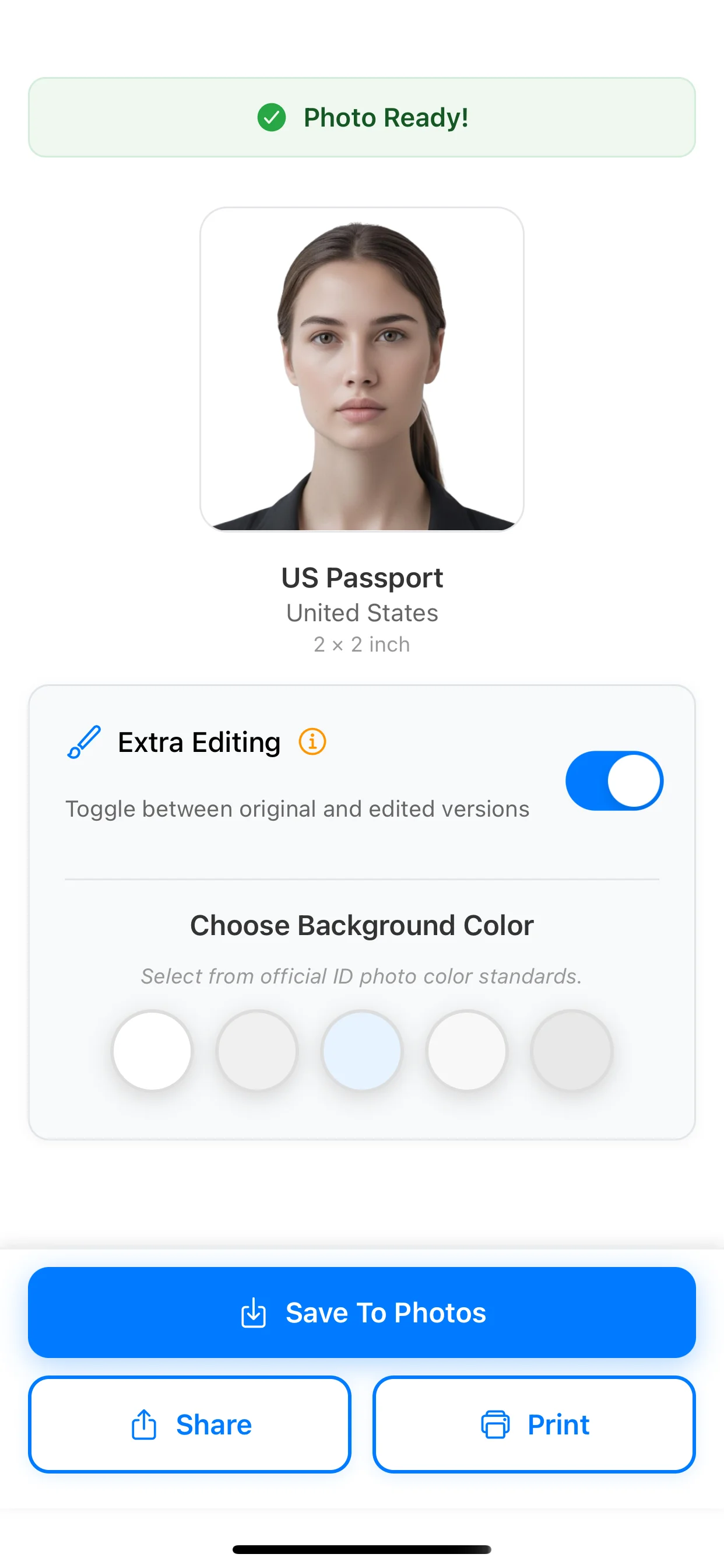
Export for upload review

Use the final result as a prepared square image, then compare it against the official digital rules before submission.

4
Export for upload review

Related pages

FAQ

What size is a U.S. visa photo?

A U.S. visa photo uses the 2 x 2 inch physical format. That is the print-size rule, but many visa flows also need a matching square digital image.

What are the digital dimensions for a U.S. visa photo?

The digital image should be square, at least 600 x 600 pixels and no larger than 1200 x 1200 pixels.

What file format is required for a U.S. visa photo?

The digital file should be a JPEG image and should not exceed 240 kB.

What head size is required in a U.S. visa photo?

For the digital image, the head should take up about 50% to 69% of the total image height.

Can you wear glasses in a U.S. visa photo?

No, not in normal cases. Official guidance allows glasses only for limited medical exceptions with supporting documentation.

Can you smile in a U.S. visa photo?

Keep a neutral expression with both eyes open and face the camera directly. The goal is a clear front view, not a casual portrait pose.

Is a U.S. visa photo the same as a U.S. passport photo?

The print size overlaps at 2 x 2 inches, but the visa page has stronger digital-image rules, including square-pixel limits, JPEG format, file-size limits, and head-size guidance.

Who decides whether a U.S. visa photo is accepted?

Final acceptance is determined by the embassy or consulate handling the case. Use the official visa photo guidance as the final reference before submission.

Create this format

Create a U.S. visa photo in the app

Use the U.S. visa preset, run AI checks for common issues, and prepare a square result for digital submission review.

Available on iOS and Android