Based on official requirements

Green Card Photo Requirements: Size, Rules, and Digital Submission Tips

Green Card and DV-lottery-style photo workflows commonly use the 2 x 2 inchpassport-style format. The image should be recent, in color, and taken against a plain light backgroundwith a clear forward-facing pose.

This page explains the exact size, common rejection risks, the difference between general immigration filing guidance and DV-specific digital-entry support, and how to prepare the file without overclaiming a single universal rule.

2 x 2 inchesplain light backgroundpassport-style photodigital submission matters

Common size

2 x 2 in

The standard passport-style size used in many Green Card and DV-lottery-style flows.

Digital nuance

Check the filing path

DV-style digital rules and category-specific USCIS instructions can matter as much as the print size.

Important warning

Do not treat every Green Card filing path as one identical legal rule. Use the app to prepare the image, then check the exact official instructions for your USCIS category or DV workflow before submission.

Official Green Card and DV-lottery photo guidance

The official sources do not present one single universal Green Card photo rule for every category. USCIS filing paths vary, but passport-style photo standards appear repeatedly in immigration workflows, and the State Department DV guidance explicitly uses the 2 x 2 inch format.

  • Green Card filing paths can vary by category
  • USCIS processes can involve photos and biometrics
  • Registry guidance explicitly mentions two passport-style photos
  • DV guidance requires two identical 2 x 2 inch photos
  • Digital-entry details can matter in addition to the physical dimensions

Official sources

USCIS filing guidance and the U.S. Department of State photo guidance for passport-style image requirements.

Exact size and practical image rules

Common size2 x 2 inches
StylePassport-style color photo
BackgroundPlain light background
Photo ageRecent photo
DV noteTwo identical photos for DV-style guidance
Digital noteOnline submission rules can matter as much as print size

If your main question is the square format itself, open the dedicated 2x2 size guide.

Background, face position, and image quality

  • Use a plain light background with no visible objects or patterns.
  • Keep the face centered and clearly visible in a direct front view.
  • Use even lighting so the face and background stay easy to read.
  • Keep the image sharp, recent, and free from obvious compression damage.
  • Avoid heavily edited, filtered, or beautified output.

Common Green Card photo mistakes

  • Wrong size or crop
  • Low-resolution digital file or poor print quality
  • Shadows, background objects, or uneven lighting
  • Face too small, too large, or not clearly centered
  • Filtered or heavily altered image output
  • Using DV-style assumptions for a different USCIS filing path without checking the instructions

Digital submission vs printed photos

This page needs to be stronger than a generic passport page on digital nuance. For DV-style flows, digital entry and image handling matter as much as the 2 x 2 size. For other immigration categories, the filing path may still ask for passport-style photos while the surrounding instructions differ.

  • Do not treat 2 x 2 as a print-only rule.
  • Check whether your path cares about digital upload quality, file handling, or appointment-stage capture.
  • Use the official instructions for the exact filing category before submission.

DV lottery notes

Diversity Visa guidance is the clearest place where the official sources explicitly call for two identical 2 x 2 inch photos. This page absorbs that support intent so you do not need a separate DV page yet, but it keeps the distinction clear instead of pretending every Green Card path is identical.

Conformity checklist

  • Use the exact 2 x 2 inch size when your filing path requires passport-style photos.
  • Keep the background plain and light, with even lighting on the face.
  • Use a recent color photo with clear focus and a forward-facing pose.
  • Check whether your process expects printed photos, digital submission rules, or both.
  • Do not assume every Green Card category uses the exact same photo workflow as DV lottery.

How PhotoID helps

PhotoID helps with preset selection, exact size preparation, and AI checks for common image problems like crop, lighting, background, and clarity. It should be used as a preparation layer while the official USCIS or DV instructions remain the final filing standard.

How PhotoID fits this flow

Prepare a Green Card photo with clearer filing-path guidance

Choose the preset, check the image quality, and compare the final result against the exact immigration filing instructions before you submit.

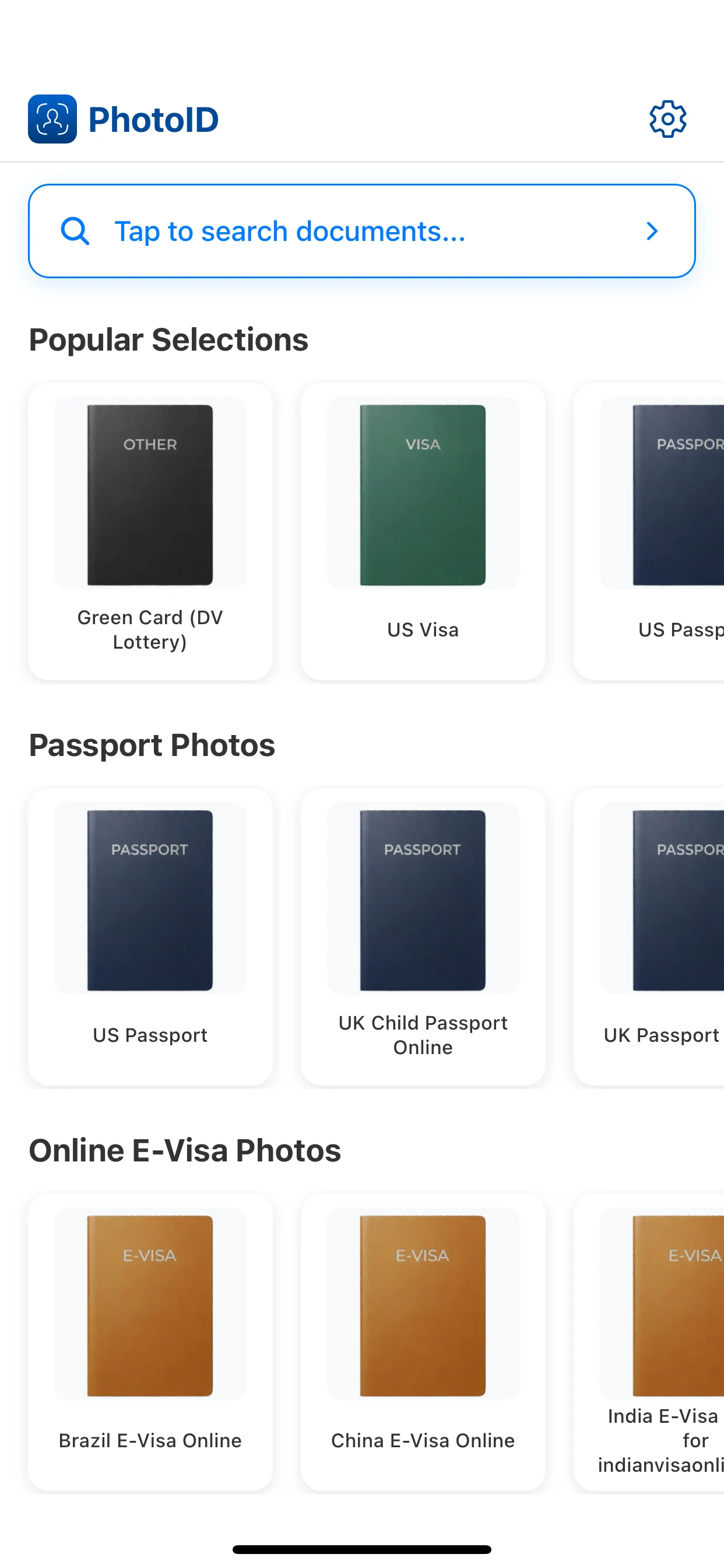
Choose the Green Card preset

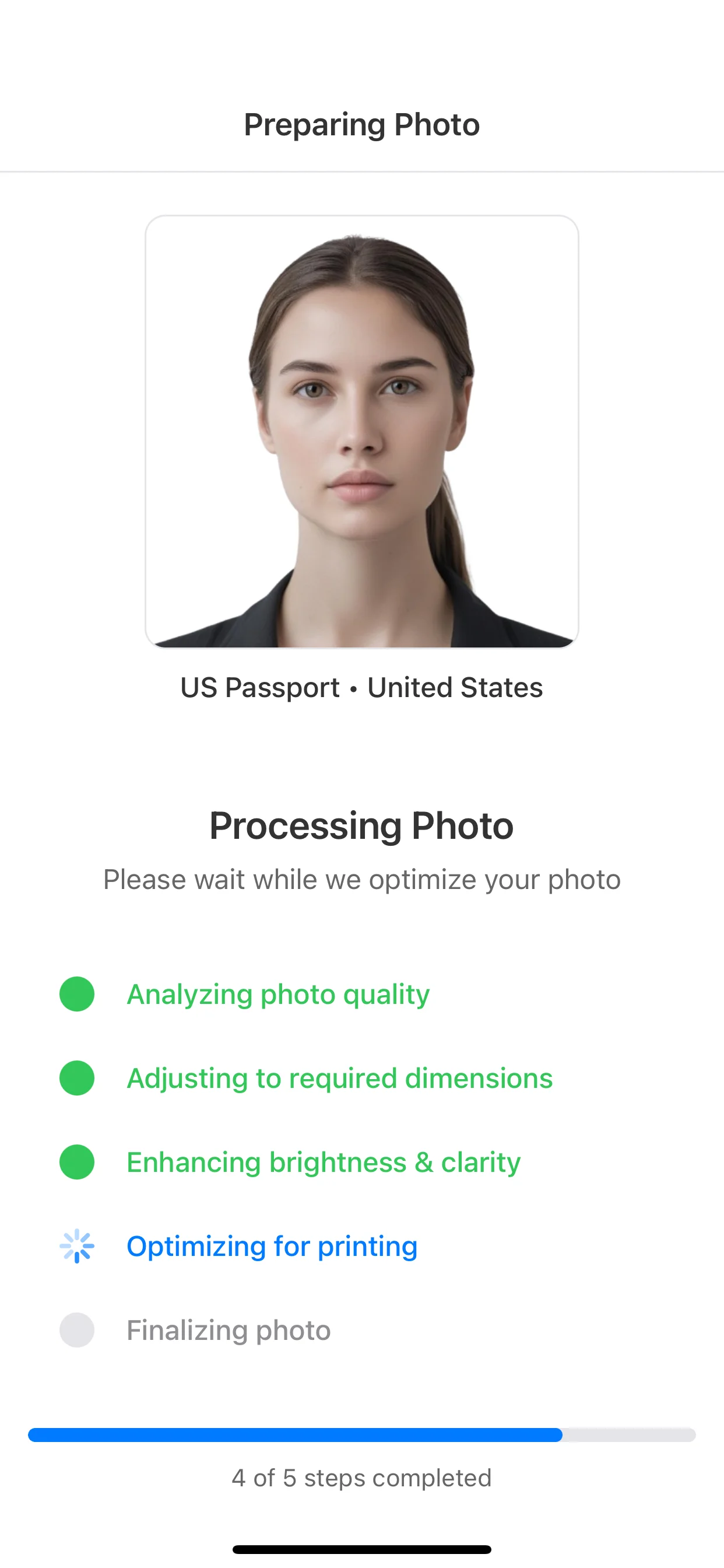
Start with the correct 2 x 2 passport-style format so the image is framed and sized correctly from the start.

1
Choose the Green Card preset

Prepare the image

Position the face clearly and keep the background plain before moving to the result stage.

2
Prepare the image

Run AI checks

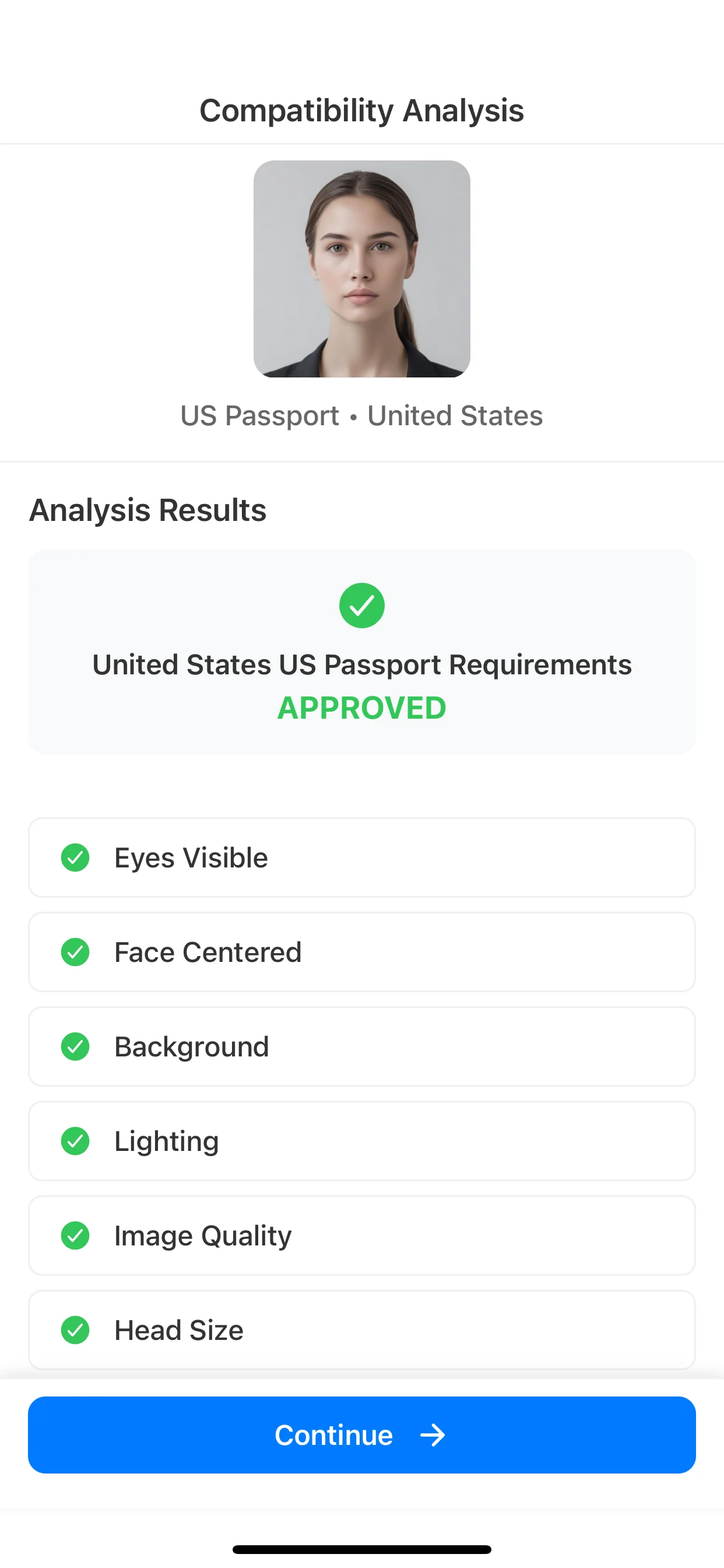
Review common issues like crop, background, lighting, and overall image quality.

3
Run AI checks

Compare with the filing path

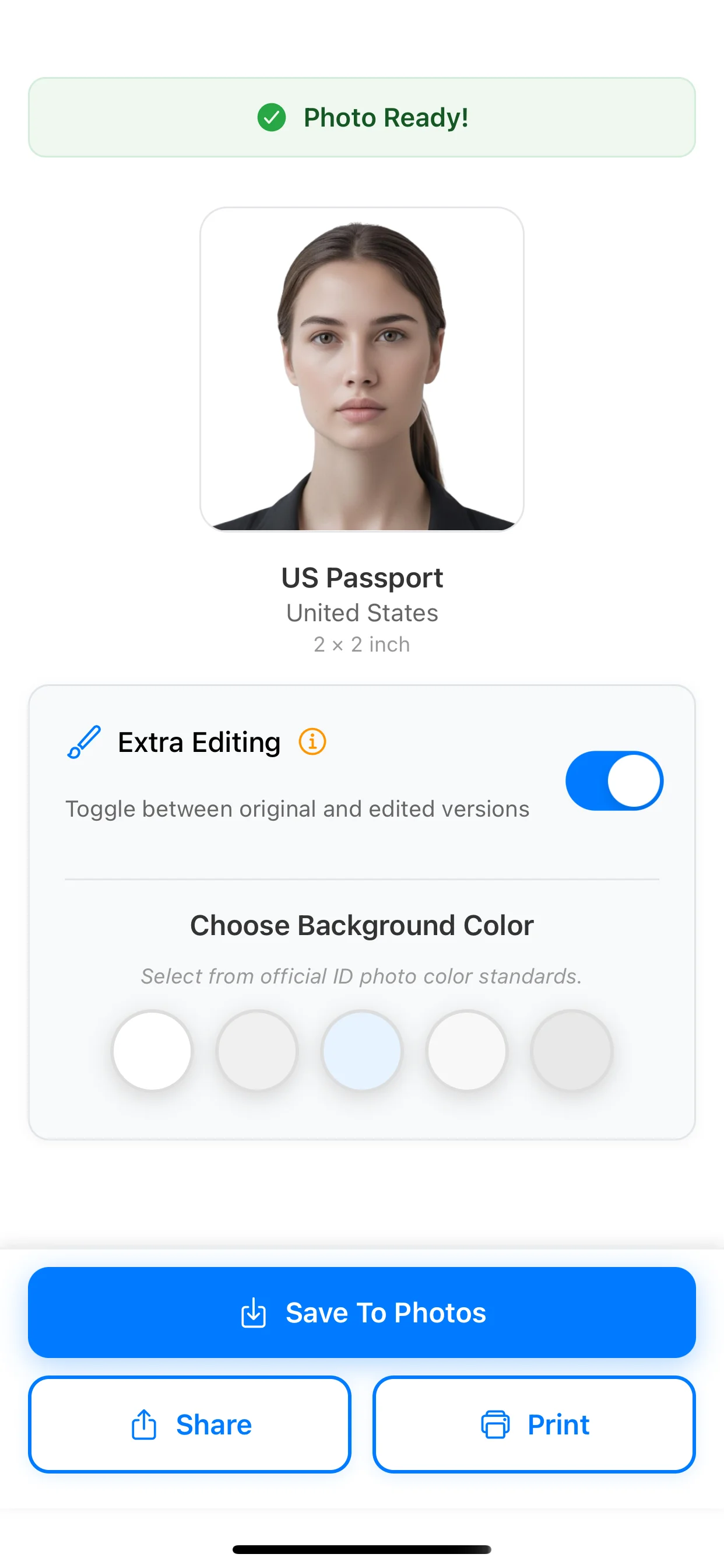
Use the result as a prepared photo, then compare it to the specific USCIS or DV filing instructions before submission.

4
Compare with the filing path

Related pages

FAQ

What size is a Green Card photo?

Green Card and DV-lottery-style photo workflows commonly use the 2 x 2 inch passport-style format. You should still confirm the exact filing instructions for your category before submission.

Are Green Card photos 2x2?

Many Green Card-related and DV-lottery-related flows use 2 x 2 inch photos. The safest approach is to follow the specific instructions for your filing path and use the exact 2 x 2 format when it is required.

How many photos do you need for a Green Card application?

The answer depends on the filing path. Some official USCIS and registry-related guidance refers to passport-style photos, while the State Department DV guidance explicitly requires two identical 2 x 2 inch photos.

What background is required for a Green Card photo?

Use a plain light background and keep the face clearly visible, evenly lit, and free from distracting shadows or objects.

Do DV lottery photos use the same size as Green Card photos?

The Diversity Visa photo rules use the same general passport-style 2 x 2 inch format. Digital-entry details can matter as much as the physical size, so do not treat this as a print-only requirement.

Can I take a Green Card photo at home?

Yes, if the final image still meets the required size, background, clarity, and framing rules. The usual risks are wrong crop, low image quality, and background problems.

Can I use an edited or filtered Green Card photo?

Do not rely on filtered, beautified, or heavily edited output. Use the app to prepare the correct size and flag common issues, not to change identity or appearance.

Can I create a Green Card photo in the app?

Yes. PhotoID can help prepare a correctly sized image, review common quality issues, and give you a result that is easier to compare against the official filing instructions.

Create this format

Create a Green Card photo in the app

Use the Green Card preset, run AI checks for common issues, and prepare a result that is easier to compare with the official filing instructions.

Available on iOS and Android