
What does 2x2 photo size mean?
It means the photo is exactly two inches wide and two inches high. Because the format is square, it behaves differently from the more common 35x45 mm portrait format used by many non-U.S. documents.
A 2x2 photo measures 2 x 2 inches, which is the same as 51 x 51 mm or about 5.1 x 5.1 cm. This exact-size format is common for U.S. passport, visa, and green card style photo requirements, but the final digital rules can still vary by document and submission system.
Exact size
2 x 2 in
Square format. Do not stretch or crop it into a portrait ratio.
Metric equivalent
51 x 51 mm
Also approximately 5.1 x 5.1 cm.
Digital caution
Pixels vary
Print pixels are not always the same as a destination system's upload rules.
The job of this page is exact-size ownership: 2 inches wide, 2 inches high, and preserved through export or print. It should not compete with the broader passport-size guide or document-specific pages.
For print, preserve the physical 2 x 2 inch size and disable printer scaling. For digital upload, still check the destination system's pixel and file-size rules.
Use this when the document explicitly asks for a 2 x 2 inch photo.
Use the metric page instead when the requested photo is vertical.
Use this page for exact physical size. For U.S. visa and Diversity Visa workflows, follow the separate pixel and file-size rules. For U.S. passport online renewal, upload the original, unedited capture required by the State Department instead of a processed PhotoID export.
Use the 2x2 preset for a compatible print or digital workflow, then compare the export with the document-specific owner page. Do not use it for U.S. passport online renewal.
It means the photo is exactly two inches wide and two inches high. Because the format is square, it behaves differently from the more common 35x45 mm portrait format used by many non-U.S. documents.
For printing at 300 DPI, a 2x2 image is about 600 x 600 pixels. Treat that as a print-preparation reference, not as a universal digital-upload rule.
2x2
Square format, measured in inches, common in U.S.-style document flows.
35x45
Vertical metric format, common in many European and international documents.
Need the broader comparison? Open the passport photo size guide.
Use the exact-size preset, check common issues, and export only after confirming whether the destination needs print or a supported digital file.
Start with the exact-size preset so the app applies the correct square format.
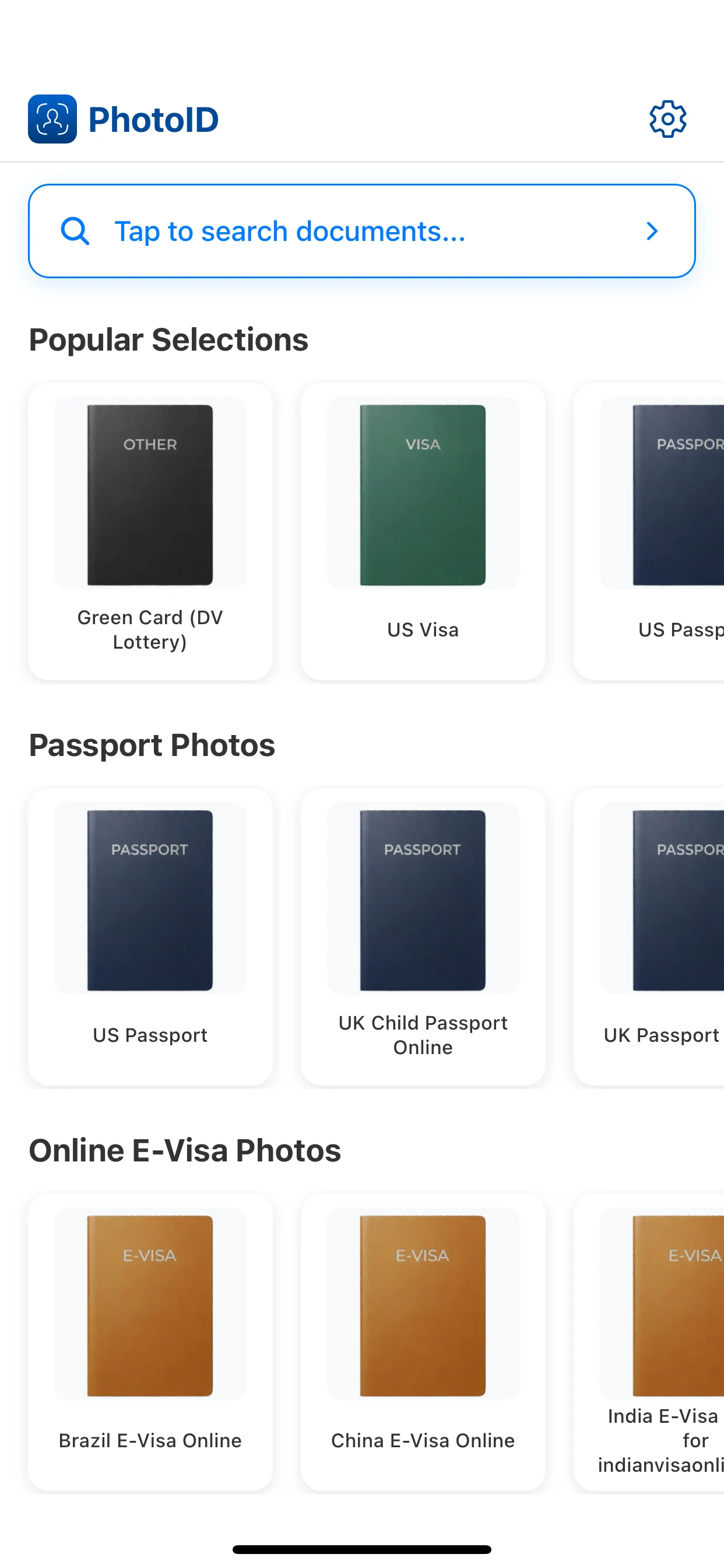
Align the face and crop before export so the final image stays usable.
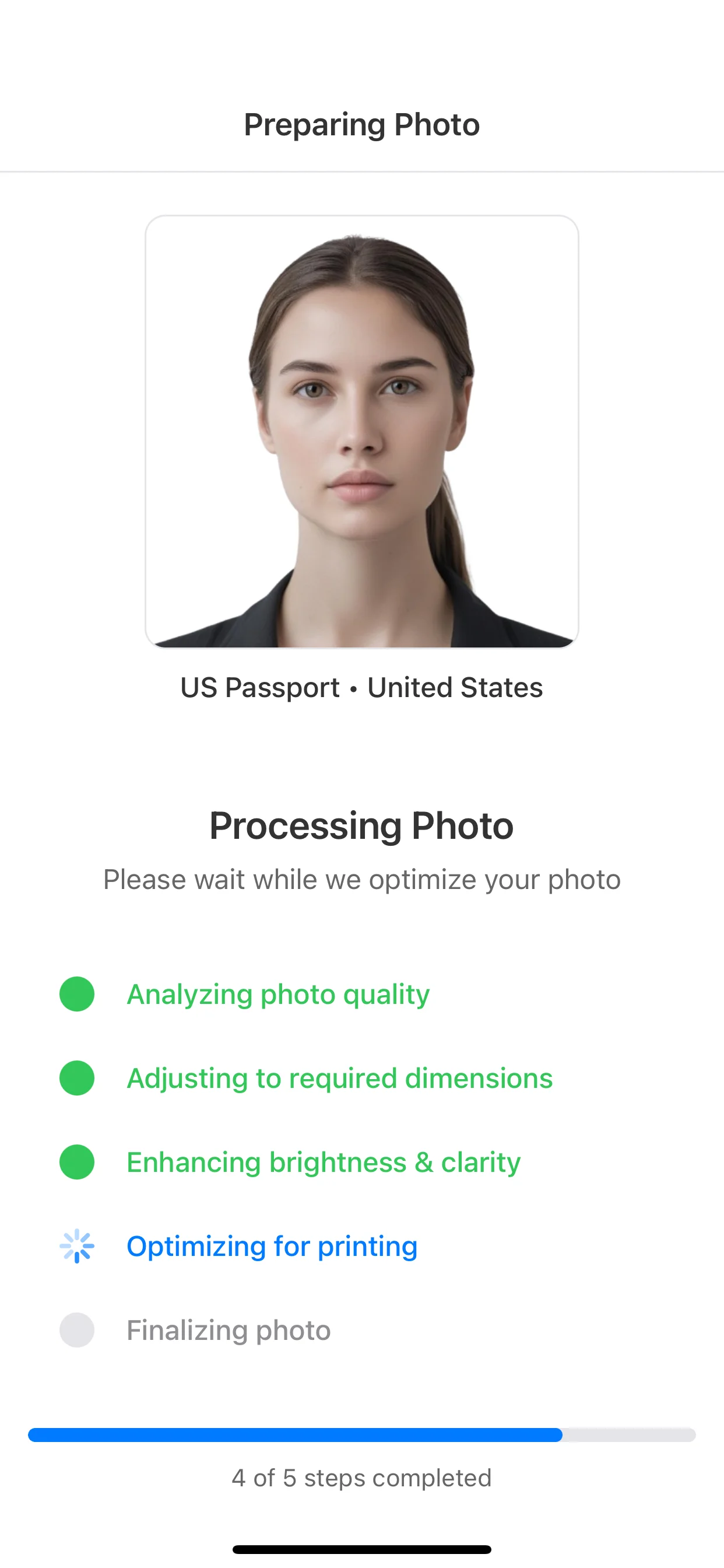
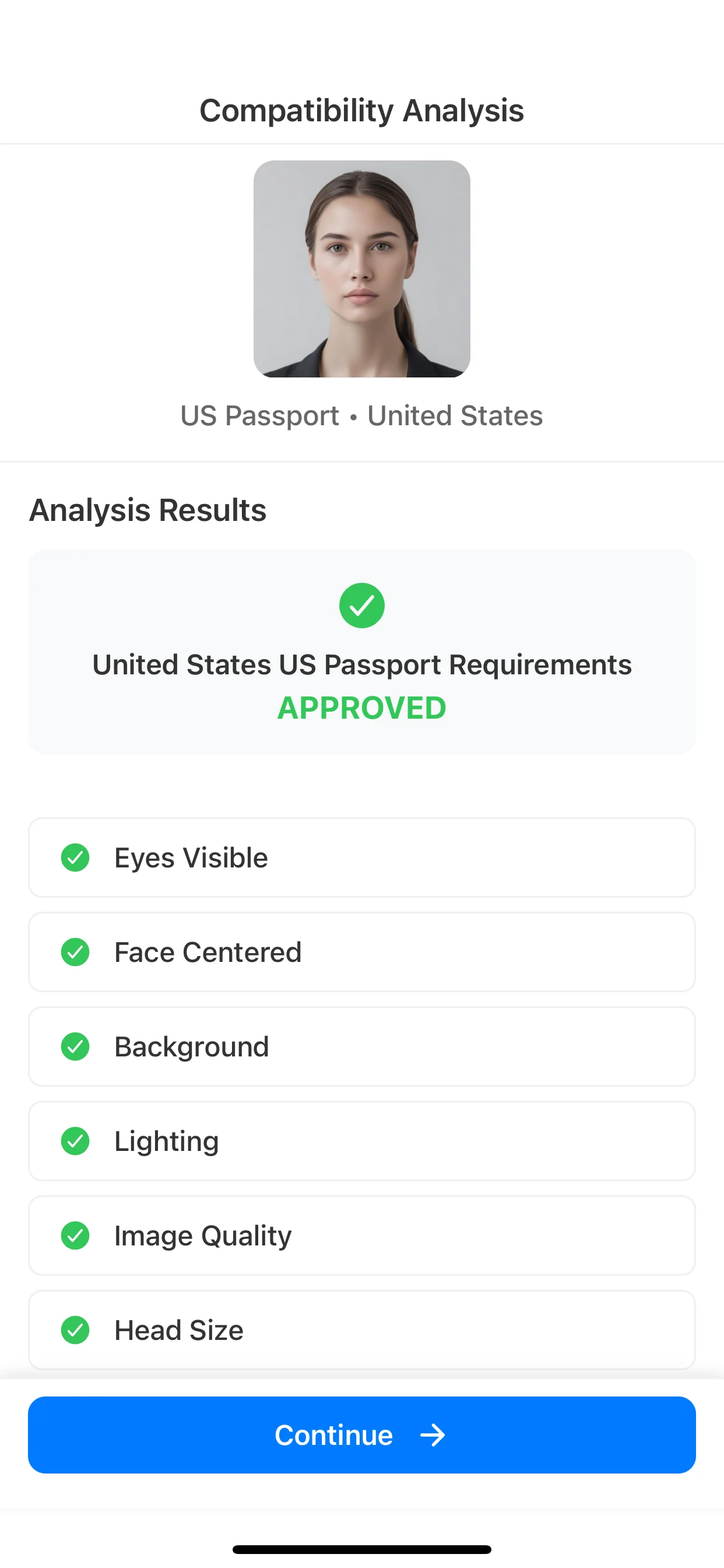
Review background, lighting, face position, and image quality before continuing.
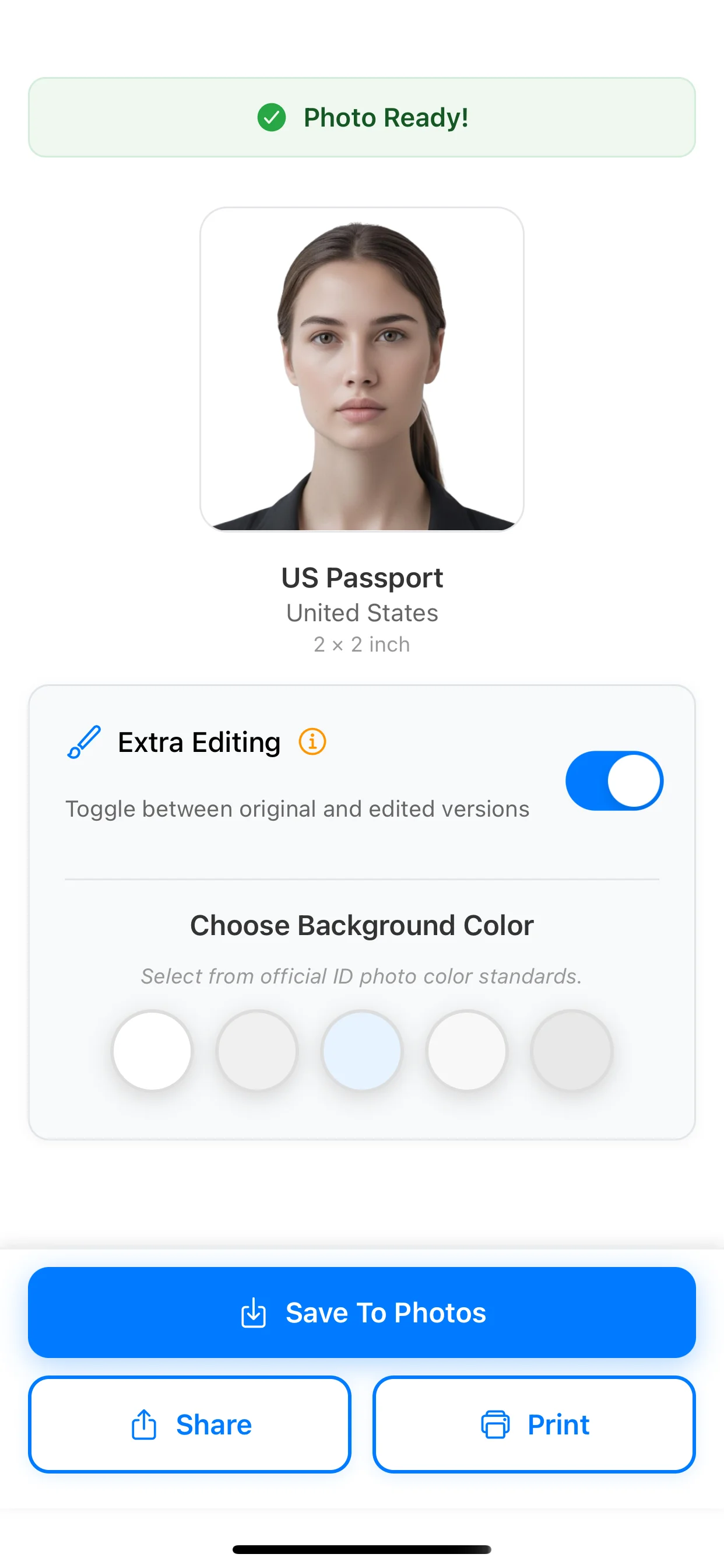
Choose print or a supported digital format only after checking the destination-specific owner page.
U.S. passport photo
2 x 2 inches
Use when you need the full U.S. passport rule set, not just the exact size.
U.S. visa photo
2 x 2 inches
Visa-specific requirements can overlap with 2x2 size but still need their own page.
Green card photo
2 x 2 inches
Separates Form I-485 printed photos from the DV online-entry JPEG.
35x45 mm photo
3.5 x 4.5 cm
Open this if your document uses the common metric alternative instead of 2x2.
How to take a passport photo at home
DIY capture guide
Use this if you need stronger setup, lighting, and background guidance before export.
A 2x2 photo is an exact-size image that measures 2 inches by 2 inches. It is strongly associated with U.S. passport, visa, and green card style document flows.
A 2x2 photo is about 5.1 x 5.1 cm, which is the same as 51 x 51 mm.
There is no universal pixel equivalent. A 2x2 print at 300 DPI is about 600 x 600 pixels, and a Diversity Visa entry specifically uses 600 x 600 pixels. Other digital systems can use different rules; U.S. passport online renewal requires an original, unedited photo rather than a processed 2x2 export.
Print at 100% scale and disable fit-to-page or automatic resizing. Even a small printer scaling adjustment can make the result non-compliant.
The 2x2 exact size is common for U.S. passport, visa, and green card style photo requirements. Always confirm the exact document rules before using the final image.
2x2 is a square format measured in inches, while 35x45 is a vertical format measured in millimeters. They serve different document systems and should not be treated as interchangeable.
Choose the 2x2 preset for a compatible workflow, run checks for common capture issues, and prepare the required print or digital format.
Available on iOS and Android