
What does 35x45 photo size mean?
It means the image is exactly 35 millimeters wide and 45 millimeters high. Because the format is vertical rather than square, it should not be treated as interchangeable with 2x2 or other passport-editor presets.
A 35x45 photo measures 35 x 45 mm, which is the same as 3.5 x 4.5 cm or about 1.38 x 1.77 inches. This vertical metric format is common for many passport, ID card, visa, and driving licence flows outside the U.S., but the final face-size and submission rules still depend on the exact document.
Exact size
35 x 45 mm
Portrait format. Do not crop it into a square or print it with scaling changes.
Metric equivalent
3.5 x 4.5 cm
Same exact format, different unit.
Print reference
413 x 531 px
Approximate pixel size at 300 DPI. Digital upload rules can still differ.
It means the image is exactly 35 millimeters wide and 45 millimeters high. Because the format is vertical rather than square, it should not be treated as interchangeable with 2x2 or other passport-editor presets.
For printing at 300 DPI, a 35x45 image is about 413 x 531 pixels. Treat that as a print-preparation reference instead of a universal upload rule for every digital form.
First identify whether the authority wants a printed photo, a direct file upload, or a code/secure transfer from an approved provider. PhotoID can prepare a 35x45 file or print layout for compatible workflows, but a normal export does not replace an authority-only capture or approved-provider transfer.
| Workflow | What must match | PhotoID fit |
|---|---|---|
| Printed 35x45 photo | Exact 35 x 45 mm physical output plus the document's face and background rules | Supported when the authority accepts a self-prepared printed photo |
| Direct digital upload | Authority-specific pixels, file type, file size, editing, and capture rules | Conditional: verify the exact upload specification before using the export |
| Photo code or secure transfer | Approved photographer, booth, authority capture, or registered-provider transfer | Not replaced by a normal PhotoID file export |
The UK government specifies 45 mm high by 35 mm wide for printed passport photos. It separately publishes digital-photo rules for online applications. This is why 35x45 is a reliable physical-size example, but not a universal digital-upload specification for every country or document.
Official sources
UK government printed and digital passport photo guidance. Last reviewed September 30, 2026.
35x45
Vertical metric format, common in many European and international document flows.
2x2
Square inch-based format, strongly associated with U.S.-style document flows.
Need the broader comparison? Open the passport photo size guide.
Use the exact-size preset, check common issues, and finish with a result ready for print or digital review.
Start with the exact-size preset so the app applies the correct vertical metric format.
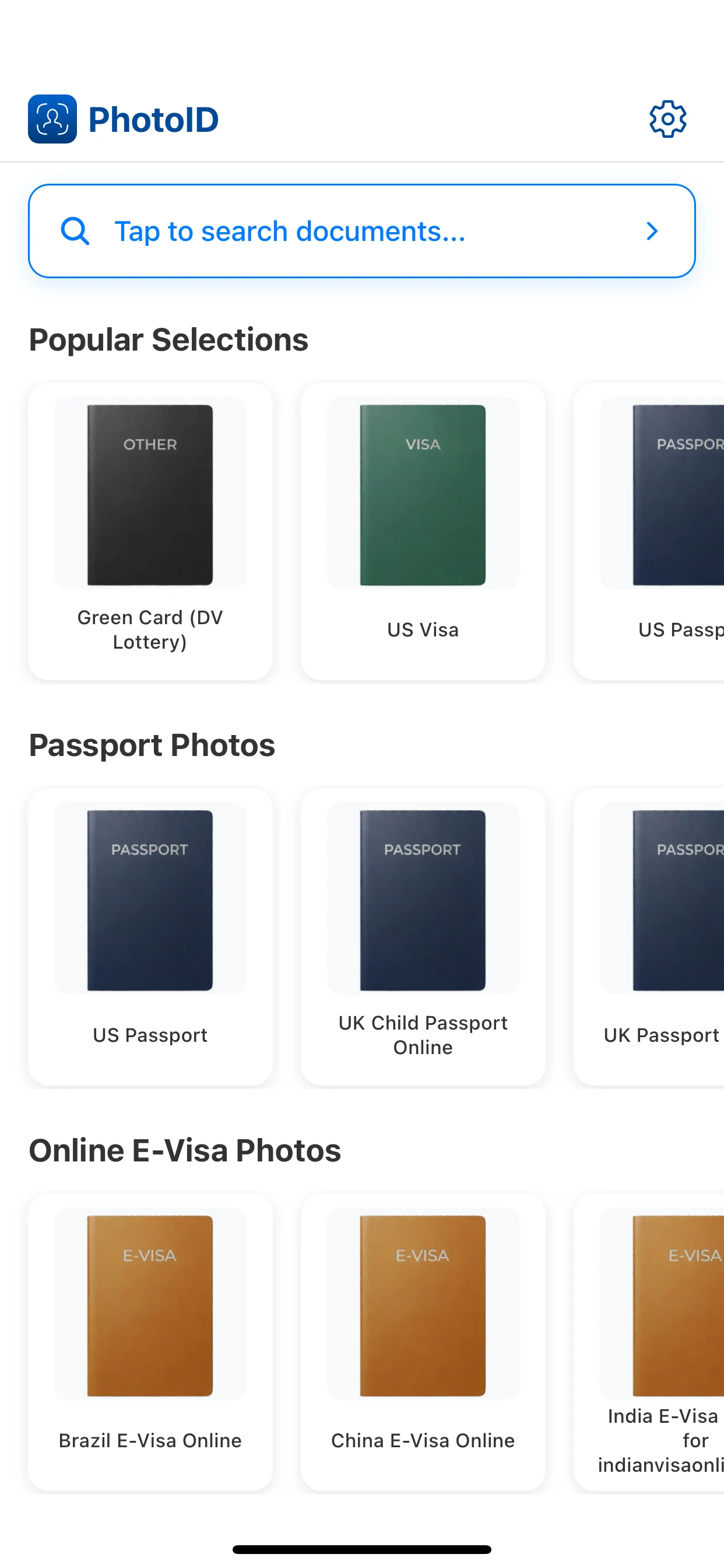
Align the face and crop carefully so the final image stays usable for the document flow.
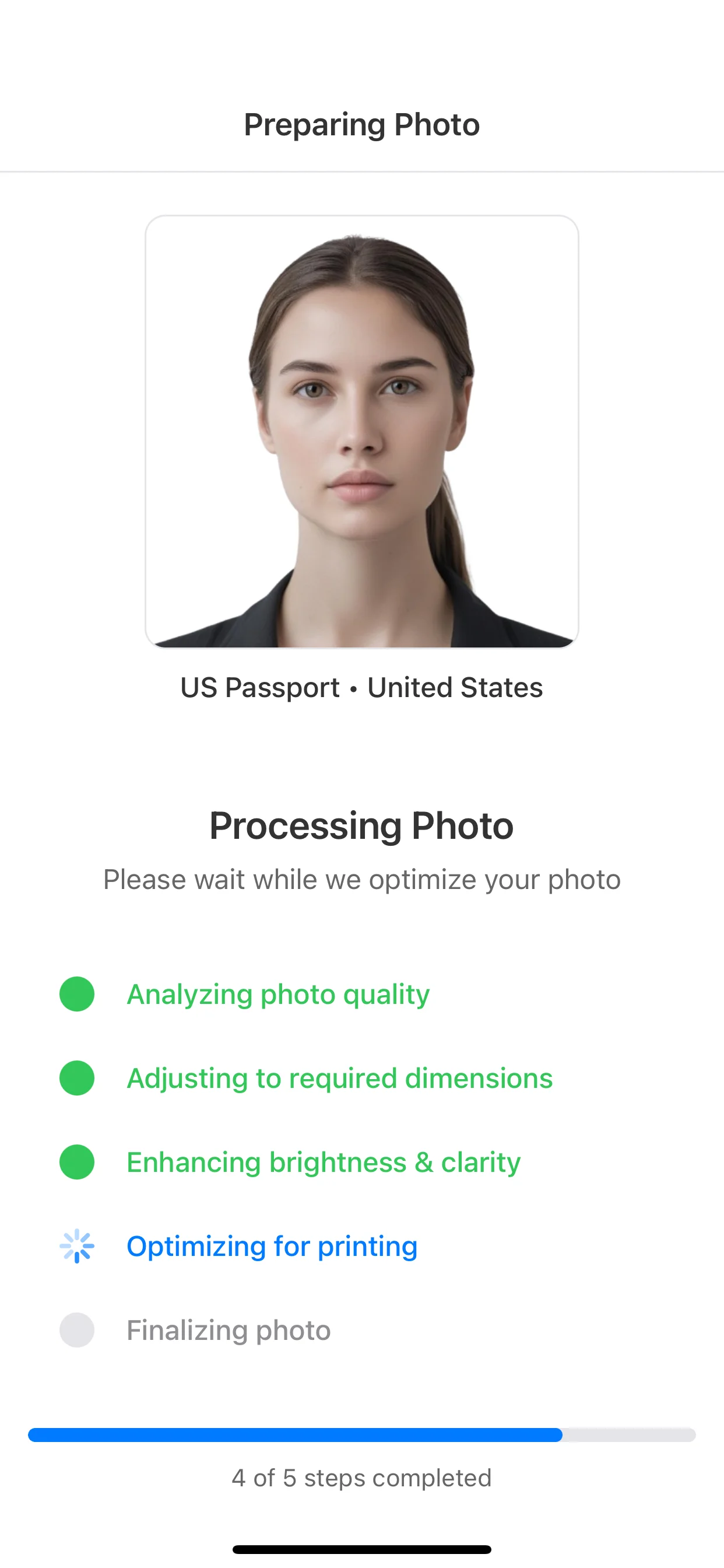
Review background, lighting, face position, and image clarity before export.
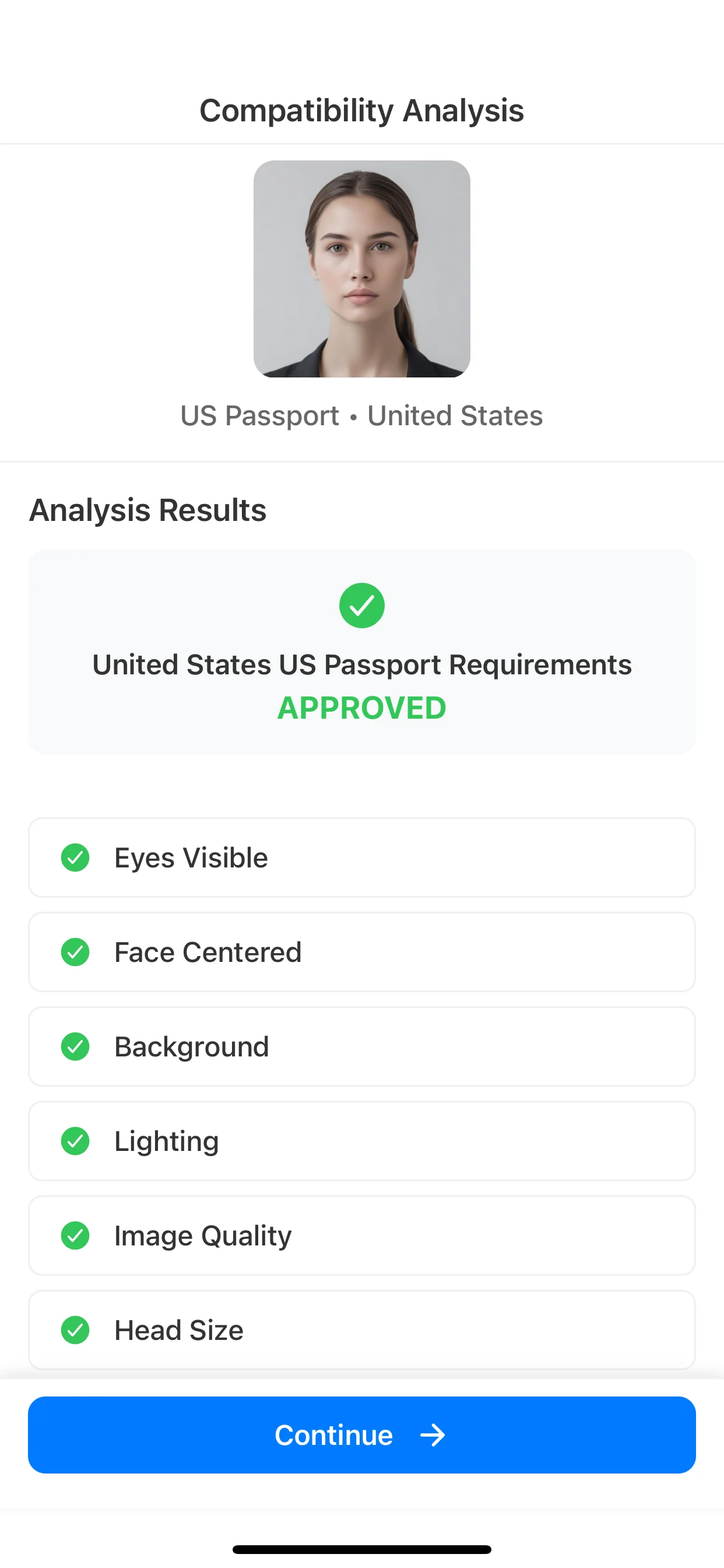
Use the final image for print-ready sheets or digital submission review depending on the destination.
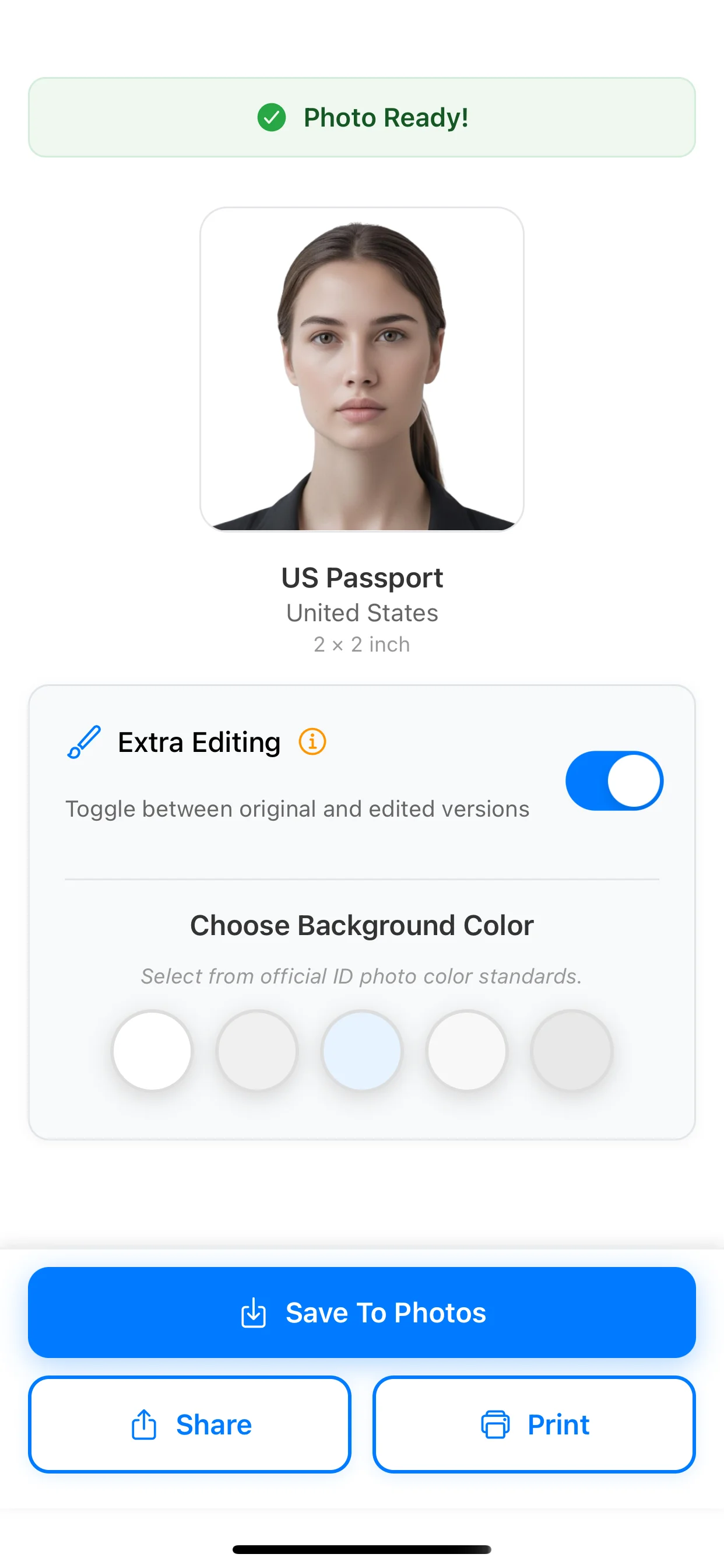
Use the broader size guide when the document is still unknown, or move into capture, checking, and the 2x2 comparison without assuming a specific national workflow accepts a self-prepared export.
Passport photo size guide
Compare formats
Compare 35x45, 2x2, centimeters, inches, pixels, print scale, and digital workflows.
Passport photo app checker
Pre-export review
Review what an app can check and what still requires document-specific verification.
2x2 passport photo size
51 x 51 mm
Open this if your document uses the square U.S.-style alternative instead of 35x45.
How to take a passport photo at home
DIY capture guide
Use this if you need stronger home setup guidance before choosing the final exact-size export.
A 35x45 photo is an exact-size image that measures 35 mm wide by 45 mm high. It is one of the most common portrait photo formats for passports, identity cards, visas, and driving licence style flows outside the U.S.
A 35x45 photo is the same as 3.5 x 4.5 cm. It is the most common way to describe the same exact format in centimeters.
A 35x45 photo is about 1.38 x 1.77 inches. It is a vertical format, not a square photo.
At 300 DPI, a 35x45 print image is about 413 x 531 pixels. Treat that as a print-preparation reference, because some digital upload systems may ask for different pixel limits.
No. 413 x 531 pixels is only an approximate 300 DPI print conversion for 35 x 45 mm. A digital application may require different pixels, file size, an original unedited image, or an approved-provider transfer.
Many identity cards, passports, visas, residence permits, and driving licence flows use 35x45 mm. The exact face-size, background, and expression rules still depend on the specific country and document.
35x45 is a vertical metric format measured in millimeters, while 2x2 is a square format measured in inches. They are not interchangeable and usually belong to different document systems.
Choose the 35x45 preset, run AI checks, and prepare an output only for a workflow that accepts a self-prepared digital file or printed photo.
Available on iOS and Android