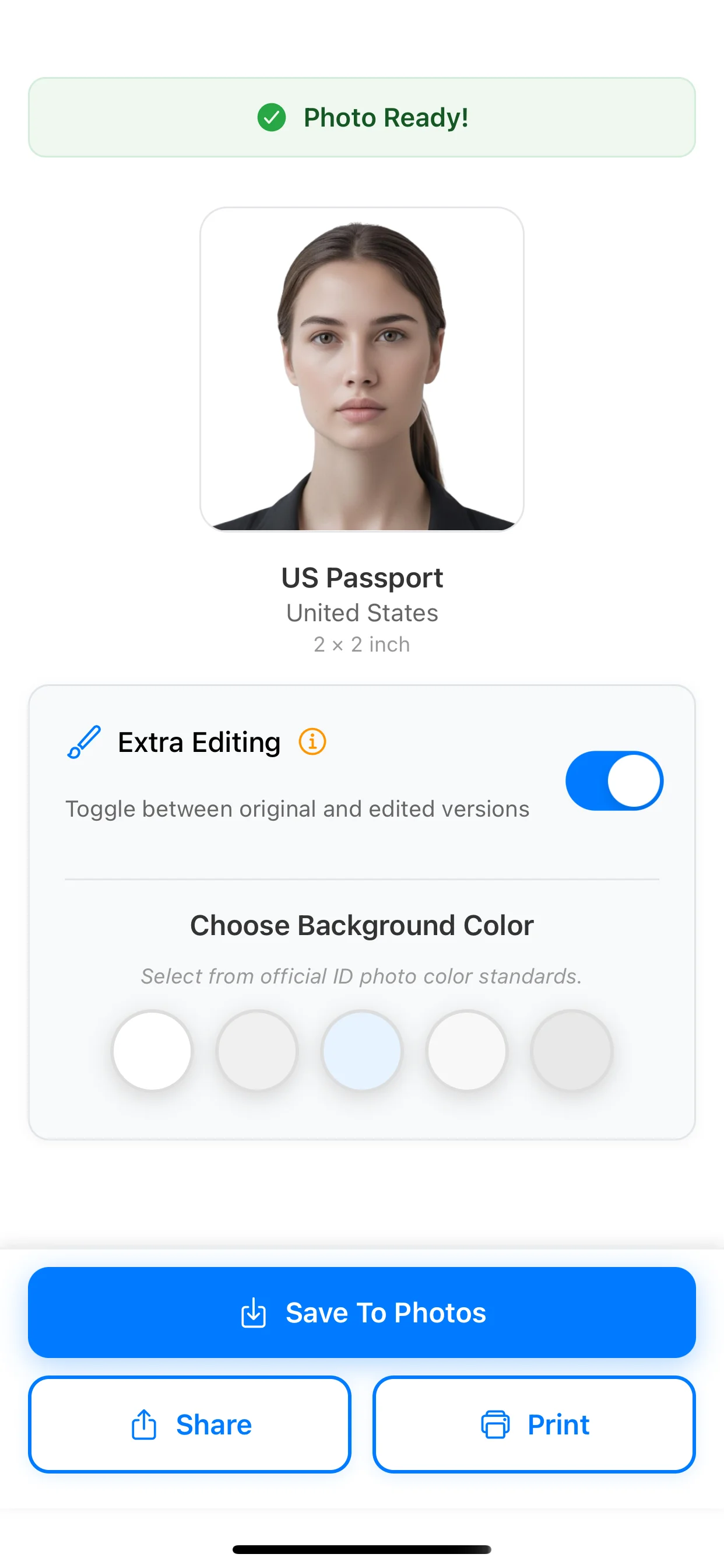
US Passport Photo Size

US Passport requires 2 × 2 inch. PhotoID checks framing, lighting, background, and clarity, then exports an application-ready result in minutes.

This format is commonly used for print submission. Use the exact size to avoid rejection due to scaling or crop mismatch.

Official photo size

2 × 2 inch
PassportUnited StatesPrint format

How PhotoID works for this size

From preset selection to approved output

Start with the US Passport preset (2 × 2 inch), run AI checks, and finish with an export-ready photo for online submission or print-ready output.

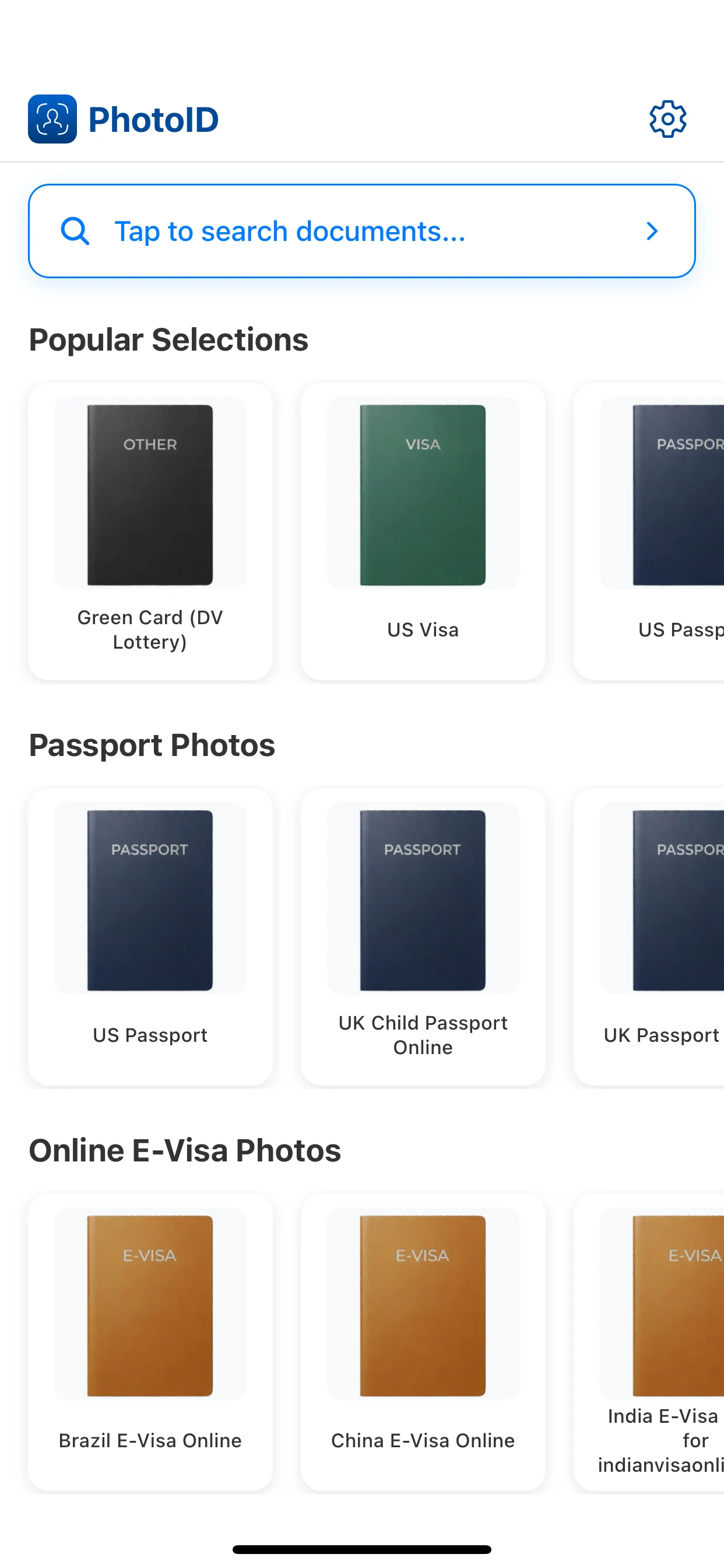
Preset selection

Choose this preset so PhotoID applies the correct 2 × 2 inch rules automatically.

1
Preset selection

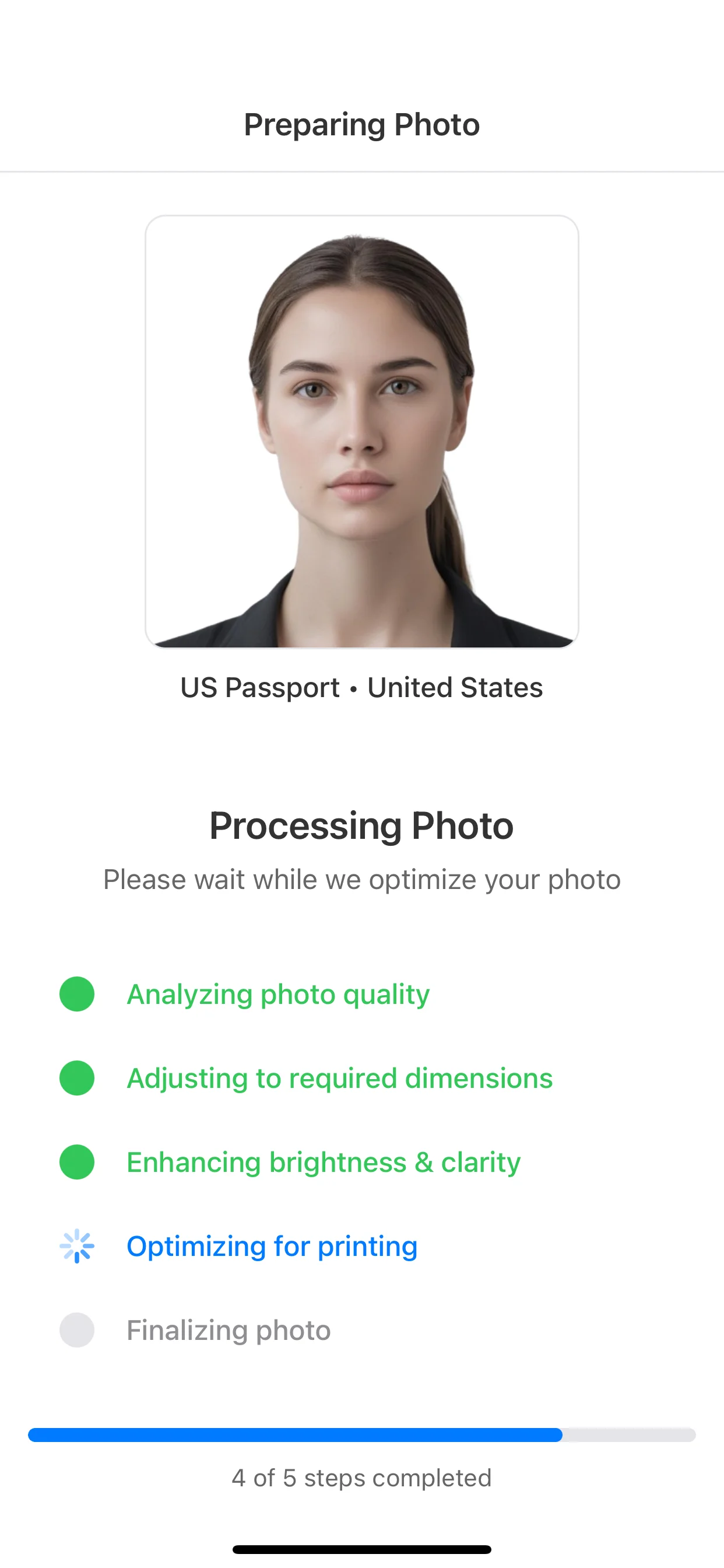
Preparing photo

Your photo is cropped and adjusted to match framing, head size, and alignment.

2
Preparing photo

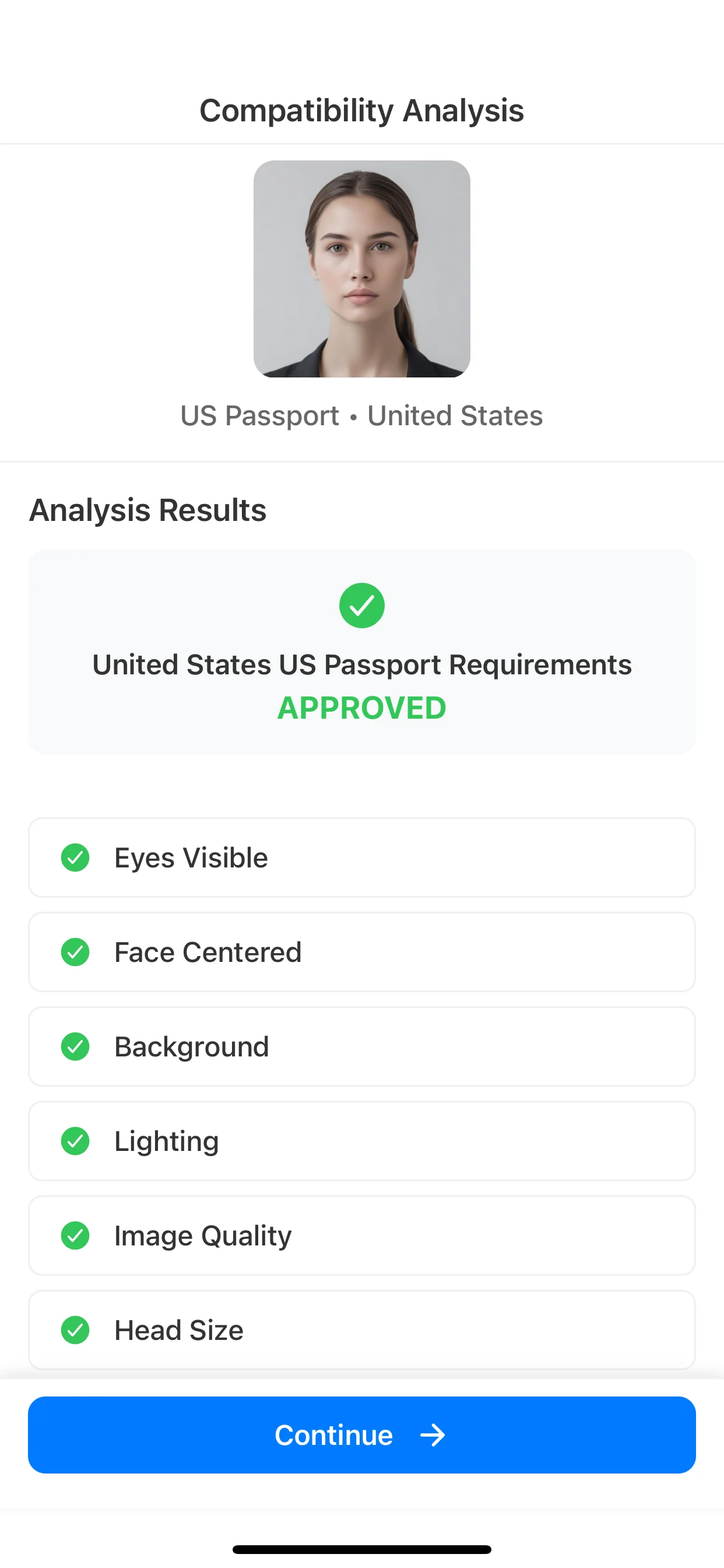
Compatibility analysis

AI checks background, lighting, face position, and image quality before export.

3
Compatibility analysis

Ready output

Save for online submission or export a print-ready sheet in the exact size.

4
Ready output

Create this exact size

Create your US Passport photo in the app

Pick US Passport (2 × 2 inch), pass AI checks, and export for online submission or print-ready output.

Available on iOS and Android

Quick Checklist

  • Photo size matches 2 × 2 inch exactly
  • Plain light background (white, off-white, or light grey)
  • Face centered and looking directly at camera
  • Even lighting with no shadows or glare
  • Eyes clearly visible and open
  • Neutral expression, no smiling

Photo Requirements

Requirements

  • Photo size matches 2 × 2 inch exactly with no scaling
  • Even, front-facing lighting with no harsh shadows on the face or background
  • Plain, light background (white, off-white, or light grey)
  • Face centered and looking directly at the camera with eyes clearly visible
  • Neutral expression with mouth closed and no exaggerated smiling

Common Mistakes

  • Blurry or low‑resolution image caused by movement or digital zoom
  • Strong shadows behind the head or across the face
  • Head too small or too large within the frame
  • Busy, patterned, or colored background instead of a plain light one
  • Tilted head, cropped hair, or parts of the face cut off

How to take a compliant photo

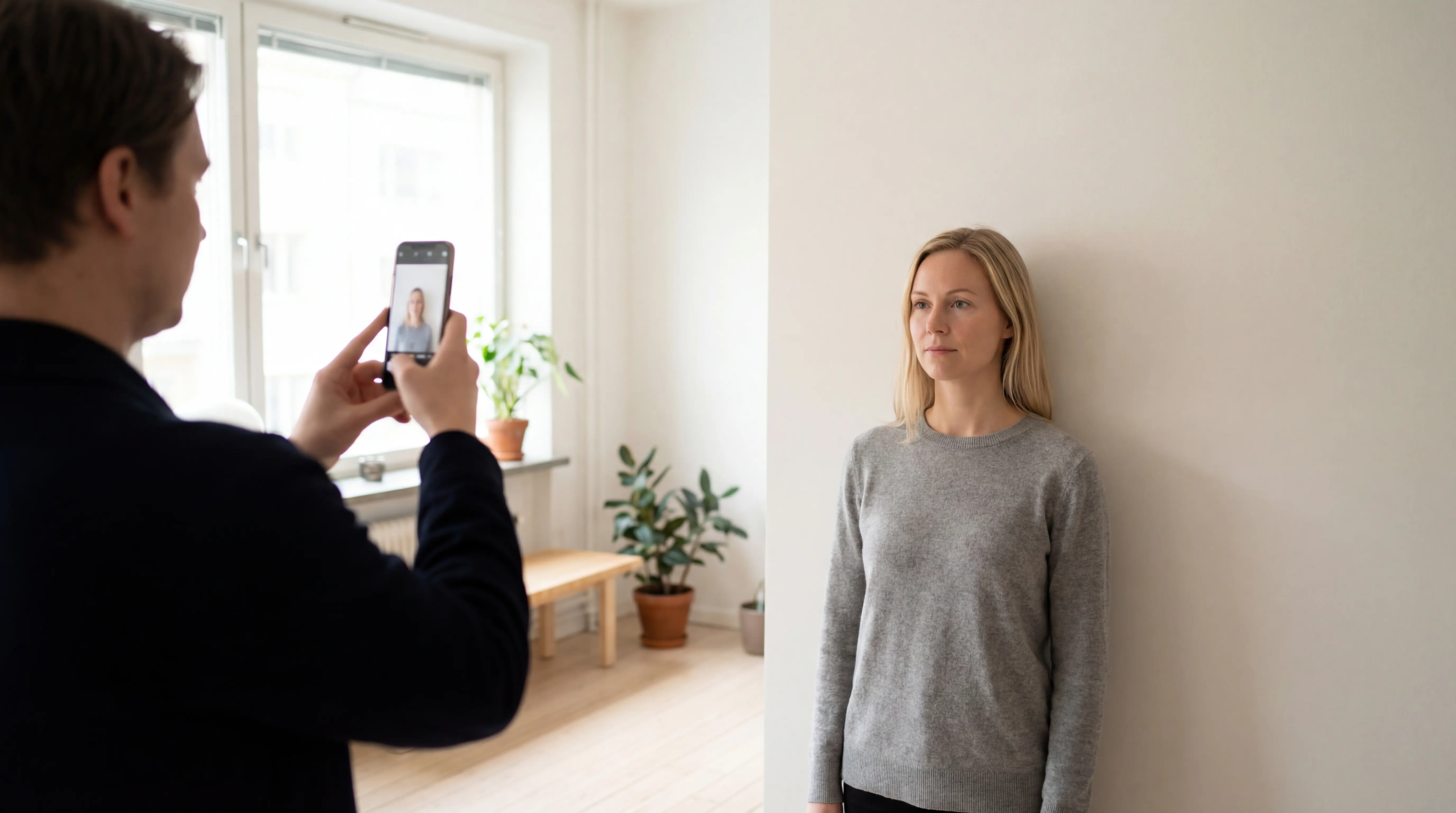
  1. 1Stand about an arm’s length from the camera, with the lens at eye level and your shoulders squared to the lens.
  2. 2Use daylight from a window or soft indoor lighting in front of you to avoid shadows under the eyes or nose.
  3. 3Ask someone to take the photo or use a stable tripod so the camera stays level and the image stays sharp.
  4. 4Keep your face relaxed, eyes open, and mouth closed while looking directly at the camera.
  5. 5Wear everyday clothing that contrasts slightly with the light background, avoiding uniforms or very bright patterns.

More photo sizes for United States

See all sizes

More Passport photo sizes

See all sizes

Popular photo sizes

FAQ

Can I wear glasses in my united states passport photo?
In most cases, glasses are not recommended. If you must wear them, use thin frames, remove tinted lenses, and make sure there is no glare or reflection blocking your eyes. Always check the official rules for your specific document.
What background is required for a united states passport photo?
Use a plain, light background such as white, off-white, or light grey. Avoid patterns, textures, visible objects, or strong shadows behind you so that your outline is clearly visible.
How recent should the photo be?
Most authorities require a recent photo, typically taken within the last 6 months, that reflects your current appearance. If your look has changed significantly (hair, facial hair, weight, or glasses), take a new photo.
Can I print this photo at home?
Yes. Export a print-ready sheet and print it on good-quality paper at 100% scale. Turn off “fit to page” or auto-scaling in your printer settings to keep the exact dimensions.
What should I do if my photo fails the AI compliance check?
Follow the feedback from the AI check—adjust lighting, move slightly closer or further from the camera, fix the background, or straighten your head. Small tweaks usually resolve issues in one or two retakes.
What is the exact photo size for US Passport?
The exact photo size for US Passport is 2 × 2 inch. When printing, make sure to print at 100% scale to maintain the correct dimensions. Avoid “fit to page” scaling, which will distort the photo size.