Support guide

Baby Passport Photo: Infant and Newborn Tips

A baby passport photo works best when the baby is fully supported, alone in the frame, on a plain white or off-white background, and free from shadows, toys, pacifiers, or visible adult hands. For U.S. passport photos, official guidance allows some flexibility if a baby’s eyes are not entirely open, but other document flows can be stricter.

This page covers infant and newborn setup, supported sheet or car-seat methods, common rejection mistakes, and the important difference between baby passport and baby visa photo expectations.

plain white or off-white backgroundbaby only in frameno shadows on the facecheck passport vs visa rules separately

Easiest setup

Sheet or car seat

A plain light sheet under the baby or over a car seat usually gives the most controlled result.

Most important check

No visible support

Hands, toys, and blankets near the face are some of the fastest ways to make the photo unusable.

Important note

U.S. passport guidance is more flexible with baby eyes than some visa flows. Always check the final destination rules before you submit the image.

Official guidance to know first

The clearest public guidance comes from the U.S. State Department passport and visa photo pages. They are useful because they explain baby-specific setup choices instead of only repeating adult rules.

  • For passport flows, a plain white or off-white sheet or covered car seat is recommended.
  • No shadows should fall across the baby’s face.
  • For U.S. passport photos, it is acceptable if a baby’s eyes are not entirely open.
  • For U.S. visa photos, the child should be looking at the camera with eyes open.

Baby passport photo setup checklist

1

Use a supported, plain-light setup

Babies are easiest to photograph when they are fully supported and the background is already compliant before you take the photo.

  • Lay the baby on a plain white or off-white sheet.
  • Or cover a car seat with a plain white or off-white sheet.
  • Keep seams, folds, and texture away from the face area as much as possible.
2

Keep the baby alone in the frame

Support is fine, but the final image should look like only the baby is present.

  • Keep hands and arms fully outside the shot.
  • Remove toys, pacifiers, bibs, and bulky blankets from the face area.
  • Check the corners of the frame before saving the final image.
3

Prioritize face visibility over a perfect adult-style pose

Babies do not pose like adults, so the main goal is a clear face, a clean background, and a usable frame.

  • Avoid shadows across the forehead, nose, or cheeks.
  • Keep the head centered enough for the destination crop.
  • For U.S. passport photos, it is acceptable if a baby’s eyes are not entirely open.
4

Check the exact destination rules at the end

A usable baby capture still needs the correct size, export mode, and document-specific compliance check.

  • Confirm whether the final photo is for passport, visa, or another ID flow.
  • Check whether the format is 2x2, 35x45, or another exact size.
  • Do not assume passport flexibility also applies to visa submission.

Quick checklist

  • Use a white or off-white sheet or a covered car seat.
  • Keep the baby as the only visible person in the frame.
  • Make sure there are no shadows on the baby’s face.
  • Remove pacifiers, toys, hands, and distracting fabric near the face.
  • Check the final crop and size against the destination document rules.

Common rejection risks

  • Parent hands, arms, or body visible in the frame
  • Dark shadows across the face or background
  • Pacifier, toy, bib, or blanket hiding the mouth or jawline
  • Background wrinkles, patterns, or clutter behind the head
  • Wrong final size or a crop that is too tight or too loose
  • Using a passport-style photo for a stricter visa flow without re-checking the rules

Passport vs visa child-photo expectations

This is one of the most important distinctions on this topic. U.S. passport guidance allows some flexibility for a baby’s eyes, while U.S. visa guidance expects the child to be looking at the camera with eyes open. That means the same baby photo should not be reused blindly across different document flows.

What to check after the baby photo is taken

  • Is the destination a passport, visa, or another ID flow?
  • Does the final photo need 2x2, 35x45, or another exact size?
  • Are the baby’s face and outline clear enough against the background?
  • Is the final image free from hands, toys, shadow, and clutter?

How PhotoID helps

Capture the baby photo, then review the full compliance picture

Use the right preset, check the frame for hidden support or shadow, run AI checks, and compare the result against the destination rules.

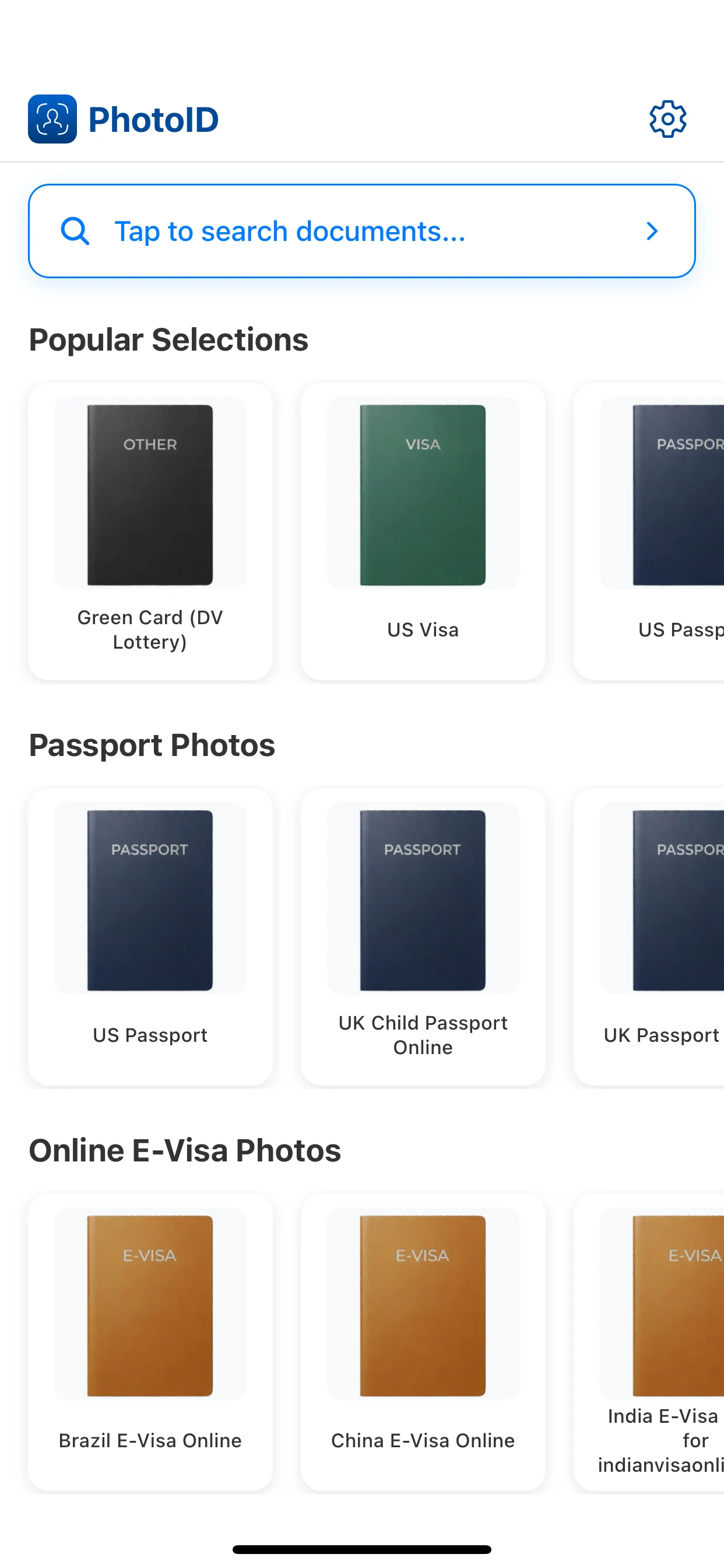
Choose the destination preset

Start with the right document format before checking whether the baby setup still fits the final crop.

1
Choose the destination preset

Capture with a simple setup

Use a plain light surface, keep the baby alone in the frame, and avoid shadows before saving the image.

2
Capture with a simple setup

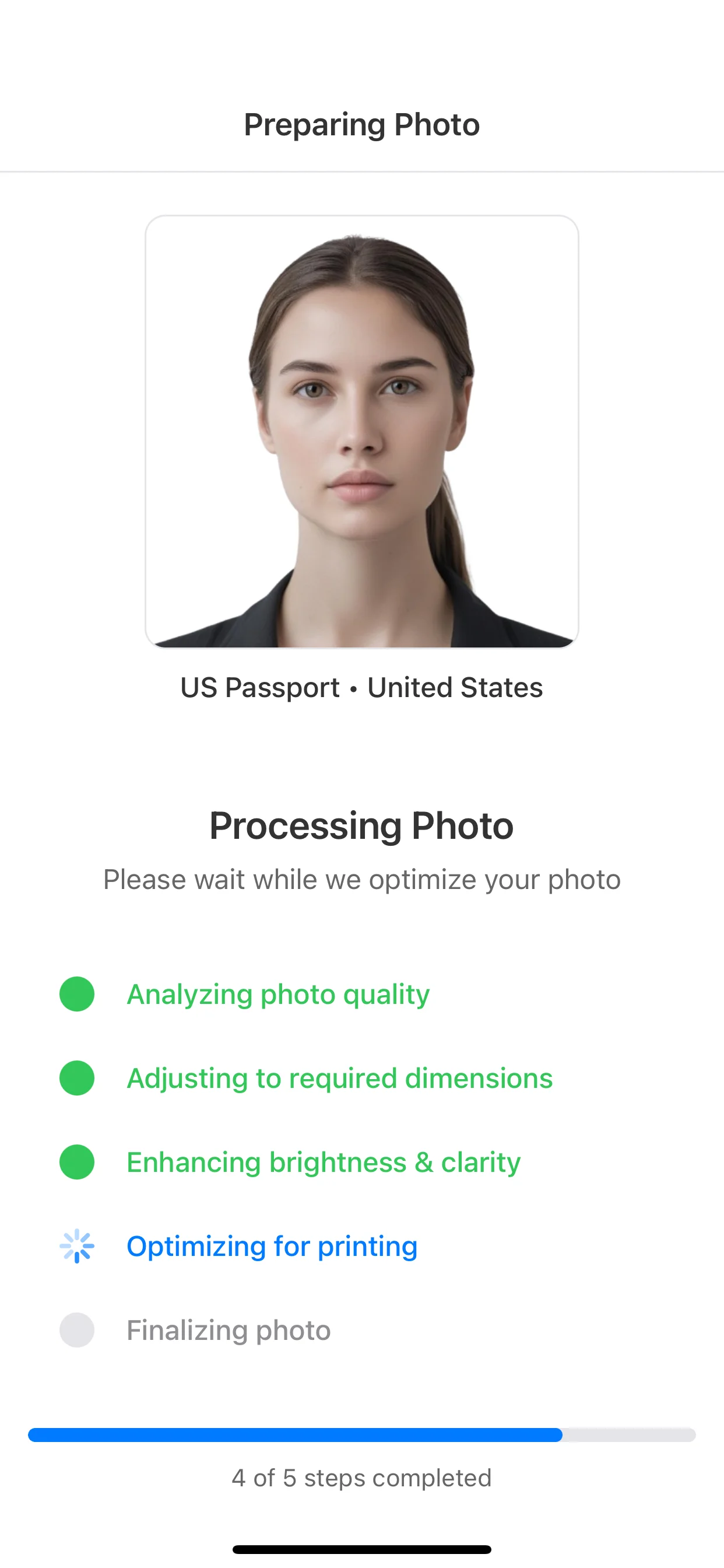
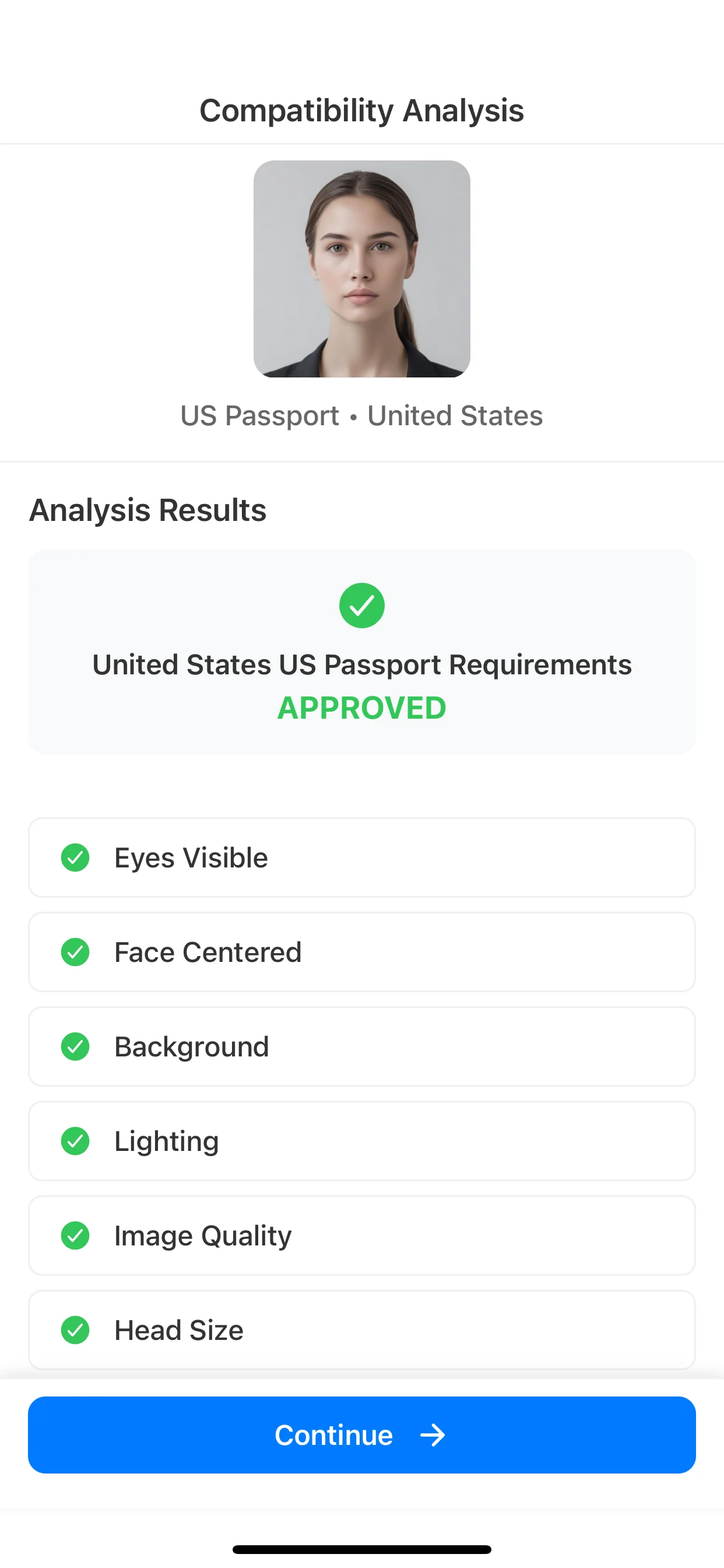
Run AI checks

Review background, framing, lighting, and clarity before deciding if the image is usable.

3
Run AI checks

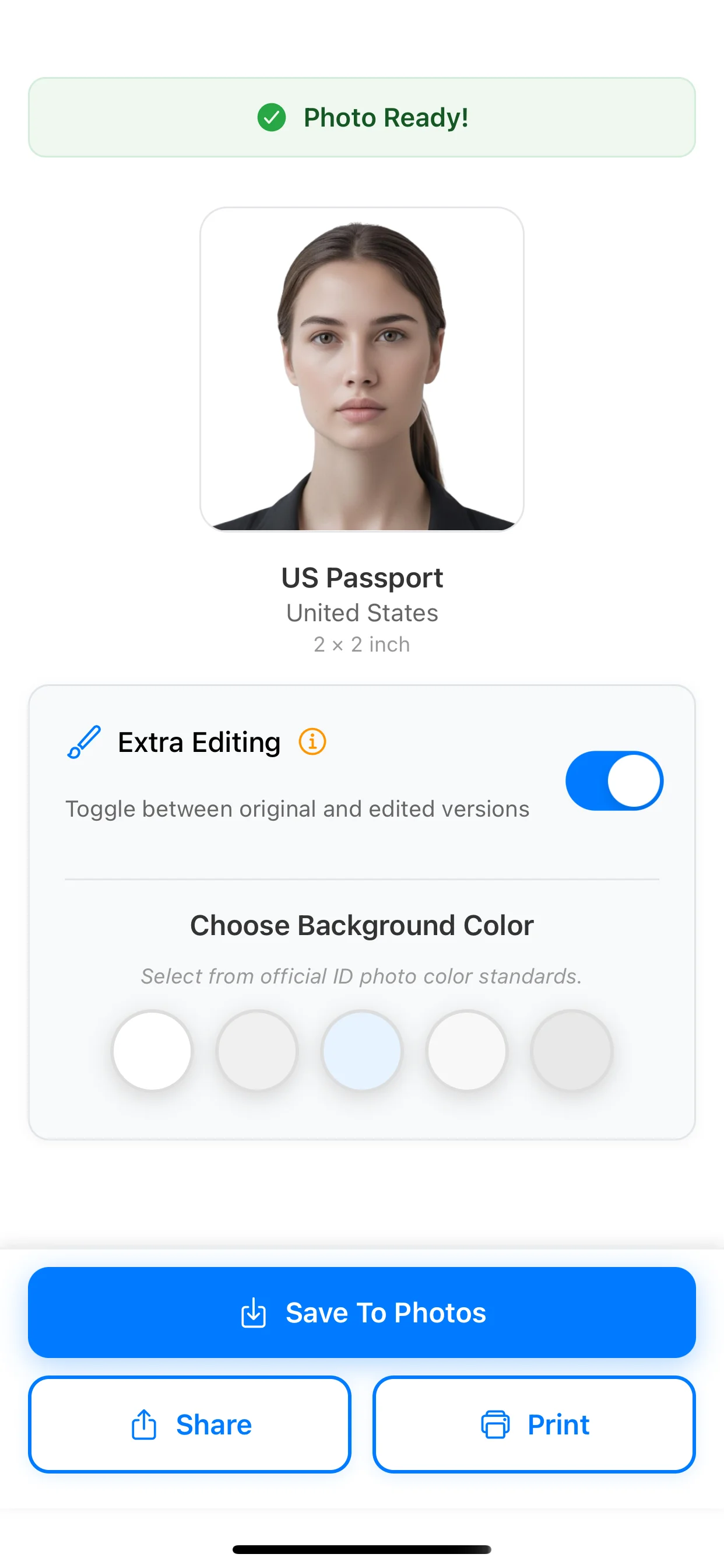
Compare against the document rules

Use the final result for print or digital submission only after checking the destination requirements.

4
Compare against the document rules

Where to go next

FAQ

How do you take a baby passport photo?

The cleanest setup is to place the baby on a plain white or off-white sheet or use a car seat covered with a plain light sheet. The face should be clearly visible, with no parent, hands, toys, or strong shadows in the frame.

Can a parent hold the baby in a passport photo?

No. The baby should be the only visible person in the photo, and hands or arms used for support should stay out of the final frame.

Do a baby’s eyes have to be open in a passport photo?

For U.S. passport photos, State Department guidance says it is acceptable if a baby’s eyes are not entirely open. Older children should have their eyes open, and some other document flows can be stricter.

Can a newborn have eyes closed in a passport photo?

A newborn photo may still work for U.S. passport flows if the baby is otherwise clearly visible and the image meets the other background, framing, and quality rules. Do not assume that the same flexibility applies to visa or non-U.S. flows.

What background should a baby passport photo have?

Use a plain white or off-white background with no texture, visible wrinkles near the head, or shadows behind the face.

Can toys or a pacifier appear in a baby passport photo?

No. The photo should show only the baby, with no visible toys, pacifiers, blankets covering the face, or other distracting objects.

What is the size of a baby passport photo?

The exact size depends on the destination document. U.S. passport photos use 2 x 2 inches, while many other passport and ID systems use 35 x 45 mm or another exact format.

Are baby passport photo rules the same as visa photo rules?

Not always. For example, U.S. visa guidance is stricter about a child looking at the camera with eyes open, so do not reuse a passport assumption without checking the destination document rules.

Create the final photo

Prepare a baby passport photo with more confidence

Choose the right preset, review the baby-specific setup, run AI checks, and prepare a result for online submission or print-ready output.

Available on iOS and Android