
Background
Check whether the background looks plain, light, and free from visible clutter, texture, or strong shadows.
PhotoID helps you prepare passport, visa, and ID photos by checking common technical issues before export: background, crop, lighting, face position, image quality, and the final output format. It is built for document-photo preparation, not beauty editing or face reshaping.
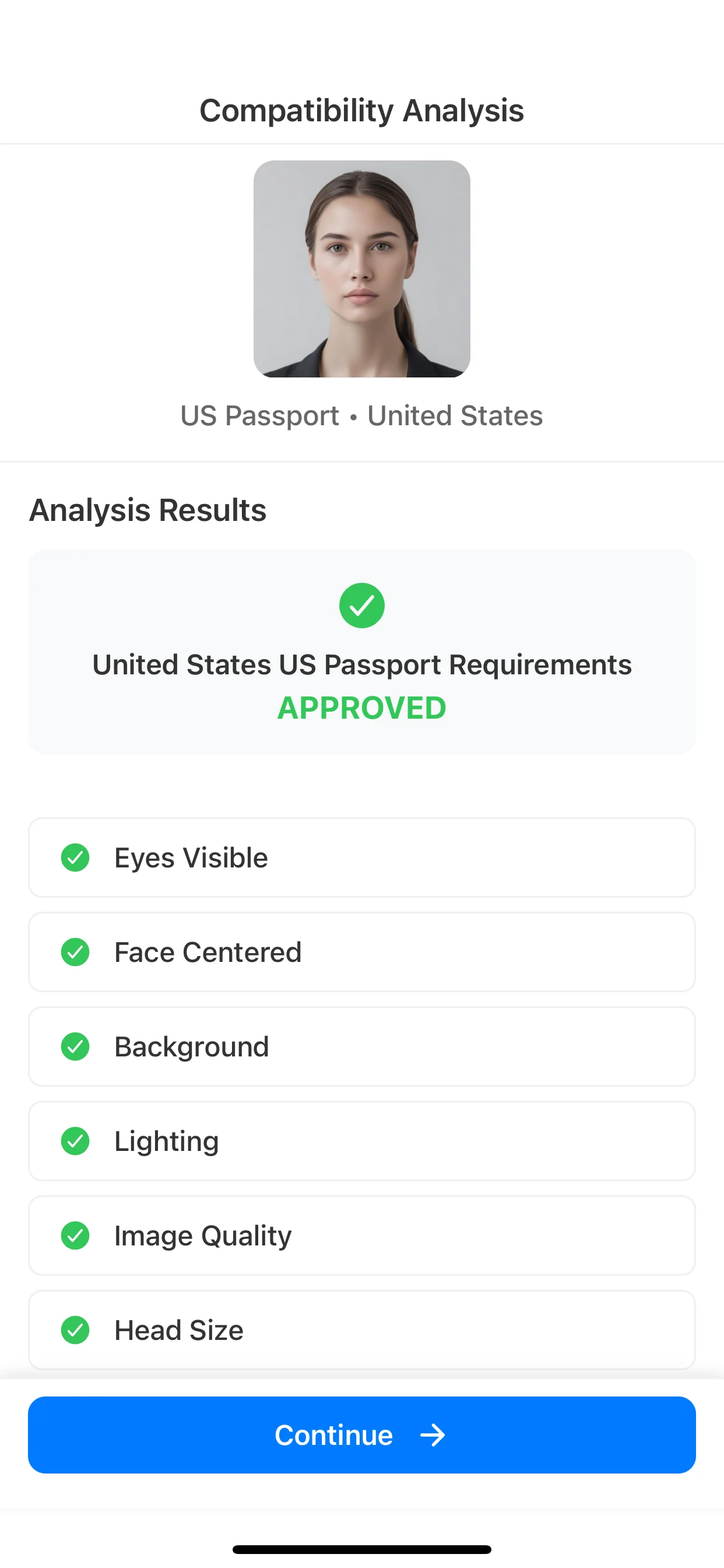
PhotoID checks
These checks help reduce common rejection risks, but they do not replace official document instructions. Always confirm the exact rules for your passport, visa, ID, or immigration form.
Check whether the background looks plain, light, and free from visible clutter, texture, or strong shadows.
Prepare the image around the selected passport, visa, ID, or country preset instead of manually guessing the final crop.
Review common lighting problems such as harsh wall shadows, glare, underexposure, or uneven light across the face.
Keep the face centered, upright, clearly visible, and aligned with the destination document format.
Catch blur, low clarity, and other quality issues before you rely on the photo for a document flow.
Prepare a digital or print-ready output without resizing the photo manually in a generic editor.
The flow is designed for document photos: select the target format, prepare the image, review common issues, and export for digital use or print.
Start with a passport, visa, ID, or country preset so the checks match the intended output.
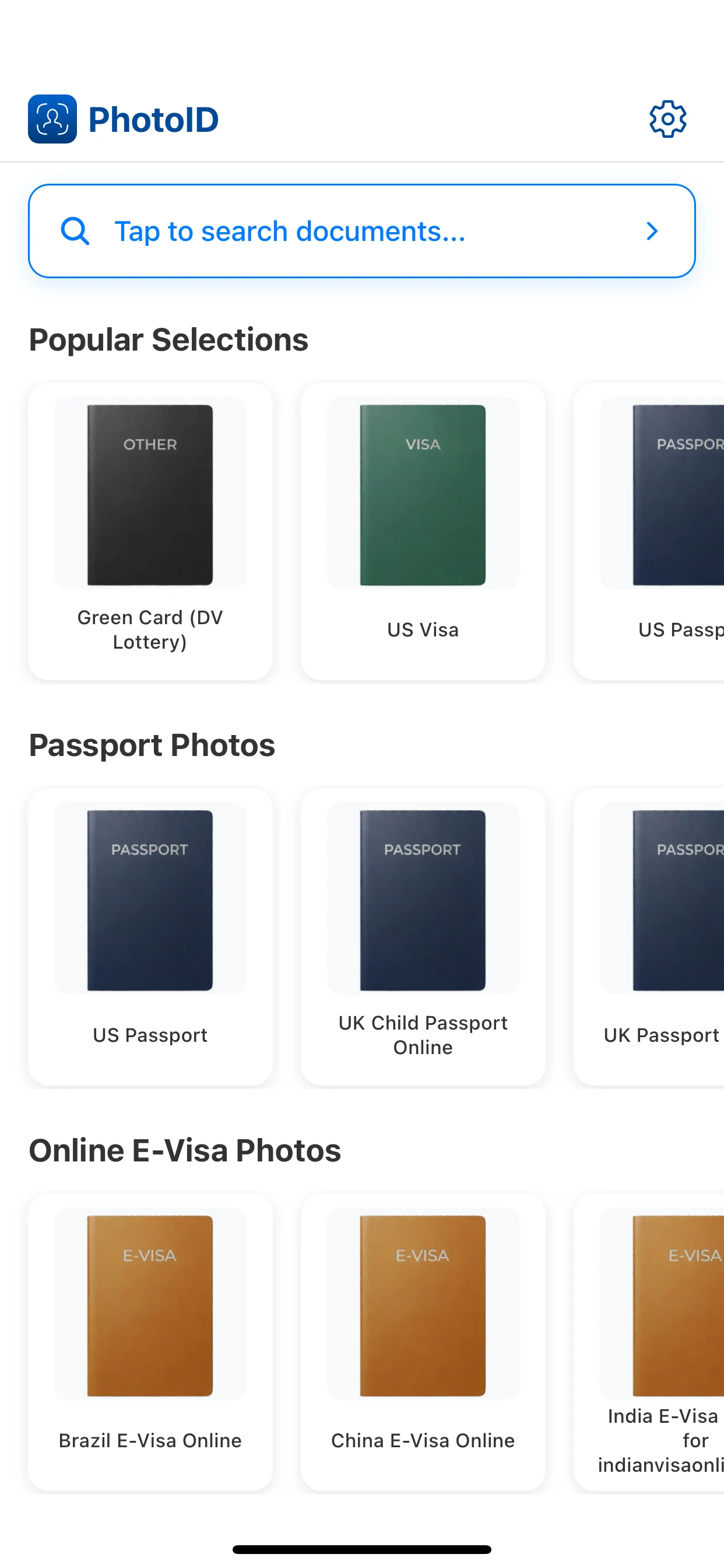
Use PhotoID's built-in camera, then align the face and frame before reviewing the result.
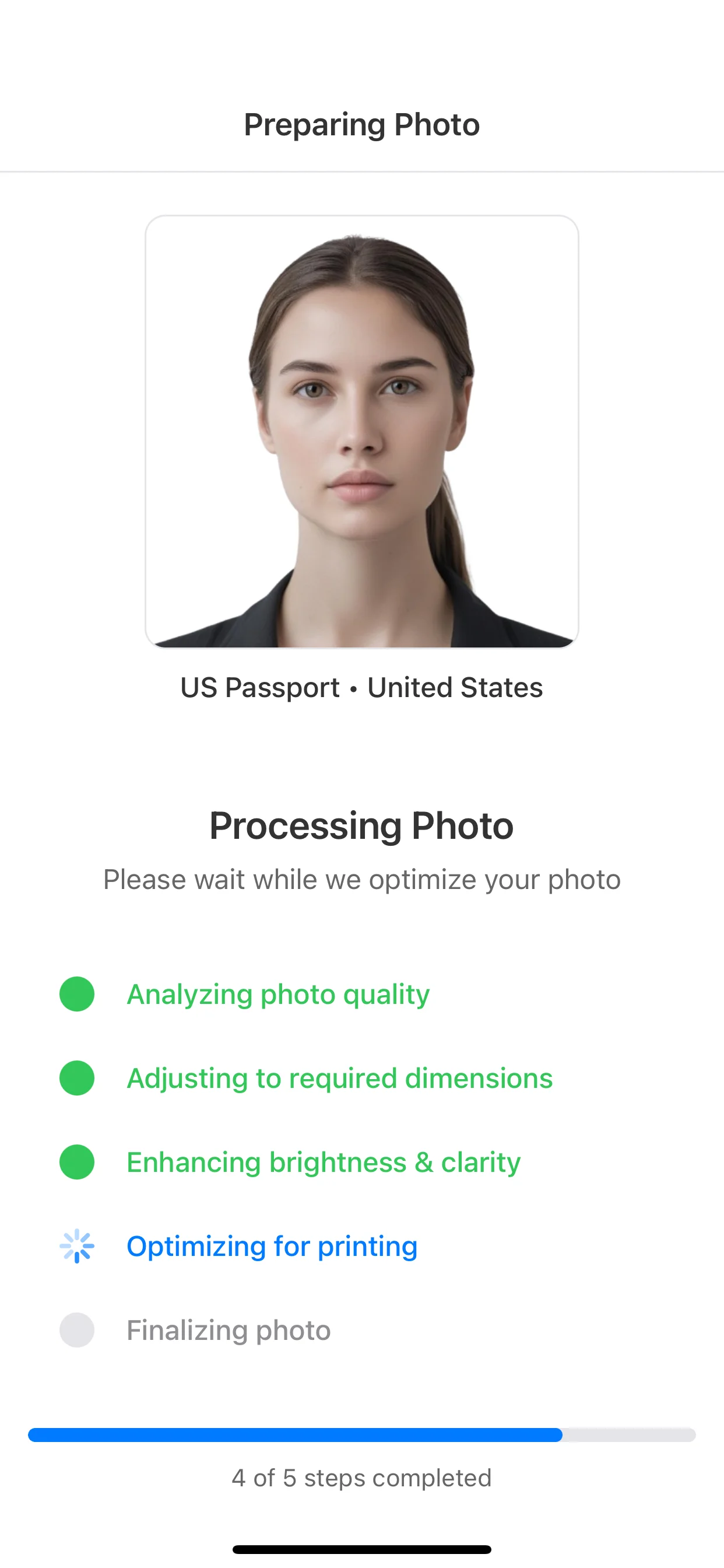
Review background, crop, lighting, face position, and image clarity before export.
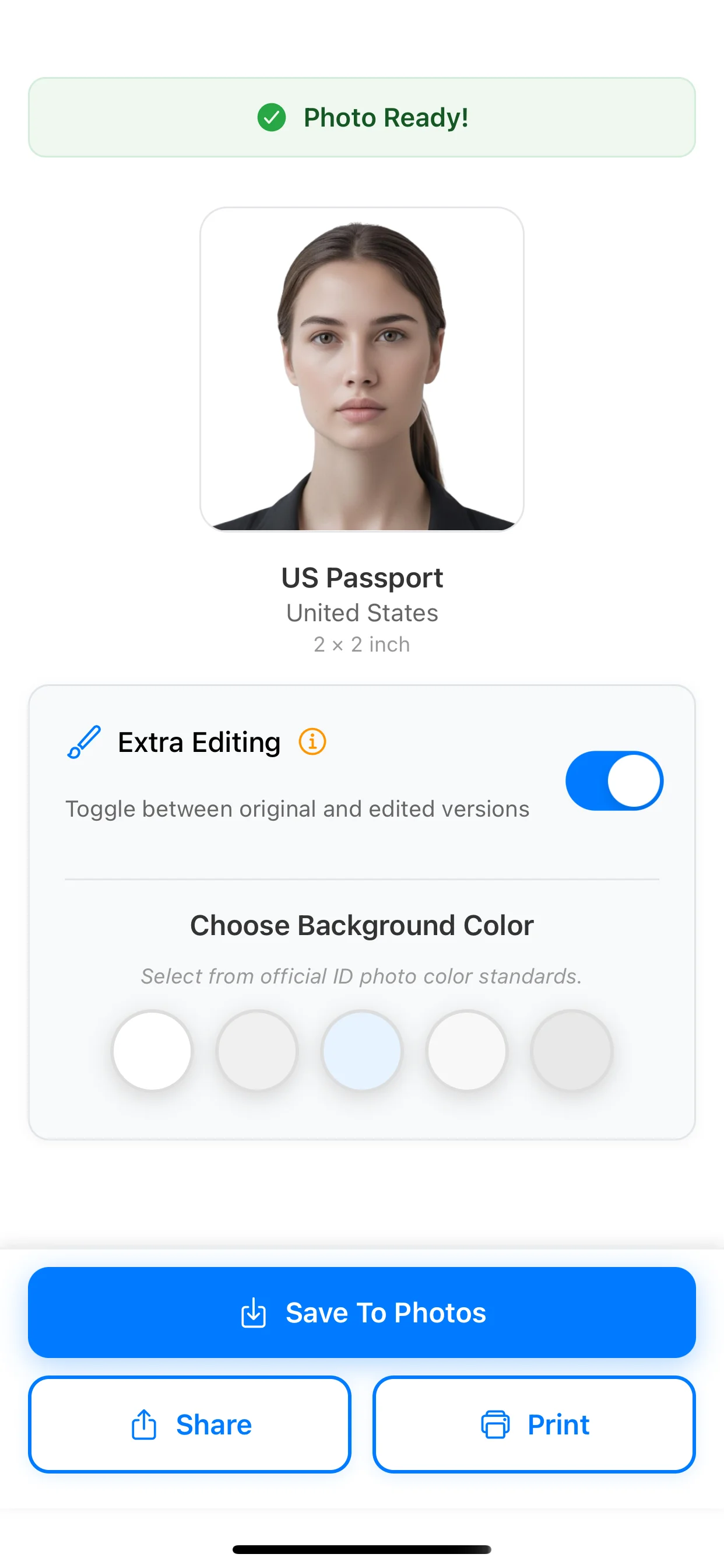
Use the final result for digital upload or print-ready output when your document flow allows it.
Best passport photo app
Use this when you are choosing an app for passport, visa, and ID photo preparation.
How to take a passport photo at home
Use this guide for phone setup, background, lighting, framing, and common capture mistakes.
Passport photo background
Open this when the main issue is white vs off-white background, shadows, or texture.
Passport photo size guide
Compare exact output sizes such as 2x2 inches, 35x45 mm, pixels, and print formats.
U.S. passport photo requirements
Use the document-specific page when you need the U.S. passport size and head-position rules.
PhotoID helps check common document-photo issues before export, including background, crop, face position, lighting, shadows, and image clarity. It should be used as a preparation layer while the official document authority remains the final source of truth.
No. PhotoID helps you prepare and review the technical quality of the photo, but the final acceptance decision always belongs to the passport, visa, ID, or immigration authority.
Yes. PhotoID is designed to help prepare a final result for digital upload or a print-ready output, depending on the selected document format and the rules of that flow.
No. For official document photos, avoid beauty filters, face reshaping, portrait blur, and heavy edits. Use checks to catch setup and quality problems, not to alter your identity.
Choose a passport, visa, or ID preset, review background, crop, lighting, face position, and prepare the final result for digital upload or print.
Available on iOS and Android