Secure Certificate of Indian Status Photo Requirements

For the printed-photo route, an SCIS application uses two identical photos measuring 50 x 70 mm. The face must measure 31 to 36 mm from chin to the natural top of the head, against a plain white or light-coloured background.

Indigenous Services Canada also offers its own SCIS Photo App for direct digital submission. PhotoID is useful for preparing the separate printed format; it does not replace the official digital-submission app.

50 x 70 mm31 to 36 mm face heighttaken within 12 months

Printed photo size

50 x 70 mm

Two identical, unaltered photos on high-quality photographic paper.

Face height

31 to 36 mm

Measured from the chin to the natural top of the head.

Digital route

Use the official SCIS Photo App when submitting the photo directly from a phone. PhotoID should not be used as a substitute for that submission flow.

Prepare the printed SCIS format in PhotoID

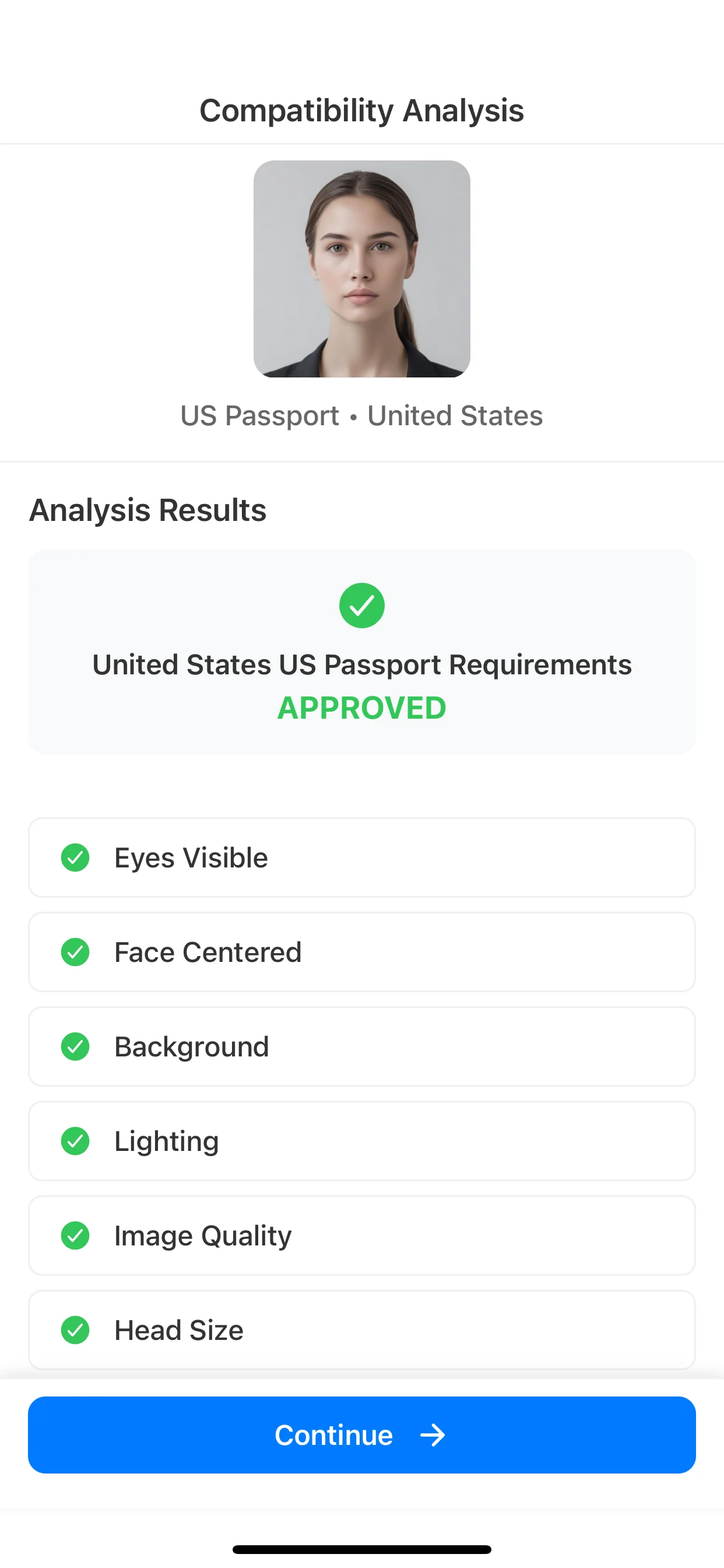
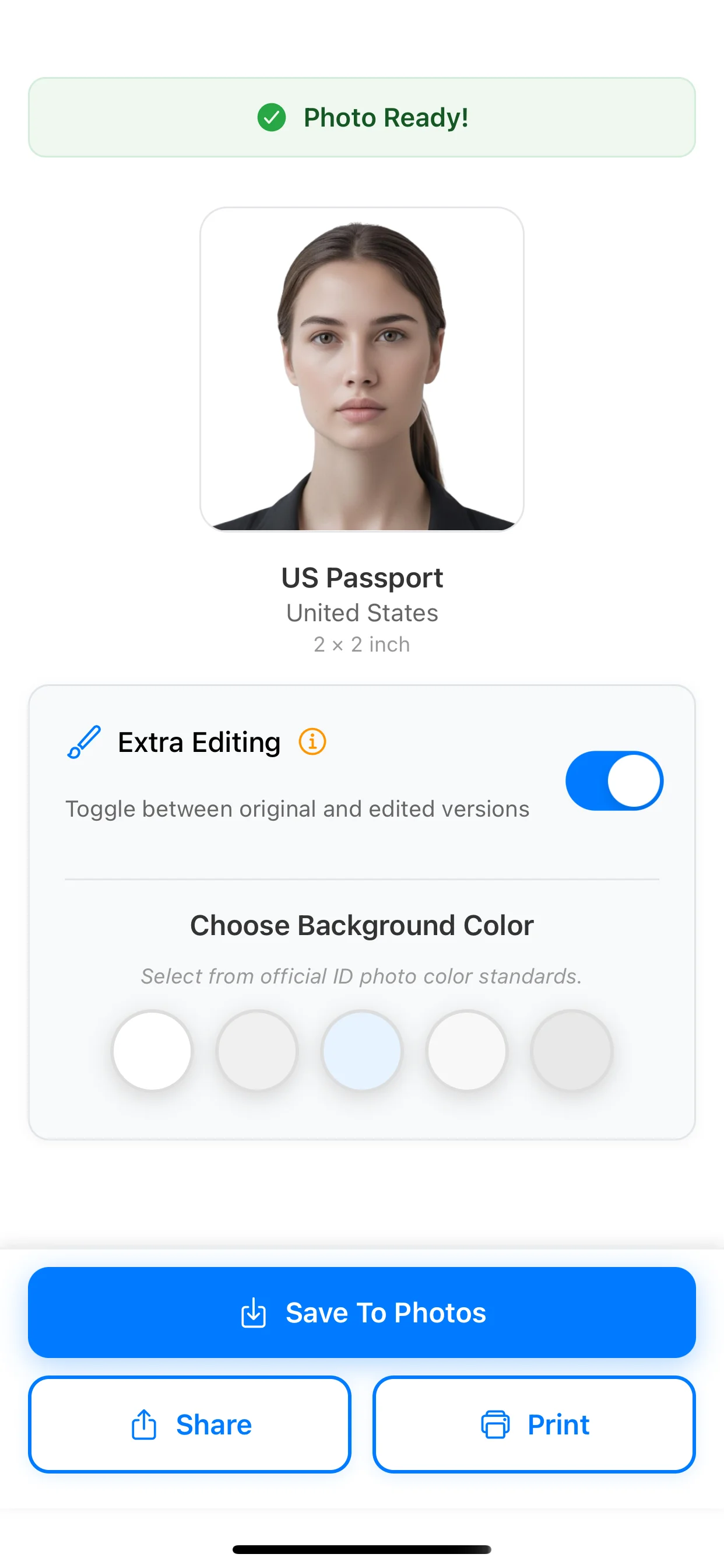
Use PhotoID when you plan to provide printed photos with the application. The app guides capture, checks common image issues, and prepares the 50 x 70 mm output for printing.

  • Choose the Canada Indian Status Card preset for the 50 x 70 mm format.
  • Review face position, background, lighting, and image clarity before export.
  • Print two copies on high-quality photographic paper and complete the required details on the back.
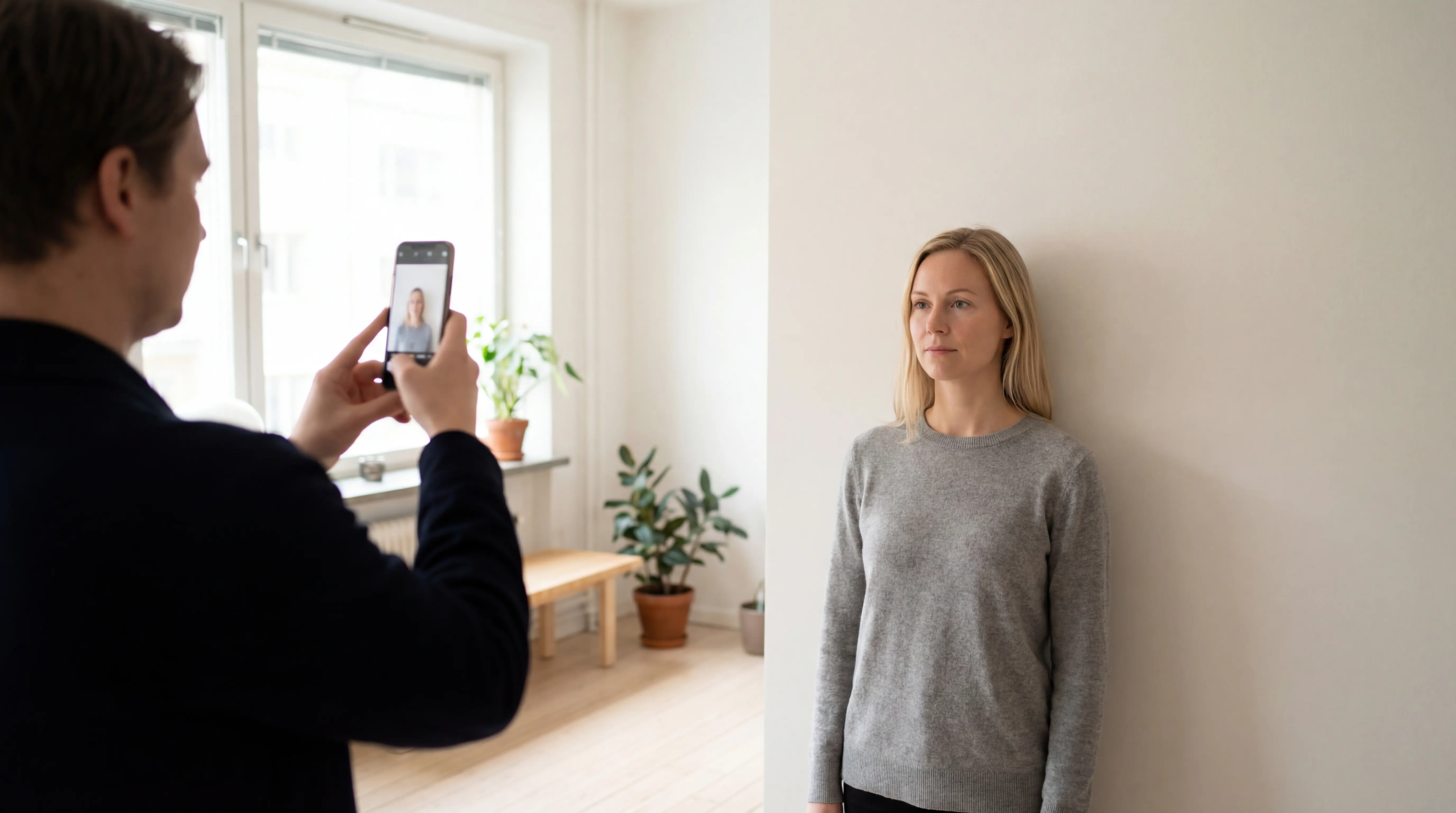
A person capturing an identification portrait with a smartphone against a plain light background

Capture the portrait inside PhotoID

Use PhotoID's built-in camera with the phone at eye level, even front lighting, and a plain white or light-coloured background. Continue in the same app flow for framing, image checks, and printed-format export.

Official SCIS photo requirements

Indigenous Services Canada is the final authority for the application. Its guidance separates the official digital route from the printed-photo route and explains the current capture, background, expression, and print requirements.

  • Clear, sharp, and in focus with natural skin tones
  • Even lighting without shadows, glare, or flash reflections
  • Face and shoulders centred and square to the camera
  • Neutral expression with eyes open and mouth closed
  • Original photo, not copied from an existing photograph

Primary source

Verify the current requirements and choose the correct submission route on the Government of Canada page before applying.

Read the official SCIS photo guidance

Printed-photo specifications

Printed photo size50 mm wide x 70 mm high (2 x 2 3/4 inches)
Face height31 mm to 36 mm, from chin to natural top of head
Photo ageTaken within the last 12 months
BackgroundPlain white or light-coloured
ExpressionNeutral, eyes open and clearly visible, mouth closed
Printed copiesTwo identical, unaltered photos
PaperPlain, high-quality photographic paper

Printed route

Provide two identical, unaltered 50 x 70 mm photos. They must be printed on plain, high-quality photographic paper. Add the applicant's name and the date taken to the back of one photo; check whether a guarantor must also sign and date it.
Official digital route

For direct smartphone submission, follow the official SCIS Photo App instructions. That app handles the government submission path. PhotoID's preset is intended for preparing the separate printed-photo option.

From guided capture to printed SCIS output

Choose the 50 x 70 mm preset, capture inside PhotoID, review common issues, and export the result for the printed application route.

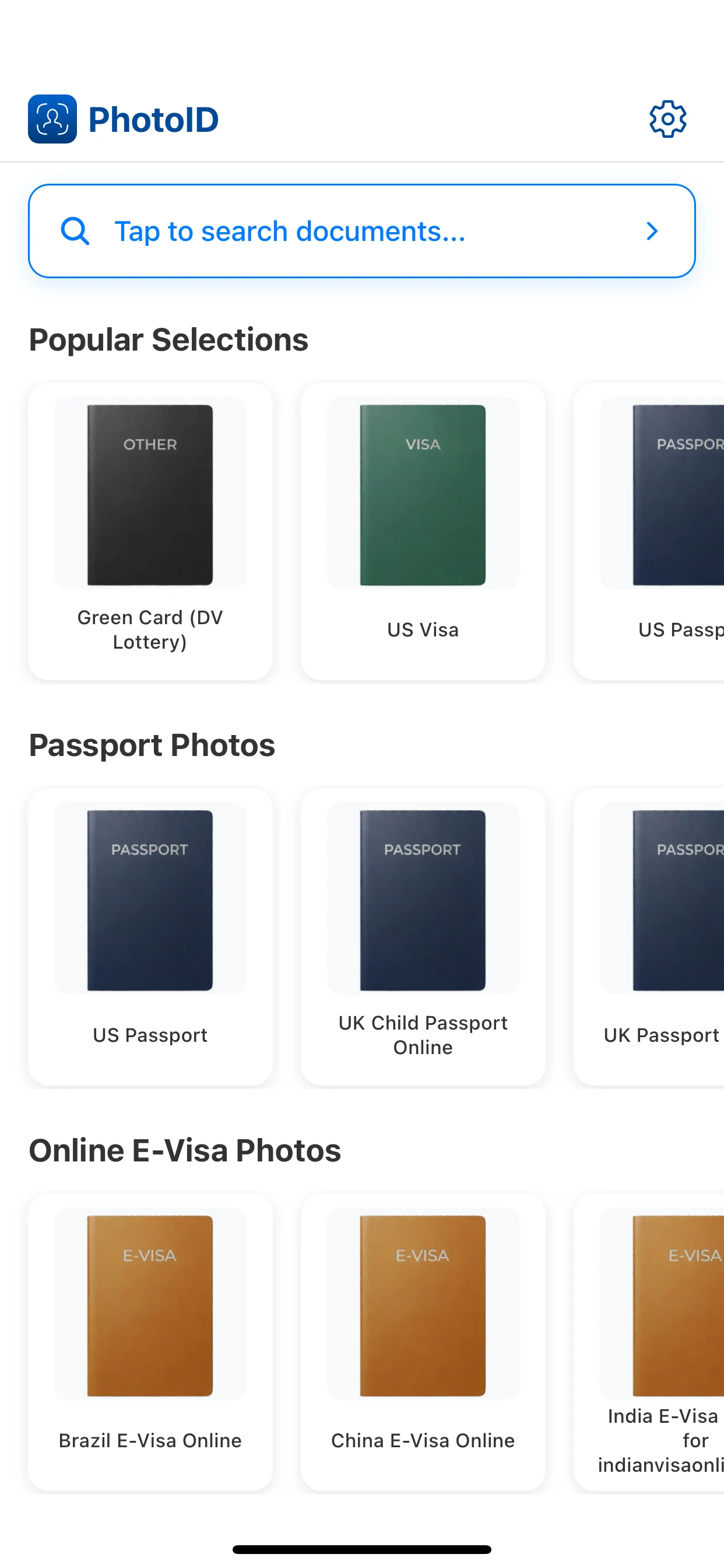
Choose the SCIS preset

Select the Canada Indian Status Card preset for the 50 x 70 mm printed format.

Choose the SCIS preset

Capture in PhotoID

Use the built-in camera with the phone level and the face square to the lens.

Capture in PhotoID

Review common issues

Check lighting, background, face position, and image clarity before export.

Review common issues

Export for printing

Prepare the 50 x 70 mm result, then print it on high-quality photographic paper.

Export for printing

Related pages

SCIS photo FAQ

What size is a printed SCIS photo?

A printed Secure Certificate of Indian Status photo must be 50 mm wide by 70 mm high, or 2 inches by 2 3/4 inches.

How large should the face be in an SCIS photo?

For the printed route, the face should measure between 31 mm and 36 mm from the chin to the natural top of the head.

Can PhotoID submit a digital SCIS photo?

No. Indigenous Services Canada provides its own SCIS Photo App for direct digital submission. PhotoID can help prepare the separate 50 x 70 mm printed-photo route, but it does not replace the official SCIS Photo App.

How recent must an SCIS photo be?

The photo must have been taken no more than 12 months before the application is submitted and must reflect the applicant's current appearance.

What goes on the back of a printed SCIS photo?

The official guidance requires the applicant's full name and the date the photo was taken on the back of one photo. A guarantor's signature and date may also be required, depending on the application route.

Prepare a 50 x 70 mm SCIS print photo

Use the Canada Indian Status Card preset, review common image issues, and export the printed-photo format.

For direct digital submission, use the official SCIS Photo App.